AI Arduino Architect

AI Arduino Architect: Generate Arduino & ESP32 Code from Text
Category: Embedded Systems / AI Tools Reading Time: 8 Minutes
Writing firmware is the bottleneck. You know what the hardware should do, but turning that into valid C++ takes time.
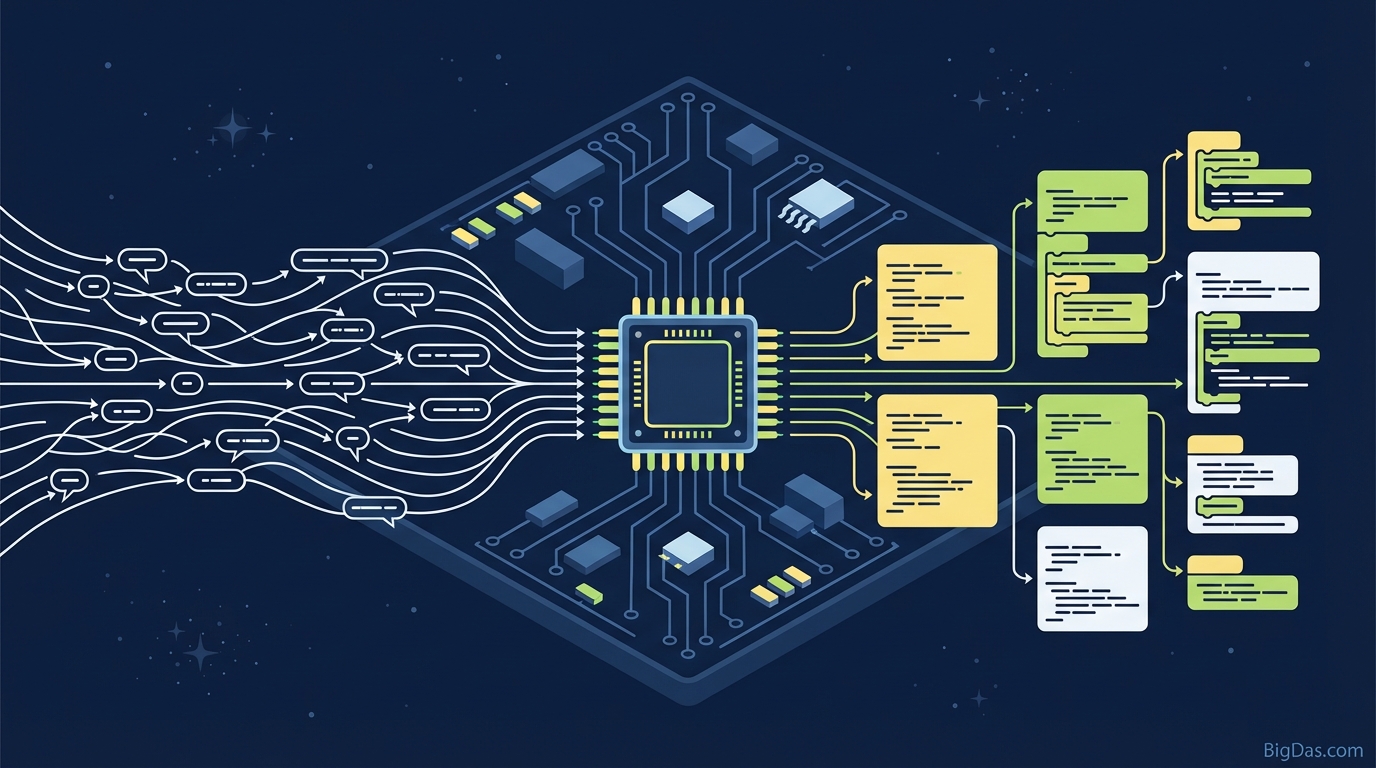
AI Arduino Architect is a coding tool built specifically for the Arduino and ESP32 ecosystem. You describe the behavior in plain English, and it generates compilable code with the correct pin assignments, libraries, and logic structures.
What is AI Arduino Architect?
AI Arduino Architect is an AI tool trained on a large set of verified Arduino and ESP32 repositories. General-purpose LLMs often get hardware pinouts wrong or invent libraries that do not exist. This tool avoids those problems because it is focused on embedded systems.
It works like a firmware engineer on call. You describe what the board should do, and it writes the how.
What It Handles
Most coding assistants can write a basic blink sketch. AI Arduino Architect goes further:
- Hardware Constraints: The difference between an analog pin on an Arduino Uno and an ADC pin on an ESP32.
- Non-Blocking Logic: Writing code that uses
millis()for multitasking instead of blocking the processor withdelay(). - Library Integration: Including the right libraries for sensors like DHT11, MPU6050, and OLED displays.
It works for beginners blinking an LED and for engineers prototyping an IoT dashboard.
Key Features
1. Natural Language to C++
Type a description like "Turn on a relay on Pin 8 when the temperature sensor on Pin A0 reads above 30°C." The tool outputs formatted, commented, compile-ready code.
2. ESP32 and IoT Support
The tool includes built-in knowledge of ESP32 and ESP8266 workflows. It can generate code for:
- Connecting to Wi-Fi networks
- Publishing to MQTT brokers
- Hosting a lightweight web server
- Handling Deep Sleep modes for battery savings
3. Library Management
Library dependency issues are a common source of frustration in Arduino programming. If you ask for servo motor code, the tool includes <Servo.h>. If you need a NeoPixel strip, it implements the Adafruit_NeoPixel library correctly.
4. Clean Logic Structures
The tool generates standard setup()/loop() structures, proper variable initialization, and simple state management. It avoids the infinite loops and blocking calls that crash beginner projects.
5. Educational Comments
The generated code includes comments explaining what each section does. This makes the output useful as a learning reference when you want to modify the code later.
How to Use AI Arduino Architect
Step 1: List Your Hardware
Before writing a prompt, note your components. The AI needs to know the board and sensors to assign pins correctly.
- Board: Arduino Uno, Nano, Mega, or ESP32
- Inputs: Buttons, temperature sensors, ultrasonic sensors
- Outputs: LEDs, relays, motors, OLED screens
Step 2: Write a Specific Prompt
Output quality depends on input clarity. Compare these two:
- Vague: "Code for a smart garden."
- Specific: "Write code for an ESP32. Read moisture data from a capacitive sensor on GPIO 34. If the value drops below 40%, turn on a water pump relay on GPIO 26 for 5 seconds. Blink the onboard LED while pumping."
Step 3: Generate and Review
Run the generator. Check the global variables section to confirm the pin numbers match your wiring.
Step 4: Verify in Arduino IDE
Copy the code into the Arduino IDE. Install the libraries listed in the comments via the Library Manager. Click Verify/Compile.
Step 5: Upload and Test
Connect your board via USB and upload. Test the behavior against your requirements.
Tips for Better Results
1. Request Non-Blocking Code
If the project does multiple things at once, ask the tool to "use millis() instead of delay() for multitasking." This prevents the processor from freezing during wait times.
2. Specify Protocols
Mention the communication protocol and any I2C addresses.
- "Use an I2C LCD 1602 display at address 0x27."
- "Read a DHT22 sensor using the Adafruit Unified Sensor library."
3. Ask for Debugging Output
Always ask the AI to "include Serial Monitor print statements for debugging." This lets you see sensor readings and logic states on your computer, which is useful for diagnosing loose wires or faulty sensors.
Who Uses This Tool
Rapid Prototypers
Engineers need to validate a concept before designing a PCB. Generating firmware for a proof-of-concept in minutes instead of days lets you move to the refinement phase faster.
IoT Enthusiasts
Home automation involves API calls, Wi-Fi credentials, and hardware interrupts. The tool generates the connection boilerplate for ESP32 devices, so you can focus on the automation rules.
STEM Students
Syntax errors can discourage new learners. This tool lets students focus on logic and see their ideas work on real hardware, which builds motivation to learn the underlying code.
Artists and Makers
Artists building interactive installations or kinetic sculptures often lack formal coding training. The tool handles the technical layer, letting them focus on the design.
FAQ
1. Can AI Arduino Architect write code for ESP32 Wi-Fi and Bluetooth?
Yes. It generates code for connecting to SSIDs, creating Access Points (AP), and handling Bluetooth Serial communication.
2. Does the code require me to install libraries?
Usually, yes. The tool uses standard libraries like Adafruit_Sensor, PubSubClient, and FastLED. The code comments list the required libraries, which you install through the Arduino IDE Library Manager.
3. Can I use this for projects with multiple sensors?
Yes. The tool handles complex logic. For very large projects, generate code in modules (motor code first, then sensor code) and combine them, or break the requirements into a detailed step-by-step prompt.
4. Is the code optimized for battery life?
Only if you ask. You can request "utilize Deep Sleep mode for an ESP32" or "optimize for low power consumption," and the tool will structure the code to shut down peripherals when idle.
Summary
AI Arduino Architect generates compilable Arduino and ESP32 firmware from plain English descriptions. It handles pin assignments, library selection, and non-blocking logic, so you can spend more time on the hardware and less time on syntax.