Margin Calculator
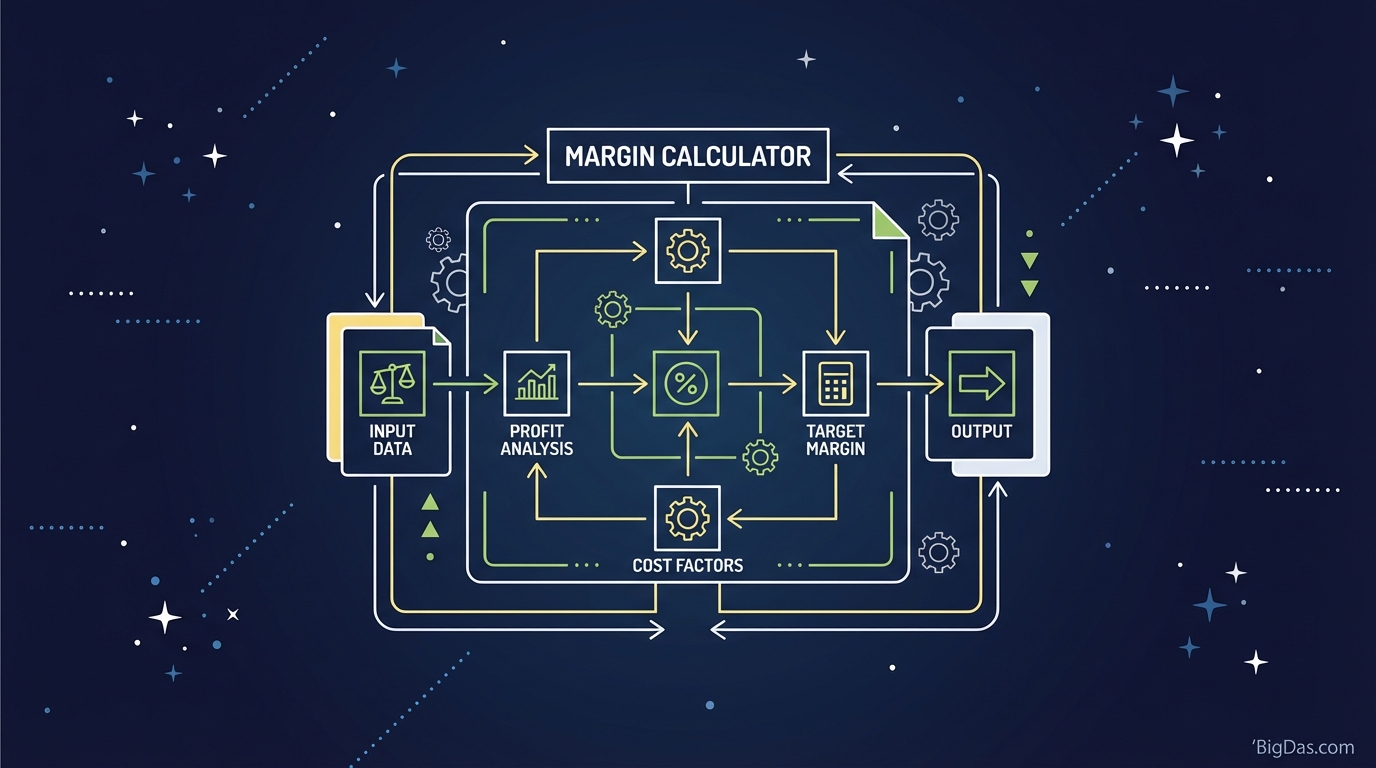
 Modern scientific illustration of Margin Calculator
Master Your Profitability with the Margin Calculator
Revenue is vanity, profit is sanity, and cash is king. You might be moving thousands of units or booking endless hours of service, but if your pricing structure is off by a few percentage points, you could be losing money without realizing it.
The difference between a thriving business and one that slowly fails often comes down to the Gross Margin.
Understanding the relationship between your cost of goods sold (COGS), your revenue, and your final profit is essential. Manual calculations are prone to human error, and the confusion between "markup" and "margin" has bankrupted more than one entrepreneur.
Our Margin Calculator automates these calculations. It shows you exactly how every sale contributes to your bottom line. This guide covers how to use the tool to secure your profit margins.
What Is a Margin Calculator?
A Margin Calculator is a digital utility that computes the gross margin, markup percentage, and absolute profit of a product or service based on its cost and selling price.
The math behind profitability gets tricky fast. A Margin Calculator eliminates the guesswork. It answers three critical questions in pricing strategy:
- If I buy this for X and sell it for Y, what percentage do I keep? (Gross Margin)
- If I want a 30% margin, what price should I charge? (Revenue Goal)
- What is the actual dollar amount of profit per unit? (Gross Profit)
The Core Formulas
Gross Margin Formula: $Margin % = ( \frac{\text{Revenue} - \text{Cost}}{\text{Revenue}} ) × 100$ This is the percentage of total sales revenue retained after accounting for the direct costs of producing the goods.
Markup Formula: $Markup % = ( \frac{\text{Revenue} - \text{Cost}}{\text{Cost}} ) × 100$ This is how much the price was raised above the cost.
Note: The tool handles these inversions instantly, so you never mix up the two metrics.
Markup vs. Margin: The Common Confusion
Before using the tool, you need to address the most common pricing error: confusing Markup with Margin.
They are not the same. Here is a concrete example:
- Cost: $100
- Selling Price: $150
The Markup: You added $50 to the cost. $50 is 50% of $100. Your Markup is 50%. The Margin: You made $50 profit on a $150 sale. $50 is 33.3% of $150. Your Margin is 33.3%.
If you want a 50% margin, you cannot add 50% to your cost. You would need to sell the $100 item for $200.
The Margin Calculator prevents this error by separating the two metrics. You can input your desired margin and find the correct selling price.
Key Features
Why use this calculator instead of a spreadsheet? Speed and accuracy.
1. Bidirectional Calculation
Most calculators only work one way (Cost + Price = Margin). This one works in every direction. Enter your Cost and Target Margin, and the tool instantly calculates the required Revenue. It also runs the reverse: enter Cost and Revenue to find the resulting Margin.
2. Precision
Decimals matter. In high-volume sales (Amazon FBA, wholesale), a rounding error of 0.1% can mean thousands of dollars in lost profit over a year. The algorithm maintains full mathematical precision.
3. Visual Profit Breakdown
The tool provides a clear breakdown of:
- Gross Profit ($): The actual cash value per unit.
- Markup (%): The increase over cost.
- Gross Margin (%): The efficiency ratio.
4. Clean Interface
No ads, pop-ups, or clutter. The responsive design works on mobile during a supplier call and on desktop during a financial review.
Step-by-Step Guide
Step 1: Identify Your Cost of Goods Sold (COGS)
Input the total cost to produce or acquire one unit of your product.
- Tip: Don't just use the purchase price. Include shipping, packaging, and customs duties to calculate a "Landed Cost."
- Action: Enter this value into the "Cost" field.
Step 2: Choose Your Variable
Are you analyzing an existing price or setting a new one?
- Scenario A (Analysis): You know your selling price. Enter it into the "Revenue" field.
- Scenario B (Strategy): You know the margin you want to achieve (e.g. 40%). Enter that percentage into the "Margin" field.
Step 3: Calculate
Hit the button. The tool populates the remaining fields instantly.
Step 4: Analyze the Output
Look at the Profit figure. Is it enough to cover operating expenses (rent, marketing, salaries)? If not, adjust the Revenue or Cost field until the numbers work for your business model.
Industry Use Cases
1. E-Commerce & Dropshipping
On Shopify and Amazon, you need to know your Break-Even ROAS (Return on Ad Spend). The Margin Calculator shows exactly how much profit you have per unit to spend on Facebook or Google Ads before you start losing money.
2. Sales & Negotiations
When a wholesale buyer demands a 10% discount, you can calculate exactly how that drop in Revenue affects your Margin. A 10% discount often cuts profit in half.
3. Contractors & Freelancers
For service work, your "Cost" is your hourly wage plus overhead. Many freelancers undercharge because they calculate markup on their time but forget the margin needed for taxes and non-billable hours. This tool helps set a healthy billing rate.
4. Retail Management
Retailers use this to plan markdown strategy. If inventory isn't moving, how much can you discount it while maintaining positive cash flow? The tool gives you the safety floor for prices.
Getting the Most Out of Your Calculations
Calculate Contribution Margin
When entering "Cost," be as granular as possible. If you only enter the manufacturing cost, you're calculating Manufacturing Margin. Add shipping and transaction fees (like the 2.9% credit card fee) to get a Contribution Margin, a much more accurate predictor of business health.
Run Sensitivity Analysis
Use the tool to play "What If?" scenarios:
- What if my supplier raises prices by 5%?
- What if I raise my price by $2.00?
- What if I lower my margin requirement to gain market share?
Running these scenarios builds a pricing strategy that can withstand market fluctuations.
Watch the "20% Trap"
Many businesses aim for a net profit of 10-15%. To achieve that, you typically need a Gross Margin of at least 30-50% to cover operating expenses. If the calculator shows a Gross Margin below 20%, your business is in the danger zone unless you have very low overhead or extremely high volume.
Frequently Asked Questions (FAQ)
1. What is a "good" profit margin?
There is no single answer; it varies by industry. General benchmarks:
- Retail/E-commerce: 20%, 45%
- Software (SaaS): 70%, 90%
- Food & Beverage: 15%, 30%
- Consulting services: 40%, 60% Use the tool to compare your metrics against these standards.
2. Can my Margin be over 100%?
No. Gross Margin is a percentage of the total sales price, so it can never exceed 100% (unless your cost is negative). However, your Markup can exceed 100%. Buying for $1 and selling for $3 gives a Markup of 200% but a Margin of 66.6%.
3. Why is my Margin lower than my Markup?
Margin is always a lower percentage than Markup because Margin divides by Revenue (a larger number), while Markup divides by Cost (a smaller number). The higher the price, the wider the gap between the two.
4. Does this calculator factor in tax?
The tool calculates Gross Margin, which typically excludes tax. Sales tax (VAT/GST) is collected from the customer and passed to the government; it is not revenue. Enter your pre-tax Revenue and pre-tax Cost.
5. What happens if I have a negative margin?
A negative margin means you are selling for less than it costs to produce. This is a "Loss Leader" strategy. While sometimes used intentionally to acquire customers, sustaining a negative margin long-term leads to losses.
Conclusion: Stop Guessing, Start Profiting
Pricing controls the direction of your business. A 1% increase in price often generates more profit than a 10% increase in volume, but that only works if you trust your numbers.
Accurate data is your best defense against market volatility.