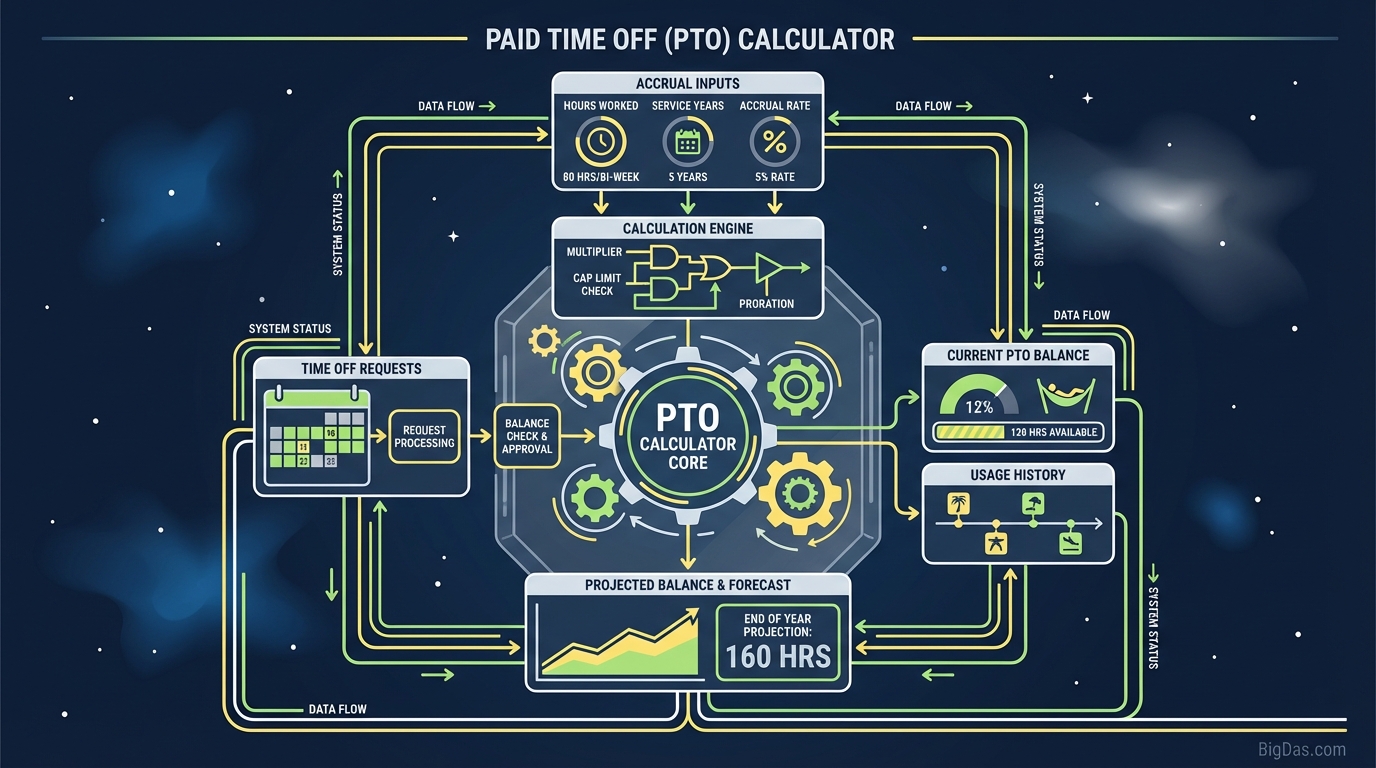
Paid Time Off (PTO) Calculator
 Paid Time Off (PTO) Calculator
Paid Time Off (PTO) Calculator & Accrual Guide
Tracking your Paid Time Off is straightforward once you know your accrual rate and pay schedule. This guide explains how PTO accrual works, where manual calculations go wrong, and how to use the calculator to project your balance on any future date.
What is a PTO Calculator?
A PTO Calculator computes the amount of paid leave an employee has earned, or will earn, over a specific timeframe based on their accrual rate. Your pay stub shows your balance today. The calculator projects your balance for any future date by combining your current balance, your accrual rate, and your pay frequency.
How Accrual Works
Under an accrual system, you earn PTO incrementally as you work, rather than receiving a lump sum at the start of the year. For example, if you earn 4 hours of PTO every two weeks, your balance grows by 4 hours each pay period. The calculator multiplies these increments against the calendar and handles the timing differences between pay schedules.
The Pay Period Problem
Manual calculations often fail because of mismatched pay frequencies:
- Weekly: 52 pay periods per year.
- Bi-Weekly: 26 pay periods (two months contain three paychecks).
- Semi-Monthly: 24 pay periods (always two per month).
If you assume 24 pay periods but are paid bi-weekly, your estimate will be off by two full periods by December. The calculator resolves this automatically.
Calculator Features
1. Pay Frequency Options
The tool supports the schedules used in modern payroll:
- Daily
- Weekly
- Bi-Weekly (every 2 weeks)
- Semi-Monthly (twice a month)
- Monthly
- Annual
2. Future Date Forecasting
Enter a target date, such as the start of a planned vacation, to see your projected balance at that moment.
3. Flexible Accrual Rates
Enter a flat rate per period (e.g. 4 hours) or a percentage of hours worked for hourly employees.
4. Current Balance Input
Start from your existing banked hours rather than zero. The calculator adds future accruals on top of your current balance.
5. Payroll-Standard Rounding
Results follow standard payroll rounding rules so the figures match what appears in software like ADP or Workday.
How to Use the Calculator
Step 1: Select Your Pay Frequency
Check your employment contract or pay stub.
- Bi-Weekly: Paid every two weeks, typically every other Friday.
- Semi-Monthly: Paid on fixed dates, usually the 1st and 15th or 15th and 30th.
- Weekly: Paid every week.
Step 2: Enter Your Accrual Rate
- If you know the hours per period: Enter that number directly (e.g. 6.67 hours).
- If you only know the annual total: Divide by your number of pay periods. Example: 80 hours per year ÷ 26 periods = 3.08 hours per period.
Step 3: Enter Your Current Balance (Optional)
Check your most recent pay stub. If you already have 12 hours banked, enter that value so the calculator adds future earnings on top.
Step 4: Set the Date Range
- Start Date: Today or the start of your fiscal year.
- End Date: Your planned vacation date or the end of the year.
Step 5: Run the Calculation
The tool returns three values:
- Total Accrued Hours between the dates provided.
- Total Available Balance (accrued + starting balance).
- Equivalent Days Off (total hours ÷ your standard workday, typically 8 hours).
Common Use Cases
1. Planning a Vacation
Scenario: It is July. You want two weeks in Europe in November and currently have 3 days saved. Solution: Forecast your November 1st balance. If the calculator shows 10 days accrued by then, you can book with confidence. Without a forecast, you risk committing to a trip your balance cannot cover.
2. Final Paycheck Audit
Scenario: You are resigning. Your company pays out unused PTO, and you want to verify the final check. Solution: Run the calculation from January 1 to your last day and compare it to your final paycheck. Payroll errors are common; this gives you a reference figure.
3. Use-It-or-Lose-It Deadlines
Scenario: Your company does not carry over PTO. It is October, and you have not used much leave. Solution: Project your accrual through December 31. If you will have 120 hours that expire, schedule time off now rather than forfeit them.
4. HR Response to Employee Questions
Scenario: An employee asks whether they will go negative if they take a week off in three months. Solution: Enter the employee's parameters and return an answer in seconds, without manual calendar counting.
Tips for Managing PTO
- Watch the accrual cap. Many employers stop accruing once you reach a set limit (e.g. 200 hours). Run a forecast to see when you will hit the cap, and schedule time off before then to keep earning.
- Separate holidays from PTO. Company holidays (Christmas, Labor Day, etc.) are usually paid independently. Do not spend PTO on days the office is already closed.
- Account for tenure increases. Some employers raise your accrual rate after 2 or 5 years. If your anniversary is approaching, split the year: apply the old rate up to the anniversary and the new rate for the remainder.
Frequently Asked Questions (FAQ)
How do I calculate my PTO accrual rate per hour?
Divide your annual PTO hours by the hours you work in a year (typically 2,080 for full-time).
- 80 hours ÷ 2,080 hours = 0.0384 hours of PTO per hour worked.
Does this calculator account for unpaid leave?
No. Accrual generally pauses during unpaid leave or sabbaticals. Adjust your start date or subtract the unpaid periods to estimate accurately.
What is the difference between PTO and Vacation Time?
PTO is typically an all-inclusive bucket covering vacation, sick time, and personal days. Vacation Time is strictly for leisure. The calculator works for either, provided you enter the correct rate.
Can I calculate the cash value of my PTO?
Yes. Multiply the Total Available Hours by your Hourly Wage.
- Example: 40 hours × $30/hour = $1,200 gross value.
Why does my pay stub differ from the calculator?
Small differences can come from processing lag between the period end date and the check date, or from company-specific rounding rules. The calculator returns the mathematically accurate accrual, which should align closely with official records.
Summary
PTO is part of your compensation. Tracking it is no different from checking your paycheck for errors.
The calculator handles the variables, pay frequency, accrual rate, current balance, and target date, and returns a projected balance you can plan around. Use it to forecast a vacation, verify a final paycheck, or answer an HR question.
Disclaimer: This tool is for informational and estimation purposes. Verify your official leave balance with your HR department or payroll provider.