Salary Hike Calculator
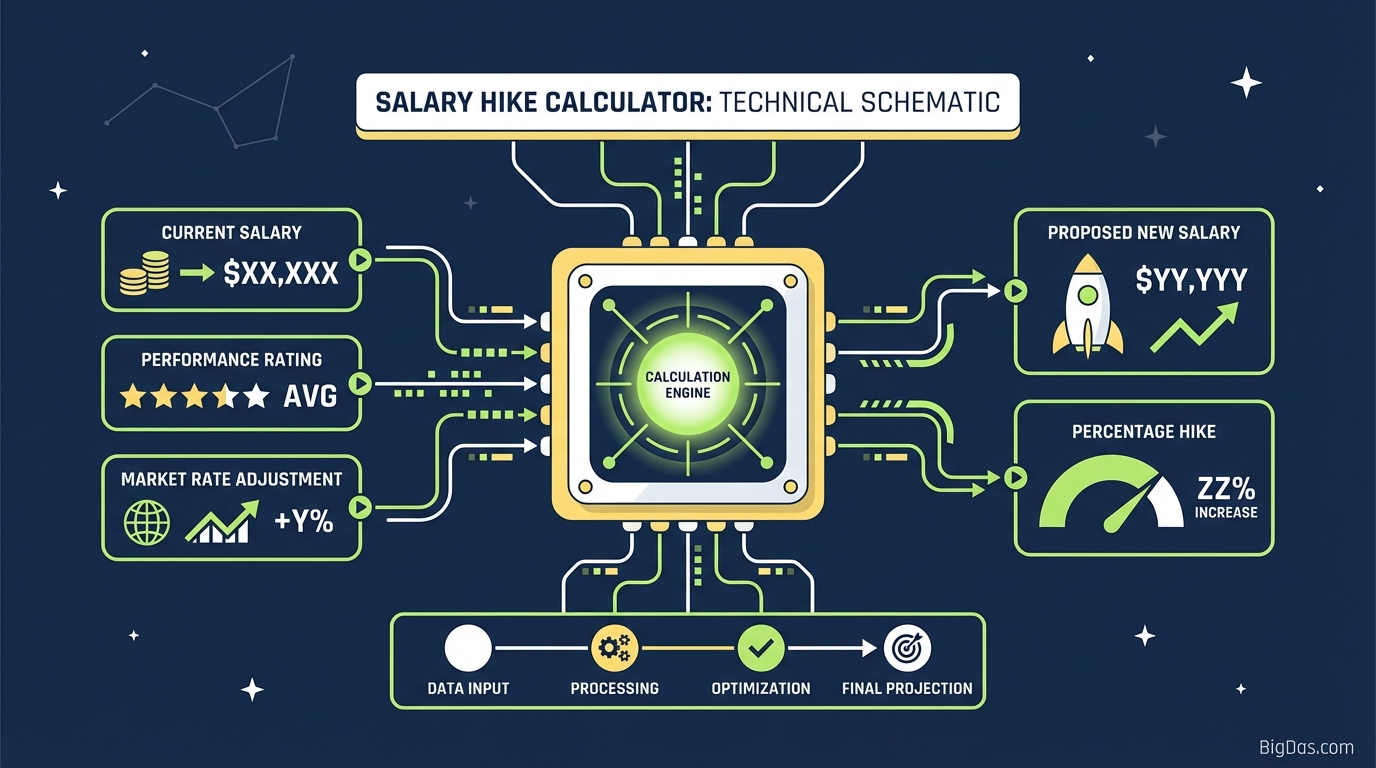
 Modern scientific illustration of Salary Hike Calculator
Salary Hike Calculator: Calculate Your Pay Raise & New Compensation
You've just heard the number: "We are offering you a 15% hike."
It sounds good, but the practical questions come fast. What does that percentage look like in your monthly pay? How much is the annual increment in total? Does this raise beat inflation?
This Salary Hike Calculator handles the math. Enter your current salary and the proposed percentage increase, and it returns your new salary and the increment amount.
What Is a Salary Hike Calculator?
A Salary Hike Calculator computes compensation adjustments. The math is simple, but manual calculations are error-prone, especially with large figures, odd percentages (e.g. 12.5%), or multiple offers.
The tool takes your Current Salary and the Proposed Percentage Increase and returns:
- New Salary: Total compensation after the hike.
- Increment Amount: The absolute value of the raise (the difference between old and new salary).
The Formula
New Salary = Current Salary + (Current Salary × (Percentage Hike / 100))
The tool automates this calculation and formats the output for quick review.
Key Features
1. Instant Computation
Enter your figures, and results appear immediately. Useful for running scenarios during a negotiation call.
2. Error-Free Precision
Miscalculating a 1.5% raise as 15% is a costly mistake. The tool ensures consistent accuracy.
3. Dual-View Output
Results include the Total New Salary and the Increment Amount separately.
4. Local Processing
All calculations run in your browser. No salary data is sent to a server or stored.
5. Mobile Friendly
The interface works on smartphones, tablets, and desktops.
How to Use the Calculator
Step 1: Choose Your Basis
Decide whether to calculate based on your Annual Package (CTC) or Monthly Gross Pay.
- For take-home impact, use Monthly Gross Pay.
- For long-term planning, use the Annual Package.
Step 2: Enter Current Salary
Type your current compensation in the first field. Skip commas and currency symbols.
- Example: For $60,000, enter
60000.
Step 3: Enter the Hike Percentage
Type the percentage raise you've been offered.
- Example: For a 20% raise, enter
20.
Step 4: Read the Results
Click calculate. You'll see:
- New Salary: Your revised earnings.
- Hike Amount: The exact monetary value of the raise.
Step 5: Reverse Calculation
If you have a target salary in mind (e.g. 80,000 from 60,000), adjust the percentage field until the "New Salary" matches your goal. This shows the percentage you need to negotiate.
4 Common Use Cases
1. Appraisal Season
When your manager says, "We're giving you an 8% raise," you need to know if that covers your increased costs.
- Use the calculator to find the monthly difference. If the number is low, you have data to counter-offer.
2. Job Switch Negotiation
Job switches often come with 20%-40% hikes, but recruiters usually quote "CTC" (Cost to Company).
- Before signing, plug in your current salary and the offered percentage to confirm the jump justifies the risk.
3. Inflation Check
If inflation is at 6% and your raise is 4%, your purchasing power drops.
- Calculate the increment amount and compare it to your increased annual expenses.
4. Financial Goal Setting
Banks evaluate loans based on gross monthly income.
- Forecast future income by calculating your expected raise. Check if you'll meet mortgage or loan eligibility criteria.
Understanding Your Numbers
Gross vs. Net Pay
The calculator works on Gross pay. Your actual bank deposit (Net Pay) will be lower due to taxes, insurance, and retirement contributions.
- If your hike pushes you into a higher tax bracket, your net increase may be smaller than the calculator shows.
Percentage vs. Fixed Value
Early in your career, percentages dominate. Later, the absolute value matters more.
- A 5% hike on a $200,000 salary ($10,000) is more than a 20% hike on a $40,000 salary ($8,000). Always check the cash value.
Frequently Asked Questions (FAQ)
1. Can I use this calculator for hourly wages?
Yes. Enter your hourly rate in the "Current Salary" field. The "New Salary" will show your new hourly rate, and the "Increment Amount" will show the increase per hour.
2. Does this calculator deduct taxes?
No. It calculates the Gross Salary Hike. Tax laws vary by location and personal situation. Use a Net Pay calculator or consult a tax professional for post-tax estimates.
3. How do I find the percentage if I only know the new salary amount?
((New Salary − Old Salary) / Old Salary) × 100
Alternatively, adjust the percentage input until the "New Salary" matches your offer.
4. What is a "good" salary hike percentage?
- Inflation adjustment: 3 to 5%
- Merit increase: 5 to 10%
- Job switch or major promotion: 15 to 30%
5. Why is my actual paycheck increase lower than the calculator shows?
Deductions. Higher income increases your tax liability, and percentage-based deductions (like retirement contributions) also rise, reducing your take-home amount.
Conclusion
Knowing what a percentage hike translates to in actual currency gives you leverage. Use the Salary Hike Calculator above for instant results, then plan your budget and negotiate with confidence.