Speaking Time Calculator
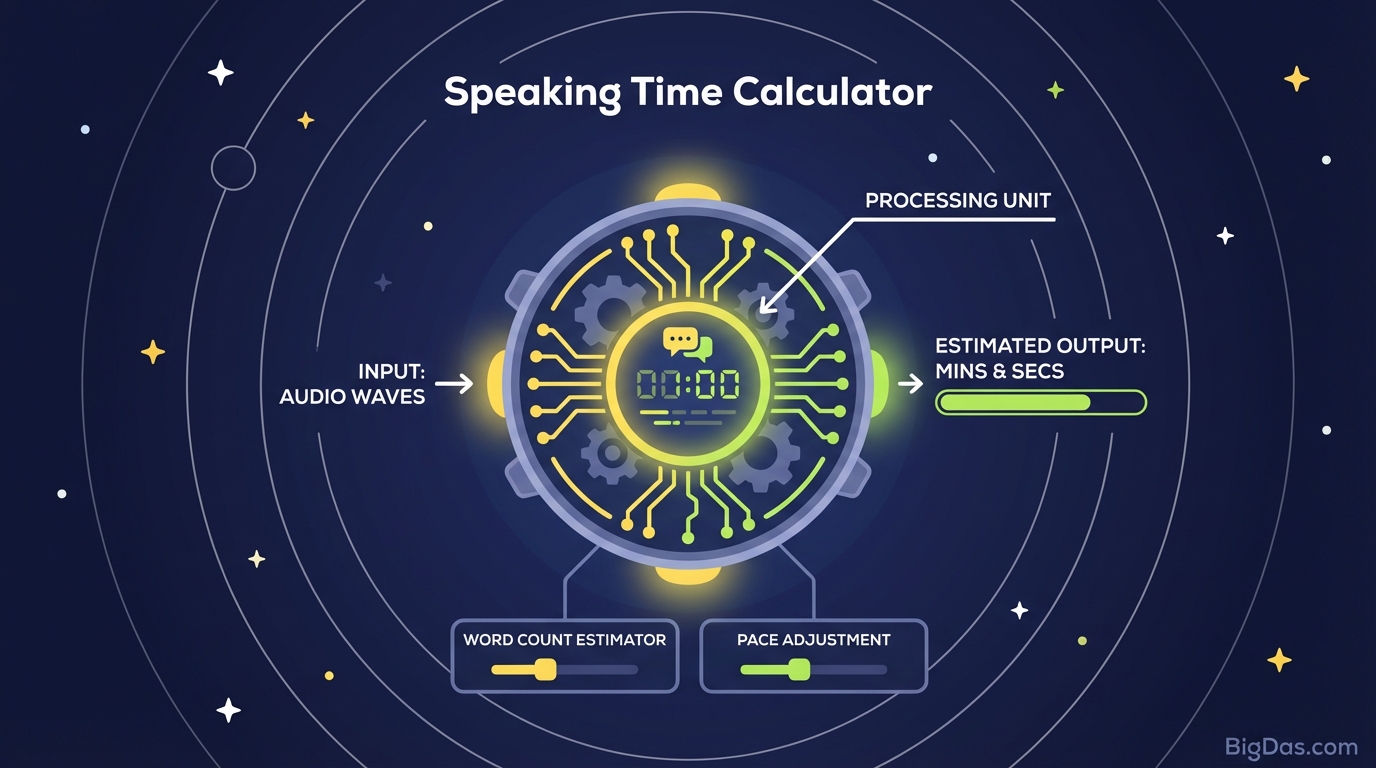
 Modern scientific illustration of Speaking Time Calculator
Speaking Time Calculator: Convert Words to Minutes
Timing matters in public speaking, broadcasting, and content creation. You have a polished script, strong arguments, and a clear conclusion, but you still need to answer one practical question: how long will this take to read aloud?
A Speaking Time Calculator solves that problem. It converts your word count into a duration estimate using a Words Per Minute (WPM) rate, so you can plan and rehearse with a real number instead of a guess.
What Is a Speaking Time Calculator?
A Speaking Time Calculator is a tool that converts a static word count into a time estimate. Written text has no inherent duration until someone reads it out loud. The calculator uses your selected WPM rate to calculate how long the delivery will take.
The Role of Words Per Minute (WPM)
WPM is the rate at which you speak. The calculator's accuracy depends on picking the right rate.
- Slow (100 to 110 wpm): Dramatic delivery, heavy emphasis, or audiences less familiar with the language.
- Average (130 to 150 wpm): Standard for presentations, YouTube videos, audiobooks, and most professional speech.
- Fast (160+ wpm): Auctioneering, legal disclaimers, or high-energy monologues.
The calculator applies the selected rate to your total word count and returns a result in minutes and seconds.
Key Features
1. Adjustable Pace
Many online estimators hardcode 130 WPM. This calculator lets you pick the rate that matches your actual speaking style, whether you deliver slowly and deliberately or speak quickly.
2. Instant Results
You can paste text, hit calculate, and immediately see the duration. If you have a strict 5-minute slot, you will know right away whether to cut 50 words or extend your conclusion.
3. Time Certainty
A common source of public speaking anxiety is not knowing whether you will run long. This tool gives you a number you can plan around, so you can focus on delivery instead of watching the clock.
4. Format-Agnostic Input
Paste a university essay, a radio commercial, or a best man speech. The tool counts words regardless of formatting.
Step-by-Step Guide
Step 1: Prepare Your Script
Use the final draft. If you have stage directions (e.g. [pause for laughter], [click to next slide]), remove them from the pasted text or account for the extra time separately.
Step 2: Input Your Text
- Paste Text: Copy your script into the text box.
- Enter Word Count: If you already know the count, type it directly (e.g. "1500").
Step 3: Select Your Speaking Pace
Choose honestly.
- Slow: Eulogies, meditation scripts, or technical tutorials.
- Average: Standard presentations, school speeches, vlogs.
- Fast: High-energy sales pitches, comedy routines.
Step 4: Analyze and Adjust
Hit Calculate and read the result.
- Too long? Cut adjectives, adverbs, or redundant examples.
- Too short? Expand a key point or add a closing story.
Common Use Cases
1. Keynote Speakers
TED Talks cap at 18 minutes. Going over disrupts the event schedule and may cut your video. Speakers target around 17:30 to leave room for applause and transitions.
2. Students
Academic assignments usually come with time limits: a 3-minute elevator pitch, a 20-minute thesis defense. Hitting the target time is part of the grade.
3. Voiceover Artists and Podcasters
Commercials have hard time requirements. A 30-second radio spot must fit 30 seconds. The calculator tells you whether your word count fits the slot.
4. Short-Form Video Creators
TikTok, YouTube Shorts, and Instagram Reels have tight runtime limits. The calculator helps you write scripts that fit without rambling.
Expert Adjustments
The calculator measures articulation time, not total stage time. Apply these adjustments for a more realistic estimate.
1. Account for Pauses
The tool assumes continuous speech. Add 10 to 20% to the result for breathing, rhetorical pauses, sips of water, and audience reaction.
Example: A result of 5 minutes usually means closer to 5:30 to 5:45 in practice.
2. Adrenaline Speeds You Up
Many speakers talk faster on stage than during rehearsal. If you know you get nervous, write slightly more material than needed and practice slowing down.
3. Numbers and Acronyms
The tool counts "1999" as one word, but saying "nineteen-ninety-nine" takes the time of three or four words. Add extra time for data-heavy scripts.
4. Difficult Vocabulary
Technical and multisyllabic terms take longer to articulate. If your script is dense with complex terms, use the Slow setting.
Frequently Asked Questions (FAQ)
How many minutes is 1,000 words?
At an average pace of 130 wpm, 1,000 words takes roughly 7 minutes and 41 seconds. At a slow pace, about 10 minutes. At a fast pace, about 6 minutes.
What is the average speaking rate for a presentation?
Most professional speakers fall between 130 and 150 wpm. This range is fast enough to hold attention and slow enough to be understood.
Does this calculator account for pauses?
No. It measures articulation time only. Add a 15 to 20% buffer for dramatic pauses, laughter, and stage transitions.
How long should a 5-minute speech be in words?
At 140 wpm, aim for about 700 words.
Can I use this for voiceover scripts?
Yes. For fast-paced commercials, calculate at 150 to 160 wpm, or read the script with a stopwatch for an exact measurement.
Conclusion
Time is a non-renewable resource, and your audience is giving you theirs. Use it well.
A Speaking Time Calculator turns an abstract word count into a concrete duration. Whether you are prepping a job interview pitch, a podcast episode, or a wedding toast, knowing your runtime lets you rehearse with precision.