Time and a Half Calculator
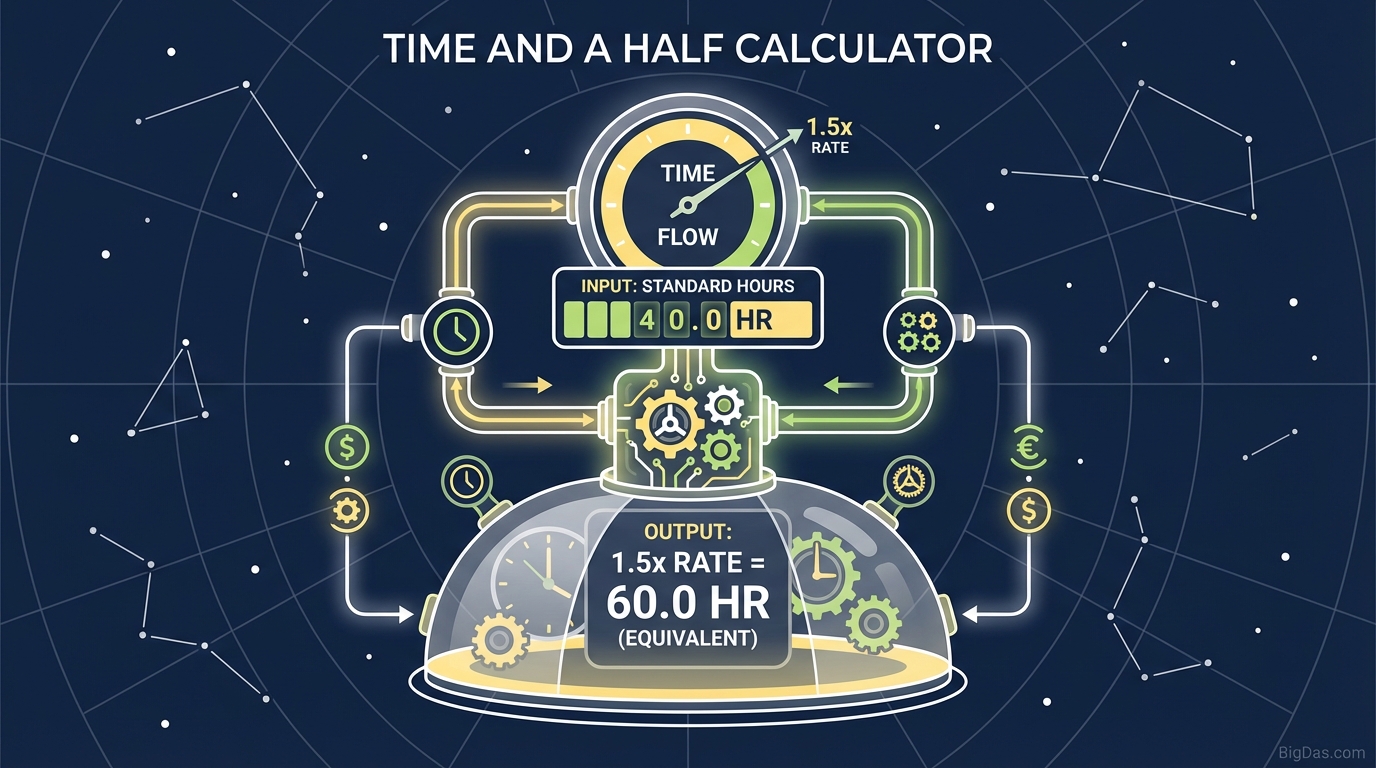 Modern scientific illustration of Time and a Half Calculator
Time and a Half Calculator: Instantly Calculate Overtime Pay & Total Earnings
There is nothing quite as satisfying as seeing a paycheck that reflects the hard work you put in during a busy week. However, there is also nothing as frustrating as suspecting that your paycheck is light because the math on your overtime hours doesn’t add up.
Whether you are an employee working late nights to meet a deadline, a freelancer charging premium rates for rush jobs, or a small business owner trying to ensure payroll is accurate, understanding overtime calculations is critical.
Manual calculations are prone to human error, and interpreting pay stubs can often feel like decoding a secret language. That is why we built the ultimate Time and a Half Calculator. This tool is designed to cut through the confusion, providing you with instant, accurate figures for your overtime pay and total gross earnings.
In this guide, we will dive deep into how overtime works, how to use our industry-leading calculator, and why accurate payroll tracking is essential for your financial health.
What Is the Time and a Half Calculator?
At its core, the Time and a Half Calculator is a precision financial tool designed to determine your gross earnings based on your standard hourly wage and the number of overtime hours worked.
"Time and a half" is the standard overtime rate mandated by the Fair Labor Standards Act (FLSA) in the United States (and similar labor laws globally). It dictates that for every hour worked beyond the standard 40-hour workweek, non-exempt employees must be paid 1.5 times their regular hourly rate.
The Math Behind the Magic
While our tool handles the heavy lifting instantly, understanding the formula builds financial literacy.
The basic formula for time and a half is: $$Overtime Rate = Regular Hourly Rate \times 1.5$$
To find your total pay, the calculation expands to: $$Total Pay = (Regular Hours \times Hourly Rate) + (Overtime Hours \times Overtime Rate)$$
Example: If you make $20.00 per hour and work 50 hours in a week (40 regular + 10 overtime):
- Regular Pay: $20 \times 40 = $800$
- Overtime Rate: $20 \times 1.5 = $30/hour$
- Overtime Pay: $30 \times 10 = $300$
- Total Gross Earnings: $$800 + $300 = $1,100$
Our calculator automates this entire process, ensuring you never miss a cent due to a rounding error or a calculator slip-up.
Key Features & Benefits of Our Tool
Not all financial calculators are created equal. We have designed this Time and a Half Calculator to be the best in its class, focusing on user experience, speed, and granular accuracy. Here is what makes this tool indispensable:
1. Precision Accuracy
Payroll mistakes are expensive. For an employee, a mistake means less money for bills. For an employer, it can lead to labor disputes and fines. Our algorithm uses precise decimal handling to ensure your figures are exact to the penny.
2. Instant Scenario Planning
Are you debating whether to pick up that extra shift on Saturday? Use the calculator to forecast exactly how much that extra shift is worth. Seeing the concrete dollar amount often provides the motivation needed to power through a long week.
3. Separation of Earnings
Unlike basic calculators that just give you a final number, our tool breaks down your earnings into:
- Regular Pay: What you earned for your standard hours.
- Overtime Premium: The specific value of your time-and-a-half hours.
- Total Gross Pay: The sum of all earnings before taxes.
4. Mobile Responsiveness
Payroll questions don’t always happen at a desk. Our calculator is fully optimized for mobile devices, allowing you to check your numbers from the job site, the break room, or your couch.
Step-by-Step Guide: How to Use the Calculator
Using the Time and a Half Calculator is intuitive, but following these steps ensures you get the most accurate data possible.
Step 1: Input Your Standard Hourly Pay
Enter your base hourly wage. Do not include bonuses or tips in this specific field unless your employment contract specifies a "blended rate" (more on that in the FAQ).
- Example: Enter
25.00
Step 2: Enter Regular Hours Worked
For most standard calculations, this will be 40 hours. However, if you are part-time and receive overtime for working on holidays (depending on company policy), or if your state calculates overtime differently (like California's daily overtime rules), enter your standard base hours here.
Step 3: Enter Overtime Hours
Input the number of hours worked beyond the standard threshold.
- Note: If you worked 48 hours total, you would enter 40 in the Regular Hours field and 8 in this field.
Step 4: Click Calculate
Hit the calculate button. The tool will instantly process the inputs.
Step 5: Analyze Your Results
Review the breakdown. You will see your new "Overtime Hourly Rate" (your base rate x 1.5) alongside your total estimated gross pay.
Why You Need This Tool: Critical Use Cases
You might think you can do this math in your head, but as variables change, complexity grows. Here is why different users rely on this specific tool.
For Employees: The Paycheck Audit
Wage theft—often accidental—is surprisingly common. Payroll software glitches or data entry errors by HR can result in underpayment. By plugging your hours into our calculator and comparing the result to your pay stub, you perform a vital personal audit. If the numbers don't match, you have the data you need to ask HR for a correction.
For Freelancers & Contractors: Rush Rates
While freelancers aren't always covered by FLSA overtime laws, many use "Time and a Half" as a pricing model for:
- Rush delivery requests.
- Work performed on weekends or holidays.
- Work outside of scope. Using this calculator helps you generate quick quotes for clients when they demand after-hours availability.
For Small Business Owners: Payroll Estimates
If you are running a lean operation without expensive payroll software, this tool is a lifesaver. Before approving timesheets, use the calculator to estimate your labor costs for the week. It helps in cash flow management and ensures you aren't surprised when funds are withdrawn for payroll.
For Financial Planning
If you are saving for a house, a car, or a vacation, you need to know how much "extra" work is required to hit your goals. This tool helps you quantify your effort. You can calculate exactly how many overtime hours are needed to generate an extra $500 this month.
Expert Advice: Getting the Most Out of the Tool
To maximize the value of the Time and a Half Calculator, keep these expert tips in mind:
1. Understand Gross vs. Net
This calculator provides your Gross Pay (earnings before taxes and deductions). Your actual take-home pay (Net Pay) will be lower. A good rule of thumb is to mentally deduct 20-30% for taxes and benefits to estimate your cash-in-hand, depending on your tax bracket.
2. Know Your Local Laws
While federal law sets the floor (40 hours/week), states like California, Alaska, and Nevada have different daily overtime rules.
- California Example: Overtime applies after 8 hours in a single day, even if you don't hit 40 hours for the week. Ensure you are inputting the correct number of "Overtime Hours" based on your local labor laws.
3. Double Time vs. Time and a Half
Some contracts or states mandate "Double Time" (2.0x pay) for working extremely long shifts (e.g., over 12 hours in a day) or on holidays. If you are calculating Double Time, simply multiply your base rate by 2 manually, or look for our upcoming Double Time Calculator.
Frequently Asked Questions (FAQ)
1. Is overtime always calculated at time and a half?
Under federal US law (FLSA), the standard for non-exempt employees is 1.5 times the regular rate of pay for hours worked over 40 in a workweek. However, specific union contracts, company policies, or state laws may dictate higher rates (like double time) or different thresholds.
2. Does this calculator account for taxes?
No. This tool calculates Gross Earnings. Taxes are highly variable based on your W-4 withholding, state of residence, and pre-tax deductions (like 401k or health insurance). To find your Net Pay, you would need to apply your specific tax percentages to the gross figure provided here.
3. Can I use this for salaried employees?
Generally, no. Most salaried employees are considered "exempt" from overtime pay under the FLSA. However, if a salaried employee falls below a certain income threshold or does not meet specific duty tests, they may be eligible. If you are salaried and eligible for overtime, you must first convert your salary to an hourly rate (Annual Salary / 2080 hours) before using this calculator.
4. What if I earn a weekly bonus?
If you earn a non-discretionary bonus (like a production bonus) during a week where you worked overtime, that bonus must be included in your "regular rate of pay" calculation. This creates a "blended rate." This calculator is designed for standard hourly wages; blended rates require a more complex manual formula.
5. Why is my paycheck slightly different from the calculator result?
Small discrepancies can occur due to rounding methods used by payroll software (rounding to the nearest 15 minutes vs. exact minutes) or because of shift differentials (being paid more for night shifts). If the difference is significant, contact your payroll department.
Conclusion
Your time is your most valuable asset. When you trade that time for money—especially hours taken away from your evenings and weekends—you deserve to be compensated accurately.
The Time and a Half Calculator is more than just a math tool; it is a resource for financial transparency and empowerment. Whether you are validating a paycheck or planning your financial future, our tool gives you the numbers you need, instantly.
Ready to see how much you earned? scroll to the top and enter your hours now.
Disclaimer: This calculator is for informational purposes only and does not constitute legal or tax advice. Always consult with a qualified professional or your HR department regarding specific payroll inquiries.