Time Off & Vacation Day Calculator
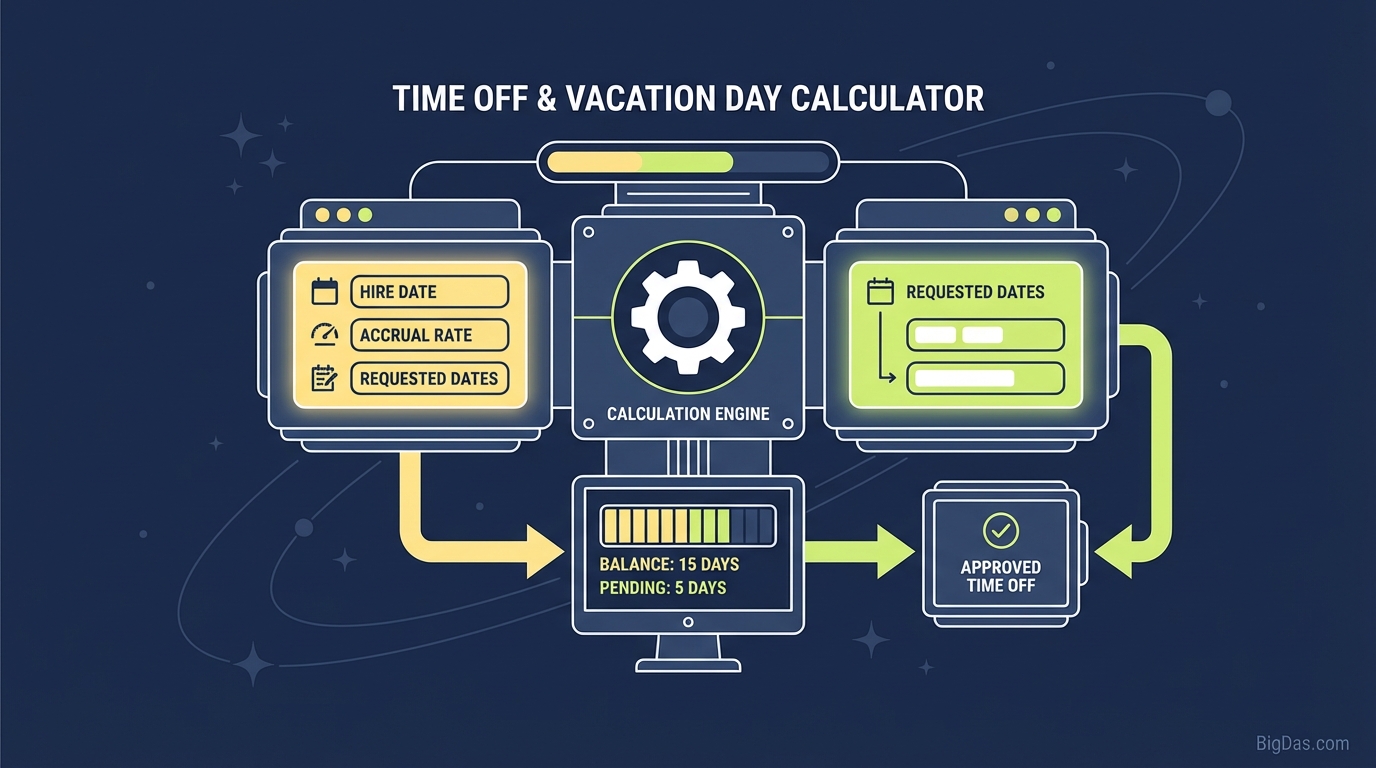 Modern scientific illustration of Time Off & Vacation Day Calculator
Master Your Schedule: The Ultimate Time Off & Vacation Day Calculator Guide
Planning a vacation should be exciting. It’s the time you visualize sandy beaches, mountain retreats, or simply the bliss of turning off your email notifications. However, the administrative side of planning time off—calculating exactly how many Paid Time Off (PTO) days to use, navigating public holidays, and accounting for weekends—can quickly turn into a headache.
Whether you are an HR professional auditing payroll, a project manager mapping out a sprint, or an employee trying to squeeze every last drop of value out of your vacation allowance, precision matters. A simple miscalculation can result in payroll errors, denied leave requests, or accidentally returning to work a day early.
Enter the Time Off & Vacation Day Calculator. This isn't just a calendar; it is the best-in-class digital assistant designed to handle the complex math of dates, workdays, and exclusions instantly.
In this guide, we will explore exactly what this tool does, why manual counting is a thing of the past, and how to use our calculator to master your time management.
What is the Time Off & Vacation Day Calculator?
At its core, the Time Off & Vacation Day Calculator is a sophisticated date-processing engine. While a standard calendar shows you the days of the month, it doesn't automatically compute the span between two points in time while filtering out non-working days.
This tool solves the "date math" problem. It calculates the duration between a specific Start Date and End Date, providing you with two critical sets of data:
- Total Calendar Days: The absolute duration of the time off, including weekends and holidays.
- Total Workdays: The specific number of days that require PTO or leave usage, excluding weekends and (optionally) specific public holidays.
The Problem With Mental Math
Why can't you just count on your fingers? You can, but human error is inevitable.
- The "Fencepost Error": When counting days, do you include the start date? Do you include the end date? It is easy to be off by one day.
- The Leap Year Factor: Does February have 28 or 29 days this year?
- The Weekend Trap: It is easy to accidentally count a Sunday as a billable PTO day if you are scanning a calendar quickly.
Our Time Off & Vacation Day Calculator eliminates these variables, providing an instant, legally accurate count that you can trust for payroll and personal planning.
Key Features and Benefits
Why is our calculator considered the industry standard? It goes beyond simple subtraction. Here are the features that make it an indispensable tool for business and personal use.
1. Precision Workday Calculation
The primary function is to differentiate between "time away" and "time charged." By automatically filtering out Saturdays and Sundays, the tool gives you the exact number of days to input into your HR portal.
2. Holiday Integration
Workdays aren't just about weekends. National and bank holidays effectively act as "free" days off. This tool allows you to factor in holidays to ensure you aren't burning PTO credits on days when the office is already closed.
3. Instant Duration Analysis
For those planning extended leave (like sabbaticals or maternity/paternity leave), knowing the total calendar duration is just as important as the workday count. This tool provides both metrics simultaneously.
4. User-Centric Design
We have stripped away the clutter. There are no complex spreadsheets to download or formulas to configure. The interface is clean, intuitive, and accessible from any device.
5. Payroll Compliance
For HR managers, this tool ensures compliance with labor laws regarding leave accrual and usage. By standardizing how days are counted, you eliminate discrepancies between employee expectations and payroll reality.
Step-by-Step Guide: How to Use the Calculator
Using the Time Off & Vacation Day Calculator is incredibly straightforward, yet it offers powerful customization options. Follow these steps to get an accurate result every time.
Step 1: Select Your Start Date
Choose the first day you will be away from work.
- Note: If you are leaving work early on Friday, but your official leave starts Monday, select Monday as your start date.
Step 2: Select Your End Date
Choose the last day of your vacation.
- Important: This should be the last day you are off, not the day you return to work.
Step 3: Configure Exclusions (Weekends & Holidays)
By default, most standard work weeks are Monday through Friday.
- Include Weekends: If you work in retail, healthcare, or a shift-based industry where weekends are regular working days, toggle the option to include weekends in the count.
- Exclude Public Holidays: Input any specific dates that are company holidays (e.g., Thanksgiving, New Year's Day) to ensure they are deducted from your PTO total.
Step 4: Click Calculate
Hit the button and instantly receive your breakdown:
- Total Days: How long you are gone.
- Business Days: How many vacation days you are spending.
Step 5: Export or Copy
Use the data to fill out your formal leave request email or HR software.
Why You Need This Tool: Critical Use Cases
Who benefits most from a high-precision Time Off & Vacation Day Calculator? It turns out, almost everyone in the workforce needs this utility.
For Employees: Maximizing PTO
Smart employees know how to "bridge" their holidays. By identifying public holidays that fall on a Tuesday or Thursday, you can use the calculator to see how taking just one day of PTO can result in a 4-day weekend.
- Scenario: A holiday falls on Tuesday. You take Monday off.
- Calculator Result: 4 Calendar Days off, only 1 Workday used. This tool helps you visualize and confirm these opportunities.
For HR and Payroll Managers
Inaccurate leave tracking is a logistical nightmare. It messes up accrual balances and can lead to financial liabilities when employees leave the company and need to be paid out for unused time.
- Scenario: An employee requests leave from Dec 20 to Jan 5.
- The Fix: Use the tool to accurately subtract weekends and the multiple holidays (Christmas, Boxing Day, New Year's) to deduct the exact correct amount from their balance.
For Project Managers
Resource allocation requires knowing exactly who is available and when.
- Scenario: You have a 10-day sprint, but your lead developer has vacation booked.
- The Fix: Input their dates to see exactly how many working hours are lost during the sprint, allowing you to adjust deadlines realistically.
For Freelancers and Contractors
If you bill by the day or have a retainer agreement that specifies "business days," accuracy translates directly to income.
- Scenario: You promise a client a project in "10 business days."
- The Fix: Use the calculator to determine the exact calendar date for the deadline, ensuring you don't overshoot due to a forgotten holiday.
How to Get the Most Out of Your Time Off
Since you are using the best tool on the market, here is some expert advice on how to use that data to improve your work-life balance.
1. Plan in Batches
Don't just calculate one vacation at a time. Sit down at the start of the year with the company holiday calendar and this tool. Map out all your potential long weekends. Inputting dates for the whole year helps you allocate your PTO allowance perfectly without running out in November.
2. The "Buffer Day" Strategy
When calculating your end date, consider adding one extra day of PTO as a "buffer day" at home before returning to the office. Use the calculator to see if you have enough balance to afford this. It prevents the post-vacation blues and burnout.
3. Check for Overlaps
If you work on a global team, use the tool to calculate your time off against your international colleagues' holidays. You might find that taking time off during their holidays (when email traffic is slow) is the most peaceful time to be away.
Frequently Asked Questions (FAQ)
Does the calculator include the Start Date and End Date in the total?
Yes. Our algorithm is inclusive. If you select Monday as the start and Tuesday as the end, it counts as 2 days. This is the standard for leave requests (you are off on Monday and Tuesday).
Can I calculate partial days or half-days?
Currently, this tool is optimized for full-day calculations to ensure maximum speed and ease of use. For half-days (e.g., leaving at noon), we recommend calculating full days and manually adding 0.5 to your final total.
How does the tool handle Leap Years?
The tool is fully calendar-aware. If your selected date range includes February 29th during a leap year, it will be accurately counted in both the calendar and workday totals.
Does this calculator work for non-standard work weeks (e.g., Tuesday-Saturday)?
While the standard default is Mon-Fri, you can manually interpret the "Total Days" count to fit your schedule. We are working on a feature to allow custom "weekend" definitions for shift workers in future updates.
Is the data I enter private?
Absolutely. The calculation happens locally in your browser session. We do not store your vacation plans, start dates, or personal data.
Conclusion
Time is your most valuable resource. Whether you are safeguarding your company's payroll accuracy or planning the trip of a lifetime, guessing dates is a risk you don't need to take.
Manual counting is prone to error, tedious, and outdated. The Time Off & Vacation Day Calculator provides the speed, accuracy, and reliability required by modern professionals. It bridges the gap between the calendar on your wall and the PTO balance in your HR portal.
Ready to plan your next break with confidence?
Scroll to the top of the page, input your dates, and let the tool handle the math. Your perfect schedule is just one click away.