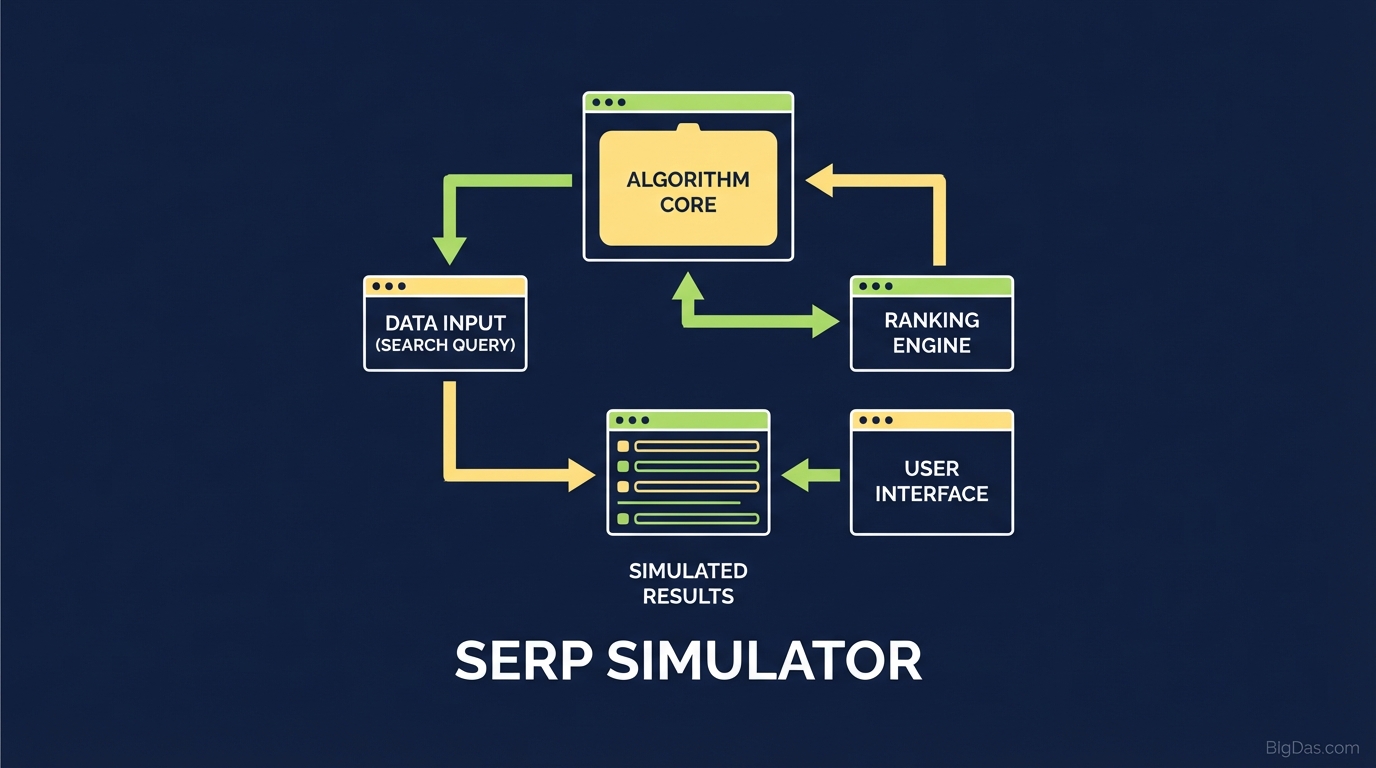
SERP Simulator
 SERP Simulator interface preview
Preview and Optimize Your Google Snippets
Ranking first on Google means little if nobody clicks your result. You can spend hours on a blog post, nail the on-page SEO, and earn quality backlinks, only to lose traffic because your title got cut off or your meta description lacked a hook.
Your search snippet is your storefront window. If the sign is broken or cluttered, users scroll past it.
A SERP Simulator solves this. It shows exactly how your page will look in Google before you publish. This guide covers how to use a SERP preview tool to improve Click-Through Rate (CTR), prevent truncation, and keep your brand looking professional across all searches.
What is a SERP Simulator?
A SERP (Search Engine Results Page) Simulator is an SEO tool that renders exactly how your webpage will appear in Google search results before you hit publish.
Most content creators draft Title Tags and Meta Descriptions in a standard document or CMS backend. These platforms count characters. Google counts pixel width.
A capital "W" takes up far more horizontal space than a lowercase "i" or "l." You can stay under the character limit and still get truncated because the title exceeds the pixel limit.
This SERP Simulator matches Google's rendering logic at the pixel level. It gives you a real-time environment to draft, test, and finalize your snippet so your value proposition stays fully visible on both desktop and mobile.
Why It Matters
- CTR is a Ranking Signal: Higher click-through rates tell Google your content is relevant, which can improve rankings.
- Professionalism: A clean, complete snippet builds authority.
- Mobile Optimization: With mobile-first indexing, seeing how your snippet wraps on smaller screens is necessary, not optional.
Key Features
Not every preview tool works the same way. To compete in the SERPs, you need precision.
1. Pixel-Perfect Accuracy
The tool calculates the exact pixel width of your text using Google's standard font (Arial, 18px/13px) and gives you a "Safe Zone." If the bar turns red, you're at risk of truncation.
2. Dual Device Preview
Desktop and mobile snippets have different width allowances. A title that fits on a laptop can get cut off on an iPhone. Toggle between views to verify cross-device compatibility.
3. Keyword Bolding Visualization
When a user searches for a term, Google often bolds matching words in the meta description. Input your target keyword to see how the bolded words affect spacing and visual weight.
4. Rich Snippet Support
Visualize how your URL structure and breadcrumbs will appear. Clean up your slug for better readability before publishing.
Step-by-Step Guide
Step 1: Input Your Metadata
Enter your Title Tag, Meta Description, and URL. The preview generates in real-time below the input fields.
Step 2: The Title Tag
- Target Length: ~580 to 600 pixels (roughly 50 to 60 characters).
- Strategy: Place your primary keyword as close to the beginning as possible.
- Refinement: If the progress bar turns red, remove stop words ("a," "the," "and") or rephrase until you're back in the green zone.
Step 3: The Meta Description
- Target Length: ~920 to 960 pixels (roughly 150 to 160 characters).
- Strategy: Write this like ad copy. Include a clear value proposition and a call to action.
- Mobile Check: Toggle to mobile view. Mobile descriptions are often shorter. Make sure your most critical sentence comes first.
Step 4: URL Optimization
Keep your URL slug short, descriptive, and lowercase. Avoid dates and ID numbers.
- Bad:
website.com/p=123/2023/10 - Good:
website.com/serp-simulator-guide
Step 5: Copy and Implement
Once your snippet fits within the pixel limits, copy the text and paste it into your CMS (WordPress, Yoast, Shopify, etc.).
Expert Tips for Better Snippets
1. Front-Load Your Value
Google users scan; they don't read. If your main benefit sits at the end of a long title, it gets cut off or ignored. Keep your primary keyword and value proposition within the first 40 characters.
2. Test Power Words
Use the simulator to compare emotional trigger words side by side. "Guide to SEO" versus "Ultimate Guide to SEO*" reads differently on a SERP.
- Examples: Exclusive, Essential, Proven, Fast, Free, Today.
3. Test Brand Placement
Should your brand name go at the start or end of the title?
- Format A: Brand Name | Article Title
- Format B: Article Title | Brand Name
Unless you're a household name, put the topic first and the brand last. If the brand name gets truncated, that's fine as long as the topic stays visible.
4. Optimize for the F-Pattern
Eye-tracking studies show users focus on the top-left of results. Make sure your URL slug contains the keyword. A bolded keyword in the URL (which Google often applies) reinforces relevance.
Common Use Cases
For Content Marketers & Bloggers
Your headline shouldn't undercut your work. This tool helps you write headlines that earn clicks without looking spammy.
For SEO Agencies
Generate previews for client approval. A screenshot from the SERP Simulator beats a spreadsheet every time. It speeds up sign-offs and removes ambiguity.
For E-Commerce Managers
Product pages often have auto-generated titles that are messy. Audit your top-selling products manually. A clean title like "Men's Leather Jacket - Waterproof & Black" will outperform a generic SKU-based title.
Frequently Asked Questions (FAQ)
1. Why is my title still cut off even if I'm under the character limit?
Pixel width. Wide characters like "W," "M," and "O" take up more space than narrow ones like "i," "l," and "t." This simulator calculates pixels, not characters, so you get a more accurate prediction than a standard word counter.
2. Does using this tool guarantee a #1 ranking?
No tool can guarantee rankings. Those depend on content quality and backlinks. What this tool does is improve your CTR (Click-Through Rate). A higher CTR often leads to better rankings over time because it signals relevance to Google.
3. Should I optimize for Mobile or Desktop?
Optimize for both, but prioritize Mobile. Google uses mobile-first indexing. The dual-view feature lets you write a hybrid description that works on a 27-inch monitor and a 6-inch phone screen.
4. Does Google always use the Meta Description I write?
Not always. Google sometimes rewrites snippets based on the user's query. Writing a high-quality, relevant meta description significantly increases the chance Google will use it as-is.
Summary
Your Google snippet is the first interaction a potential customer has with your brand. It's a one-second audition. A truncated title or a vague description costs you the click.
This SERP Simulator removes the guesswork. Every pixel works in your favor, driving more traffic without requiring a single new piece of content.
Start optimizing your snippets using the tool above.