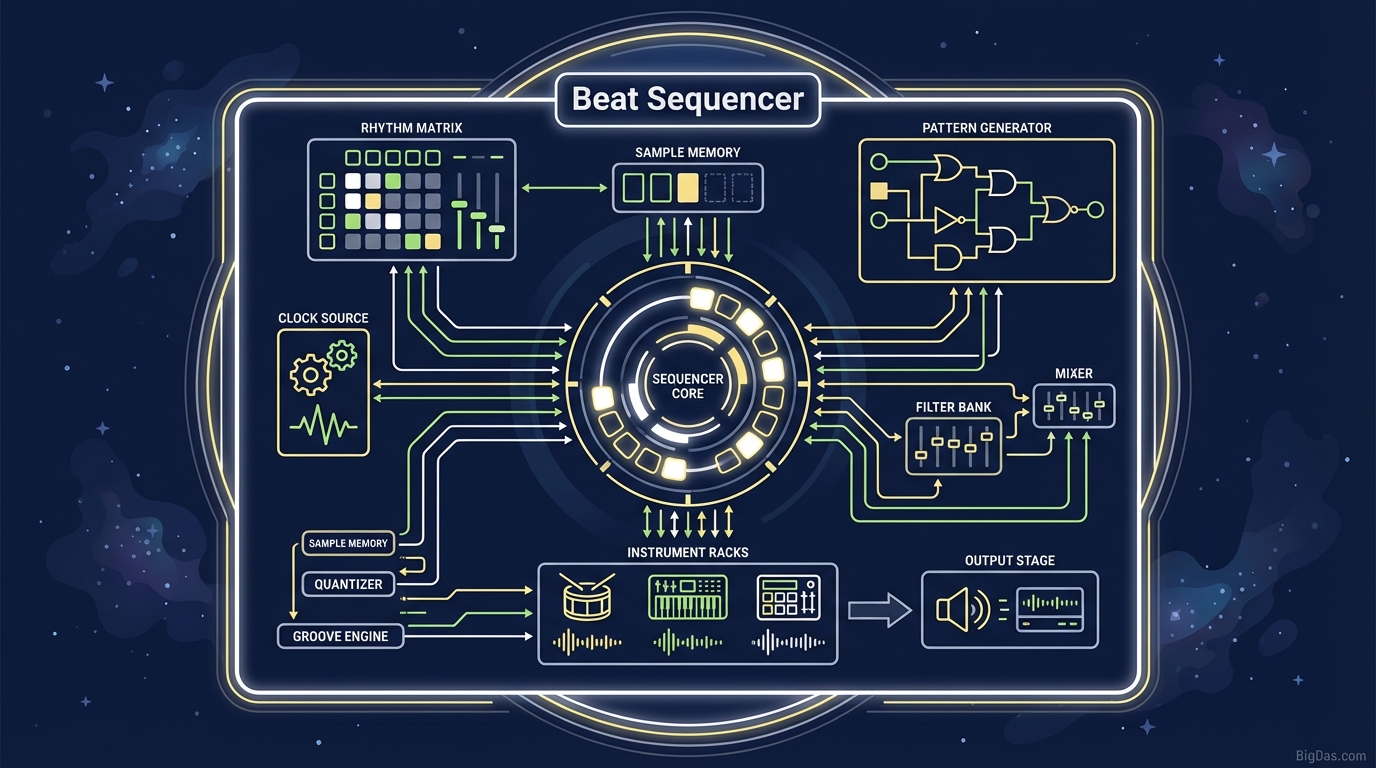
Beat Sequencer
 Modern scientific illustration of Beat Sequencer
Master Your Rhythm: Create Professional Drum Loops with the Ultimate 16-Step Beat Sequencer
Rhythm is the heartbeat of music. Whether you are crafting the backbone of a Lo-Fi hip-hop track, driving the energy of a Techno anthem, or simply trying to understand the fundamentals of music theory, it all starts with the beat.
For years, music production has been gated behind expensive Digital Audio Workstations (DAWs), steep learning curves, and hardware that costs thousands of dollars. Inspiration often strikes when you are away from your studio, or you might just want to sketch an idea without waiting five minutes for software to load.
The Beat Sequencer solves this problem. It is a browser-based drum machine that sits between complex production software and instant accessibility. This guide covers what the 16-step sequencer does, how to use it to build rhythms, and why it works for producers of all skill levels.
What is the Beat Sequencer?
The Beat Sequencer is a digital instrument that programs drum patterns using a grid. It uses the 16-step sequencing method, a standard popularized by hardware drum machines like the Roland TR-808 and TR-909 in the 1980s.
Most contemporary music divides a bar into four beats (quarter notes). To add groove, each beat gets split into four smaller parts (sixteenth notes).
- 4 beats x 4 sub-divisions = 16 steps
The grid visualizes time. Activating specific squares across different rows (instruments like Kicks, Snares, and Hi-Hats) tells the sequencer when to trigger a sound.
This tool runs on the Web Audio API. It plays studio-quality samples with no latency between the visual grid and the audio, using a timing engine as precise as desktop software. The browser becomes a working musical sketchpad.
Key Features and Benefits
1. Intuitive Visual Interface
Rows map to drum sounds. Columns map to time. The grid gives immediate feedback, which makes it easier to learn how rhythm works.
2. High-Fidelity Sample Library
The sequencer ships with studio-grade samples. The kicks punch through a mix, the snares have a crisp snap, and the hi-hats carry a clean metallic sizzle. These are production-ready audio files, not compressed MIDI beeps.
3. Adjustable Tempo (BPM)
Tempo ranges from 70 BPM (slow ballads) to 170 BPM (Drum and Bass). The full range covers most genres.
4. Polyphonic Playback
Multiple sounds can trigger on the same step. Layer a Kick and a Crash cymbal simultaneously for the sonic depth modern production requires.
5. Cross-Platform Accessibility
The tool runs in the browser. It works on desktop, laptop, and tablet. As long as you have an internet connection, you can sequence beats.
Step-by-Step Guide: How to Create Your First Beat
A blank grid can feel intimidating. Follow these steps to build a standard drum pattern from scratch.
Step 1: Set Your Foundation (The Kick)
The Kick drum (or Bass drum) provides the pulse.
- Action: Locate the row labeled "Kick."
- The Pattern: Click steps 1, 5, 9, and 13. This is the "Four-on-the-Floor" pattern used in House and Pop. It anchors the rhythm.
Step 2: The Backbeat (The Snare)
The Snare drum provides the snap and establishes the groove.
- Action: Locate the "Snare" or "Clap" row.
- The Pattern: Click steps 5 and 13.
- Note: Layered over the Kick from Step 1, this produces a driving rock or dance rhythm. For Hip-Hop, keep the Snares on 5 and 13 but move the Kicks to 1, 11, and 12.
Step 3: Driving the Rhythm (Hi-Hats)
Hi-hats fill the gaps between the Kick and Snare and keep the listener's head moving.
- Action: Locate the "Closed Hat" row.
- The Pattern: Activate every odd-numbered step (1, 3, 5, 7, etc.). Activate every step for a high-energy feel.
Step 4: Adding "Spice" (Percussion and Syncopation)
A basic loop needs variation.
- Syncopation: Place sounds off the main beat. Try an Open Hi-Hat on step 15 or a Kick on step 16. This creates urgency that pulls back to the start of the bar.
- Percussion: Use rims, shakers, or toms sparingly to accent the end of the loop (steps 14 to 16).
Step 5: Adjust Tempo
Listen to the loop. If it drags, raise the BPM. If it rushes, lower the BPM. Find the pocket where the groove locks in.
Expert Advice: Getting the Most Out of the Tool
Random clicking produces random results. Three habits produce better patterns:
- Genre Templates: Hit placement defines the genre.
- Trap: Use a slow tempo (140 BPM half-time) and rapid-fire hi-hats.
- Reggaeton: Use the "Dem Bow" rhythm (Kick on 1, 5, 9, 13; Snare on 4, 7, 12, 15).
- Boom Bap: Keep it simple with a swing feel. Kick on 1 and 11; Snare on 5 and 13.
- Less is More: Beginners fill every square. The result sounds muddy. Silence is as important as sound. Let the beat breathe.
- Call and Response: Treat the first 8 steps as a question and the last 8 steps as the answer. Vary the second half slightly to resolve the musical phrase.
Why You Need This Tool: Use Cases
For Music Producers
It works as a fast ideation tool. When you are away from your main rig, you can test drum patterns visually before committing them to a project.
For Rappers and Vocalists
Need to write lyrics without a producer in the room? Load a standard Hip-Hop loop, set the BPM, and start writing. The sequencer acts as a customizable metronome with a vibe.
For Educators and Students
Music theory can feel dry. The grid visualizes time signatures and subdivisions in a way sheet music cannot. Teachers can demonstrate the difference between downbeats and upbeats instantly.
For Videographers and Content Creators
Need a royalty-free rhythmic background for a video intro? Build a quick loop. The output is original and avoids copyright claims from stock tracks.
Frequently Asked Questions (FAQ)
Q1: Do I need to know how to read sheet music to use the Beat Sequencer? A: No. The 16-step grid visualizes music mathematically and geometrically. You learn by ear and by sight. If it sounds good, it is good.
Q2: Can I use this on my mobile phone? A: Yes. The Beat Sequencer is fully responsive. The experience is best on a desktop or tablet, but tapping out beats on a smartphone works.
Q3: How do I save the beats I create? A: Depending on the build, you can export the pattern as an audio file or save a unique URL to share with collaborators. Check the interface for the "Export" or "Save" button.
Q4: Is the audio quality good enough for a real song? A: The samples are high-fidelity WAV files. The tool is built for sketching and looping, but the output is clean enough to sample into a larger production or use in demo tracks.
Conclusion
The Beat Sequencer puts a professional, high-fidelity drum machine in the browser. Seasoned producers can sketch ideas on the fly. Beginners can build their first patterns without installing software or buying hardware.
Start building the backbone of the music.