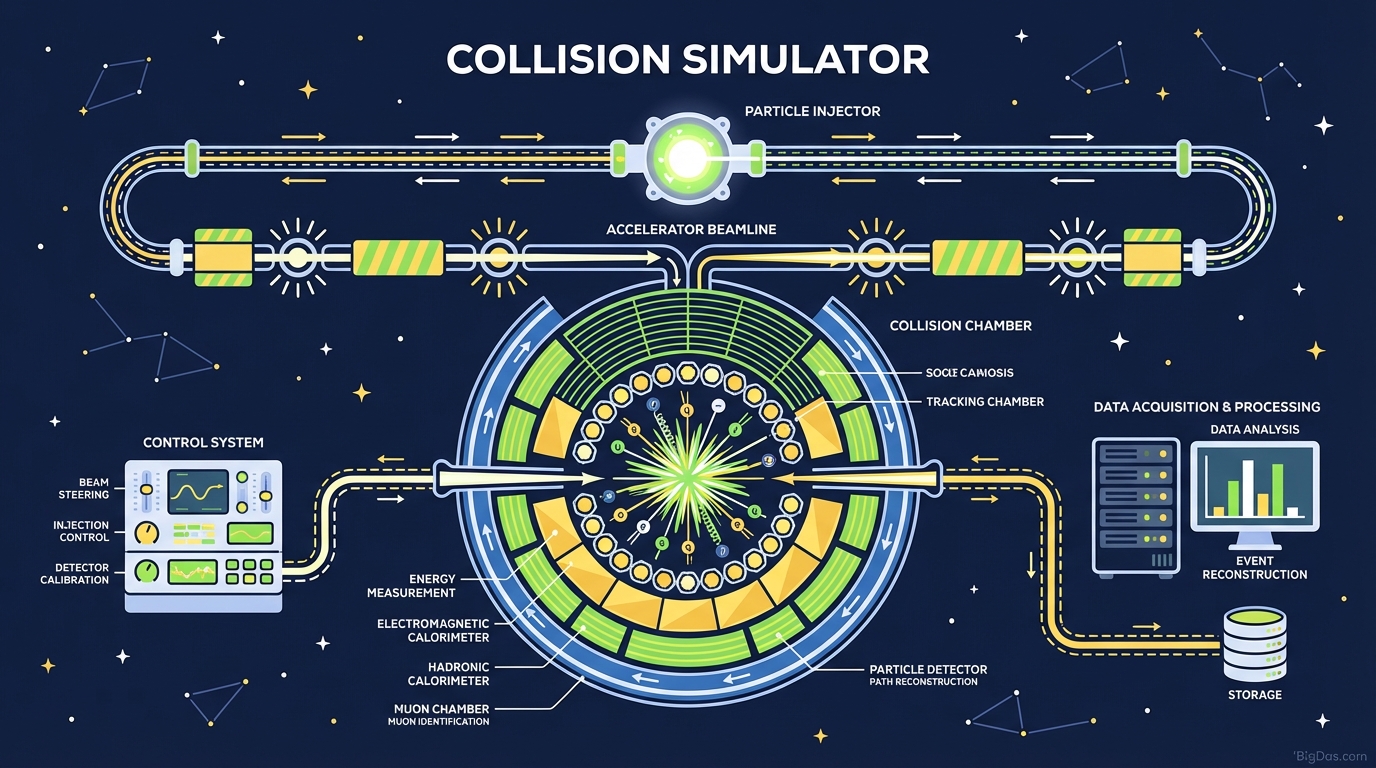
Collision Simulator
 Modern scientific illustration of Collision Simulator
Collision Simulator: Visualizing Elastic and Inelastic Impacts
The equations $p = mv$ and $KE = \frac{1}{2}mv^2$ describe how objects move and collide, but reading them on a page rarely gives a clear picture of what happens during an impact. How does energy transfer look when a heavy object strikes a light one? Where does the kinetic energy go in a crash?
Textbooks use static diagrams, and momentum is dynamic. To understand conservation of momentum and energy, you need to see the collision in motion.
The Collision Simulator is a browser-based physics engine for 1D collisions. It calculates outcomes from the laws of physics rather than playing pre-recorded animations. You set the mass, initial velocity, and elasticity of two objects, and the simulator computes the result.
This guide covers how the simulator works, the difference between elastic and inelastic collisions, and how to use the tool to test conservation laws.
What Is the Collision Simulator?
The Collision Simulator is a computational physics engine that runs in the browser. It simulates one-dimensional (1D) collisions between two objects using the fundamental laws of mechanics.
You control three variables for each object, mass, initial velocity, and elasticity, and the simulator calculates the outcome based on three physical principles:
- Conservation of Momentum:
- The total momentum of the isolated system remains constant before and after the collision.
- Conservation of Kinetic Energy (Elastic):
- In perfectly elastic collisions, total kinetic energy is conserved.
- Energy Transformation (Inelastic):
- In inelastic collisions, some kinetic energy becomes internal energy (heat, sound, or deformation).
Elastic vs. Inelastic
The simulator covers both regimes and the spectrum between them.
- Elastic Collisions: Two billiard balls striking each other or a Newton's Cradle. The objects bounce apart with no loss of kinetic energy. The simulator applies the coefficient of restitution directly, computing the exact separation velocities.
- Inelastic Collisions: Two lumps of wet clay colliding or a car crash. The objects may stick together, move as a single mass, or deform. The simulator tracks how much kinetic energy is converted out of the system.
Key Features
1. Precision Control Over Variables
Most simulators ship with preset configurations. This one exposes the inputs directly. You can adjust:
- Mass (m): Set Object A and Object B independently. Compare a 100 kg object hitting a 1 kg object against a 1000 kg object hitting a 1 kg object.
- Velocity (v): Control speed and direction. Test head-on collisions (one positive velocity, one negative) or rear-end collisions (a fast object chasing a slow one).
- Elasticity (Coefficient of Restitution): A slider from 0 (perfectly inelastic / objects stick) to 1 (perfectly elastic / objects bounce), with continuous values in between.
2. Real-Time Data Visualization
The simulation also outputs numbers in real time:
- Momentum Vectors: Magnitude and direction of momentum for each object, updated continuously.
- Kinetic Energy Readouts: Total KE before and after impact, so you can read off the energy lost in inelastic cases.
- Velocity Values: Numerical readouts for each object, accurate to several decimal places.
3. Slow-Motion and Frame-Stepping
Impacts happen quickly. A playback speed control lets you slow the moment of contact to inspect the transfer of forces frame by frame.
4. Client-Side Rendering
The simulation runs in optimized JavaScript with WebGL, so it maintains a high frame rate on standard hardware without a server round-trip.
Step-by-Step Guide
Step 1: Define Your Objects
Assign a Mass for Object 1 (Blue) and Object 2 (Red).
- Tip: To demonstrate inertia, give Object 1 a much larger mass than Object 2 (e.g. 10 kg vs. 0.5 kg).
Step 2: Set Initial Velocities
Enter the Initial Velocity for both objects.
- In a 1D plane, positive values move right and negative values move left.
- Scenario A. Head-on collision: Object 1 at +5 m/s, Object 2 at −5 m/s.
- Scenario B. Static target: Object 2 at 0 m/s.
Step 3: Choose Your Collision Type
Adjust the Elasticity Slider.
- 1.0: Perfectly elastic. The objects bounce apart.
- 0.0: Perfectly inelastic. The objects stick together.
- 0.5: Partially inelastic. A reasonable model for a tennis ball hitting a wall.
Step 4: Run the Simulation
Click "Start" or "Play".
- Watch the objects move, collide, and either separate or stick.
Step 5: Analyze the Result
Pause the simulation once the collision resolves. Check the data panel:
- Total System Momentum before and after, it should be identical, confirming conservation of momentum.
- Total Kinetic Energy before and after, a drop in this value equals the energy converted to heat, sound, or deformation.
Use Cases
For Students
Simultaneous equations for conservation of momentum and energy are a common source of algebra mistakes.
- Homework check: Calculate the expected final velocity by hand, then plug your numbers into the simulator. If the screen matches your answer, the math holds up.
- Conceptual understanding: The simulator makes it visible why a light object rebounds at high speed when struck by a heavy one.
For Educators
Whiteboard diagrams have limited impact.
- Classroom demonstration: Project the simulator and ask students to predict the outcome before running it. Have them explain the result using the conservation laws. This turns a diagram into an active exercise.
For Game Developers
When writing a custom physics engine, the math is easy to get wrong in edge cases.
- Algorithm verification: Use the simulator as a reference to test whether your collision response code correctly transfers momentum, especially at large mass ratios.
For Accident Reconstruction
This is a 1D tool, so the geometry is simplified, but the underlying principles still apply.
- Force visualization: See how velocity contributes linearly to momentum but quadratically to kinetic energy. The simulator makes the difference between a 30 mph crash and a 60 mph crash visible in the energy readout.
Three Experiments to Try
1. Newton's Cradle Set both masses to 5 kg. Object 2 at 0 m/s, Object 1 at 10 m/s. Elasticity at 1.0.
- Expected result: Object 1 stops, Object 2 leaves at 10 m/s. Momentum and energy transfer completely between identical masses.
2. Train vs. Fly Object 1: 1000 kg at 1 m/s. Object 2: 0.1 kg at −10 m/s.
- Observation: The 1000 kg object's velocity barely changes. This is inertia: a small impulse produces a small change in velocity for a large mass.
3. Energy Loss Audit Run a simulation with elasticity at 0.5. Calculate total kinetic energy before and after using $KE = \frac{1}{2}mv^2$, then compare with the simulator's readouts. The difference equals the work done deforming the objects, the "crumple zone" effect.
Frequently Asked Questions (FAQ)
1. Is momentum conserved in both elastic and inelastic collisions?
Yes. Conservation of momentum applies regardless of what happens to the energy. The simulator shows the "Total Momentum" value staying constant through every event.
2. Why do the objects sometimes pass through each other?
In most physics simulations, this happens when the time step is too large relative to the objects' speed (a tunneling artifact) or when collision detection is disabled. The Collision Simulator uses continuous collision detection, so objects register contact regardless of speed.
3. What does a "Coefficient of Restitution" of 0 mean?
A coefficient of 0 means a perfectly inelastic collision. The objects stick together and move as a single mass with one shared velocity, like wet clay hitting a floor or a bullet embedding into wood.
4. Can this tool handle 2D or 3D collisions?
No. This tool is restricted to 1D (one-dimensional) linear collisions. That scope is intentional, it keeps the math simple and lets you focus on the conservation laws without dealing with vectors or trigonometry.
Conclusion
The Collision Simulator turns $p = mv$ and $KE = \frac{1}{2}mv^2$ into something you can watch. Set up two objects, choose an elasticity, run the impact, and read the momentum and energy values off the panel. The conservation laws hold in every run, and the difference between elastic and inelastic collisions becomes a number you can measure rather than a definition you have to memorize.