Domino Simulation
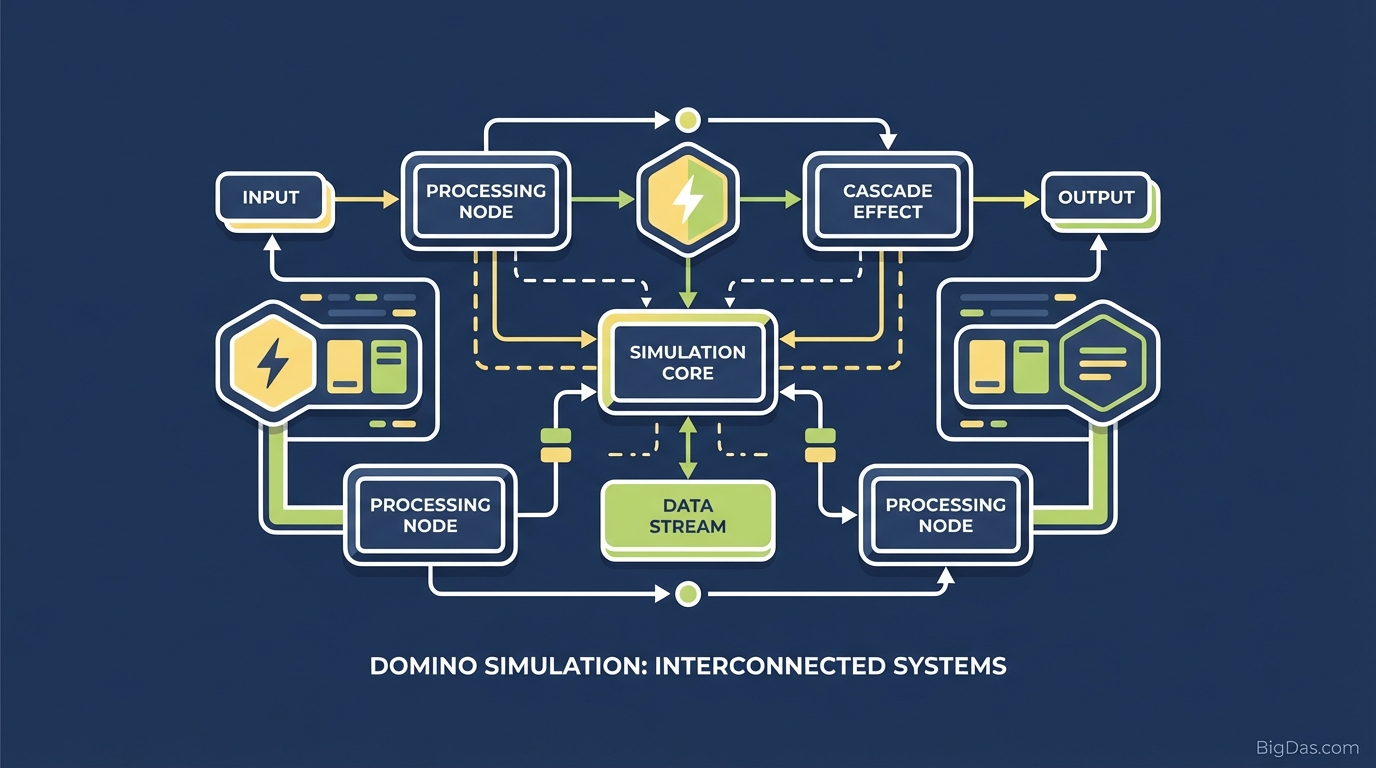
 Modern scientific illustration of Domino Simulation
A Practical Guide to the Domino Simulation
Domino toppling is satisfying because it turns a simple cause-and-effect chain into a visual rhythm. In the physical world, building large runs is hard: you run out of floor space, buying thousands of tiles is expensive, and a single bump can undo hours of work.
The Domino Simulation solves these problems. It is a browser-based physics sandbox where you can place unlimited tiles, design complex runs, and reset instantly when something goes wrong.
This guide covers the engine, the toolset, and practical workflows for getting useful results.
What is the Domino Simulation?
The Domino Simulation is a browser-based sandbox that uses a rigid body physics engine to model domino placement and toppling. Each tile has mass, friction, and momentum, and the engine calculates collisions between tiles in real time. The result is a chain reaction that behaves like the physical version, without the setup cost.
How the Engine Works
The simulation is not a pre-rendered animation. When you knock over the first tile, the engine calculates the velocity, angular momentum, and energy transfer to the next tile, and repeats that calculation for every collision in the chain.
Because the math runs per-tile, small placement errors propagate realistically. A tile placed slightly off-center will fall off-center and may trigger a branch in the chain. You can use Undo, save files, and reload scenes at any time.
Virtual vs. Physical
- Unlimited inventory: Place 10 tiles or 10,000.
- No cleanup: One button resets the board.
- Impossible geometry: Build floating platforms, curved walls, and structures that cannot exist under real gravity.
Key Features
1. Precision Placement Tools
The Line Draw and Curve Generators let you place 500 tiles along a path in a single drag. This is faster than clicking each tile individually and is the standard way to prototype longer runs.
2. Customizable Physics Properties
You can change the physical properties of any tile or group of tiles:
- Mass: Heavier tiles can knock over larger obstacles.
- Restitution (bounciness): High values cause tiles to rebound off walls and each other.
- Scale: Mix very large tiles with very small ones for visual contrast.
3. Object Library
The library includes more than rectangular tiles:
- Ramps and bridges for vertical movement.
- Splitters to branch a chain into two or more paths.
- Balls and pendulums as alternative triggers.
4. Rendering Pipeline
The engine is designed to handle high object counts. Systems that lag at 500 objects usually run this one into the low thousands without frame drops, provided you freeze static objects (see Performance Management below).
Step-by-Step Usage
Step 1: Interface Overview
The default view is the Infinite Grid.
- Left Panel: Tool library (dominoes, shapes, balls).
- Top Bar: Playback controls, including Play, Reset, and Speed.
- Right Panel: Properties inspector for the selected object.
Step 2: Placing Your First Chain
Select Line Tool from the Left Panel. Click to set the start point, drag to the end point, and release. The tool places evenly spaced tiles along the line.
- Tip: Enable Snap to Grid to keep lines straight and perpendicular.
Step 3: Adding Curves
Select Bezier Curve Tool and click three points to define an arc. The tool calculates tile spacing along the curve so tiles fall into each other without gaps.
Step 4: Verticality and Obstacles
Place a Ramp at the end of the curve. Switch to the Single Domino tool (or Brush Mode) and place tiles up the ramp.
- Tip: Increase the friction setting in the Right Panel for upward runs. Without enough friction, tiles slide down before you start the simulation.
Step 5: Running the Simulation
Click the Simulation Ready button (usually an eye icon) to lock the scene. Click the first tile to apply force and start the chain.
- Speed Slider: Use the slider to slow time and inspect how energy transfers at junctions.
Step 6: Save and Share
Click Save Layout to generate a unique URL. Anyone with the link can open and run your setup.
Common Use Cases
STEM Education
Teachers use the simulation to show kinetic energy transfer, momentum, and friction. Students change mass and friction values and observe the effect immediately, which makes the underlying equations easier to grasp.
Content Creation
The simulation produces clean, high-frame-rate visuals suitable for "oddly satisfying" or ASMR content. You can build pixel-art runs by importing an image, then record the topple.
Focus and Relaxation
Spatial organization tasks and watching predictable, ordered motion have a documented calming effect. A short 5-minute session is a common way to reset between tasks.
Tips for Advanced Users
1. Spacing
- Too close: The chain moves too fast and tiles clump together.
- Too far: The chain breaks.
- Slow-motion shots: Increase the gap slightly to make each fall visible.
2. Color Coding
Use the Gradient Tool to apply a color gradient along a run. The color wave during the topple reads clearly in video.
3. Performance Management
For runs above 10,000 objects, freeze static objects (walls, ramps, supports) using the Freeze toggle. The engine then skips collision calculations for those objects until they are hit, which keeps the frame rate stable.
Frequently Asked Questions (FAQ)
Q: Is the simulation mobile-friendly? A: Yes. Touch interfaces work for placing and panning. A mouse is still recommended for precision edits.
Q: Is there a limit to how many dominoes I can place? A: No hard limit. Browser performance sets a soft limit based on available RAM. Most modern laptops handle 5,000 to 10,000 objects smoothly.
Q: Can I import images to create domino pixel art? A: Yes. Use the Image Import feature. Upload a low-resolution image and the tool generates a grid of colored tiles matching the pixel data.
Q: Does it simulate wind or air resistance? A: By default, air resistance is negligible so falls look clean. Enable Atmospheric Forces in advanced settings to add wind.
Conclusion
The Domino Simulation combines a real-time physics engine with an unrestricted canvas. It is useful for teaching momentum, producing visual content, and designing chain reactions that would be impractical to build physically. Reset is one click, saves are URL-based, and the only constraint is the engine's object limit on your hardware.
[Launch the Domino Simulator] and start building.