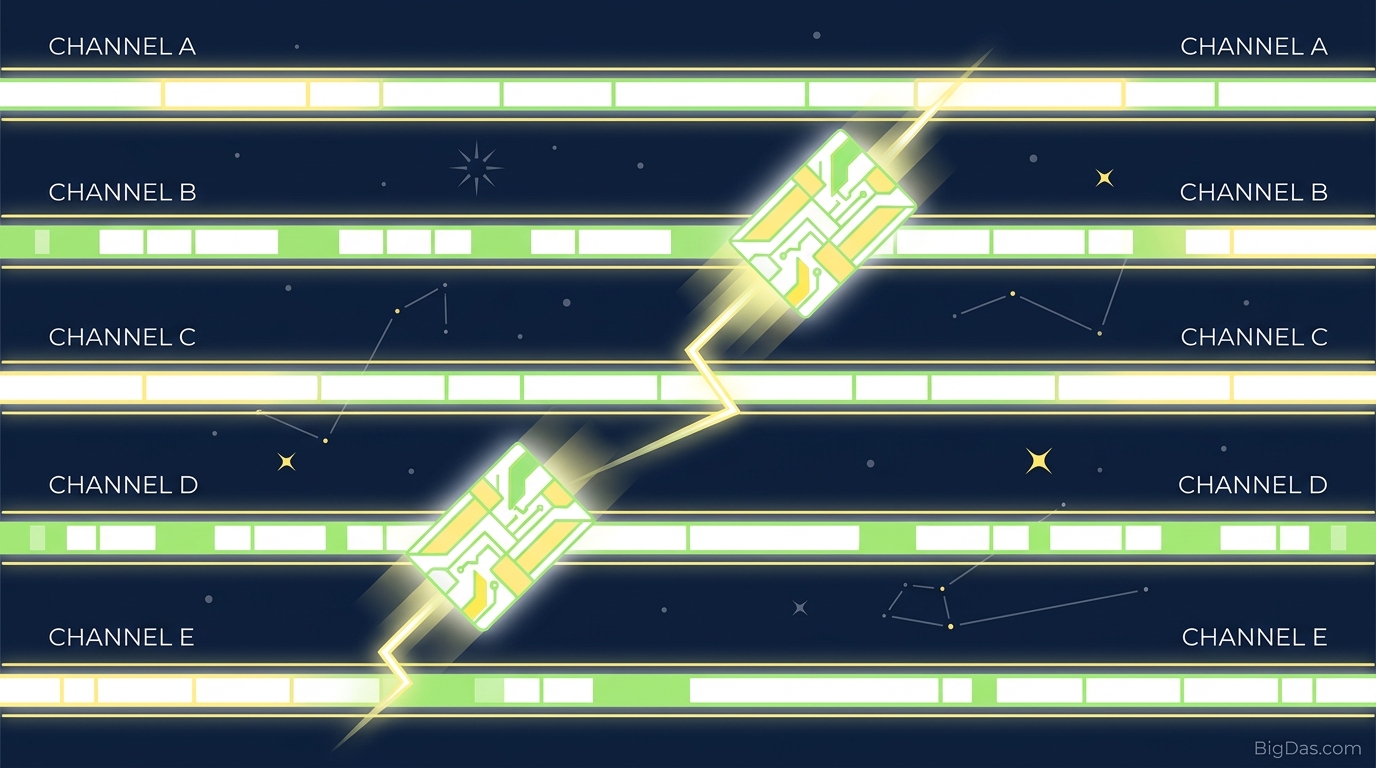
FHSS Simulator

Frequency Hopping Spread Spectrum: A Practical FHSS Simulator Guide
Crowded airwaves and signal jamming threaten data integrity in wireless systems. Bluetooth headsets, long-range IoT sensors, and secure military radios all rely on Frequency Hopping Spread Spectrum (FHSS) to maintain reliable links.
FHSS works by rapidly switching a carrier among many frequency channels using a pseudorandom sequence shared by transmitter and receiver. Textbooks struggle to convey the timing and mathematics behind this process.
The FHSS Simulator is a browser-based tool that visualizes these abstract concepts in real time. This guide covers the underlying theory, the math, and how to operate the simulator.
The Theory: How FHSS Works
Spread spectrum transmission uses a bandwidth much wider than the original information signal. FHSS achieves this by hopping the carrier among many frequency channels according to a pseudorandom sequence.
The Mathematics of Frequency Hopping
In a narrowband system, the carrier frequency stays constant. In FHSS, the carrier frequency f_c varies with time. The transmitted FHSS signal is:
$$S(t) = \sqrt{2P} \cos(2\pi [f_c + f_h(t)]t + \theta)$$
Where:
- P is the transmission power.
- f_c is the base carrier frequency.
- f_h(t) is the hopping frequency determined by the pseudorandom sequence at time t.
- θ is the phase angle.
The hopping frequency f_h(t) is selected from a set of N predefined frequencies. The total bandwidth (B_{ss}) divides into N orthogonal channels, each with bandwidth Δf. The total spread bandwidth is approximately:
$$B_{ss} = N \times \Delta f$$
Pseudorandom Number Generators and LFSRs
The hopping sequence must appear random to an observer but deterministic to the intended receiver. A Pseudorandom Number Generator (PRNG) produces this sequence, typically implemented with a Linear Feedback Shift Register (LFSR). An LFSR is a shift register whose input bit is a linear function (usually XOR) of its previous state.
An n-bit LFSR generates a sequence that repeats after 2^n − 1 cycles. The binary output drives a frequency synthesizer that maps bit patterns to specific channels. Without the correct initial seed and feedback polynomial, predicting the next frequency is computationally infeasible.
Dwell Time and Hopping Rates
Dwell Time (T_d) is how long the system remains on a specific frequency before hopping. The hopping rate is:
$$R_h = \frac{1}{T_d}$$
FHSS systems fall into two categories based on the relationship between hopping rate and symbol rate (R_s):
- Slow Frequency Hopping (SFH): The hopping rate is slower than the symbol rate (R_h < R_s). Multiple symbols are transmitted per hop. SFH is easier to synchronize and uses cheaper hardware, but it is more vulnerable to narrowband interference.
- Fast Frequency Hopping (FFH): The hopping rate is faster than or equal to the symbol rate (R_h ≥ R_s). The carrier changes multiple times within a single symbol. FFH resists jamming and multipath fading effectively, since a lost channel corrupts only a fraction of a symbol. Forward Error Correction (FEC) recovers the rest.
Processing Gain and Interference Mitigation
Spreading the spectrum lowers the power spectral density. The Processing Gain (G_p) quantifies this advantage:
$$G_p = 10 \log_{10} \left( \frac{B_{ss}}{B_{info}} \right)$$
Where B_{ss} is the spread bandwidth and B_{info} is the original information bandwidth. When a narrowband jammer hits one frequency, it disrupts the FHSS signal only during a single dwell time. The rest of the transmission continues on clean channels.
What is the FHSS Simulator?
The FHSS Simulator is an interactive tool for learning spread spectrum concepts. It runs in a browser and lets you configure transmission parameters while watching the signal hop across a simulated spectrum.
The tool works as a virtual oscilloscope and spectrum analyzer. It converts pseudorandom binary sequences from simulated LFSRs into waterfall plots and frequency-domain graphs.
Educators use it to demonstrate wireless security in classrooms. Students use it to compare slow and fast hopping, test jamming scenarios, and observe synchronization behavior.
Key Features
- Real-Time Spectrogram (Waterfall Plot): Watch the carrier frequency shift across the spectrum over time, producing a waterfall pattern.
- Adjustable Dwell Time: Set the duration per channel. Short dwell times simulate FFH; longer times simulate SFH.
- Customizable Frequency Channels: Define total bandwidth (B_{ss}) and channel count (N). Observe how bandwidth expansion affects signal spread.
- Interactive Jammer Simulation: Add static, swept, or reactive jammers. See how FHSS evades narrowband interference while fixed-frequency signals fail.
- Seed and PRNG Control: Input the PRNG seed manually. Test synchronization by deliberately mismatching transmitter and receiver seeds.
- Data Throughput Metrics: Track packet loss, processing gain, and signal-to-interference-plus-noise ratio (SINR) in real time.
Step-by-Step Usage
Step 1: Configure Spectrum Parameters Open the "Spectrum Settings" panel. Set the number of channels (e.g., 79 for Bluetooth) and channel spacing (Δf) in kHz or MHz.
Step 2: Set Hopping and Timing Rules In the "Timing" section, set Dwell Time (T_d). A starting value of 10 ms gives 100 hops per second.
Step 3: Initialize the PRNG Sequence Enter a numeric seed in the "Sequence Generator" tab. This seed initializes the simulated LFSR. Both transmitter and receiver visualizations use this seed for synchronization.
Step 4: Launch the Simulation Click "Start Simulation." The Spectrum Analyzer view shows a narrowband signal spike appearing and disappearing at pseudorandom intervals across the frequency axis.
Step 5: View the Waterfall Plot Switch to the "Waterfall/Spectrogram" tab. Time runs down the Y-axis; frequency runs along the X-axis. The hopping pattern appears as colored dashes, showing the full sequence over time.
Step 6: Introduce Interference Activate a "Narrowband Jammer" in the "Interference" panel. Place it on a specific channel. The jammer blocks that channel permanently, but the FHSS signal is only affected when the hopping sequence lands there. Data loss stays minimal.
Practical Applications
- Bluetooth Technology: Classic Bluetooth uses FHSS in the 2.4 GHz ISM band. It splits the spectrum into 79 channels of 1 MHz each and hops 1,600 times per second, allowing multiple devices to coexist.
- Military Communications (SINCGARS): The Single Channel Ground and Airborne Radio System uses encrypted, fast-hopping FHSS to prevent jamming and interception of battlefield communications.
- IoT and LoRaWAN Systems: Sub-GHz wireless protocols use slow frequency hopping to evade industrial electromagnetic interference and ensure reliable long-distance telemetry.
- Drone Telemetry and Control: UAVs rely on FHSS to maintain control links, preventing loss-of-control events from urban Wi-Fi interference or competing drone signals.
FAQ
What is the difference between DSSS and FHSS?
Direct Sequence Spread Spectrum (DSSS) multiplies data with a high-rate chipping code, spreading the signal continuously across the bandwidth. FHSS keeps the signal narrowband but hops that narrow band across the wider spectrum over time. DSSS generally offers higher throughput (used in Wi-Fi), while FHSS provides stronger resistance to narrowband jamming (used in Bluetooth).
Who invented Frequency Hopping?
Hedy Lamarr and George Antheil co-invented frequency hopping during World War II. They received a patent in 1942 for a "Secret Communication System" designed to prevent radio-guided torpedoes from being jammed. Their synchronization mechanism used a piano-roll design.
Is FHSS secure against hacking and interception?
FHSS provides low probability of intercept (LPI) and low probability of detection (LPD). Without the hopping sequence, the signal looks like brief noise bursts. However, FHSS is not encryption. Modern systems add cryptographic algorithms to protect both the data payload and the hopping sequence generation.
How does FHSS prevent signal interference?
If a specific frequency suffers from noise, fading, or jamming, an FHSS system hops away within a fraction of a second. The remaining clean channels carry the data seamlessly.
What happens if the transmitter and receiver lose synchronization?
The receiver must tune to the exact same frequency at the exact same microsecond as the transmitter. If synchronization is lost, the receiver listens on the wrong channel and data transfer fails. Systems use acquisition phases, synchronization preambles, and phase-locked loops (PLLs) to recover timing quickly.
Conclusion
Frequency Hopping Spread Spectrum underpins reliable wireless communication across civilian and military applications. The FHSS Simulator turns the math behind it into observable, interactive behavior. Configure the parameters, run the spectrogram, introduce jammers, and see how frequency hopping maintains connectivity under hostile conditions.