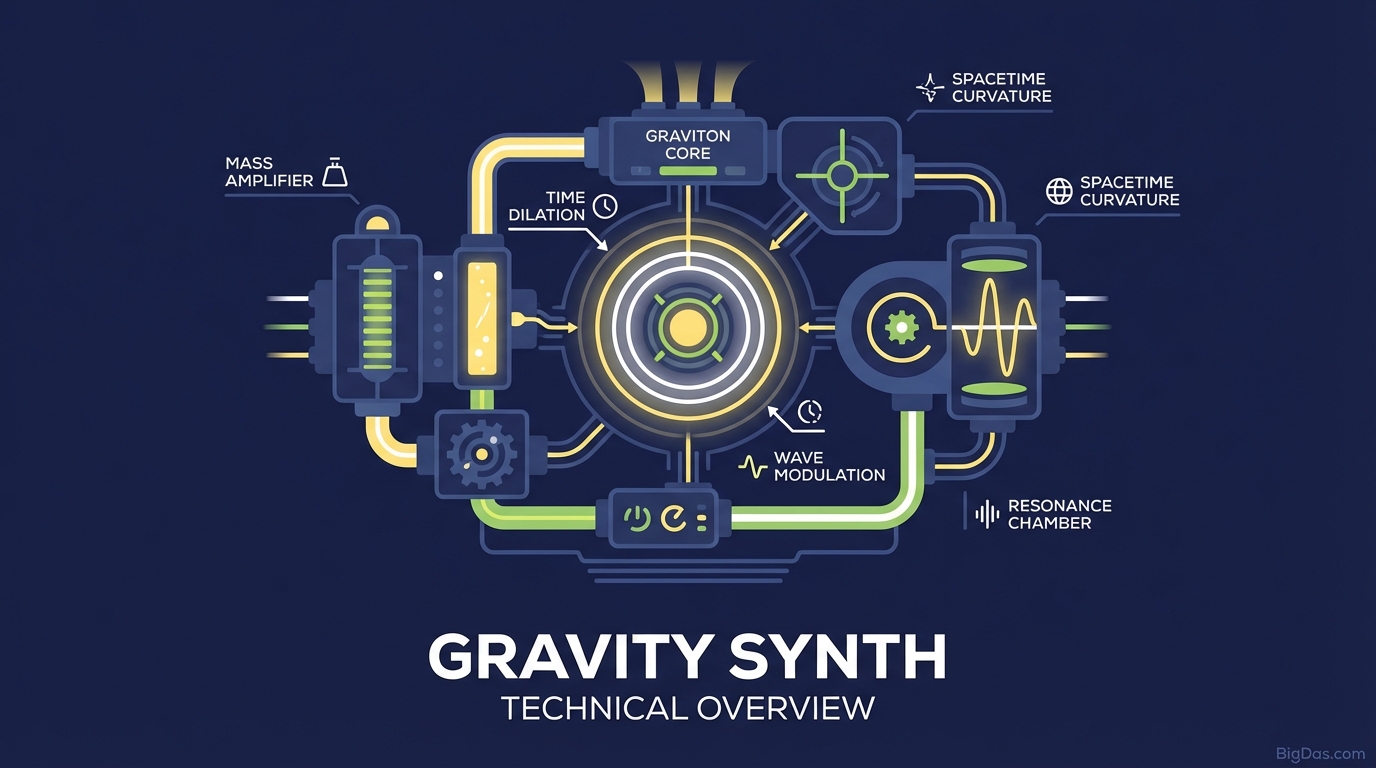
Gravity Synth
 Modern scientific illustration of Gravity Synth
Gravity Synth: A Practical Guide to Physics-Based Music
A blank piano roll in a DAW can feel stiff. Notes land on a grid, beats repeat, and the result often sounds mechanical.
Gravity Synth takes a different approach. You draw lines, drop balls, and let gravity, friction, and velocity decide when notes fire. The tool turns a simple physics simulation into a generative music engine.
This guide covers how Gravity Synth works, what it does well, and how to set it up for your own projects.
What is Gravity Synth?
Gravity Synth is a generative audio environment where visual objects trigger sound events through physical collisions.
You draw platforms (bars) and drop balls (emitters). Each time a ball hits a bar, a note plays. Under the hood, a Newtonian physics solver calculates trajectories, and a synthesis engine converts each collision into audio.
Instead of placing notes on a timeline, you define the environment: gravity strength, ball elasticity, surface friction, and musical scale. The notes emerge from the simulation.
How Visuals Map to Sound
Gravity Synth uses stochastic generation. The patterns are deterministic, meaning identical settings always produce the same output, but the interactions are complex enough to generate non-repeating phrases that would be tedious to program by hand. The engine converts kinetic energy into MIDI data and audio.
Key Features
1. Physics Engine
- Variable Gravity: Simulate lunar pull or Jupiter-level weight. Gravity changes the perceived tempo of your composition.
- Elasticity Control: Set restitution from 0% (dead drop) to 100% (perpetual bounce). High values create infinite loops; low values produce decaying echoes.
2. Scale and Key Quantization
Raw physics produces noise, not music. Gravity Synth snaps every collision to a user-defined scale (C Minor Pentatonic, D Dorian, Chromatic, etc.). This means chaotic visual setups still produce harmonic audio.
3. Polyphony and Layering
You can run dozens of emitters against hundreds of collision surfaces simultaneously.
- Color-Coded Layers: Assign different instruments or MIDI channels to different ball colors.
- Polyrhythms: Drop balls from varying heights. The staggered fall times naturally create phasing rhythms.
4. MIDI Output
Gravity Synth sends MIDI. Route it to external VSTs (Serum, Omnisphere, Kontakt) or hardware synthesizers. You can use the physics engine purely as a sequencer.
5. Visual Feedback
The screen shows the rhythm as it forms. Watching balls bounce in real time makes the connection between spatial position, timing, and pitch obvious.
Step-by-Step Workflow
Step 1: Set the Scale
- Open Global Settings.
- Pick a Root Note (e.g., F#) and a Scale (e.g., Lydian).
- Tip: Pentatonic scales eliminate dissonant intervals, which is useful for ambient patches.
Step 2: Draw the Geometry
The bars you draw define which notes are available.
- Horizontal Lines: Position on the Y-axis typically maps to pitch. Higher bars = higher notes.
- Angled Lines: These redirect ball momentum. A slanted bar can send a ball toward other triggers, creating cascading note sequences.
- U-Shaped "Buckets": Catch balls and create rapid-fire rolls as they settle.
Step 3: Place Emitters
- Select the Emitter Tool.
- Click near the top of the canvas.
- Set the Drop Rate: single ball (one-shot) or continuous stream (loop).
- Drop the ball and observe its path.
Step 4: Tune the Physics
- Restitution: 100% for infinite delay effects; 20% for a natural decay.
- Gravity: Lower values slow the sequence, useful for cinematic, slow-motion feels.
Step 5: Route and Record
- Send the internal audio to your interface for direct recording.
- Alternatively, enable MIDI Out and route the signal to a piano VST in your DAW. You now have a "physics piano" playing arpeggios no human could perform live.
Techniques
Rainfall Texture
Draw hundreds of short lines at random angles along the bottom of the screen. Place a wide emitter at the top dropping many small balls. The result resembles granular synthesis or rain on metal. Useful for ambient intros and sound design.
Pendulum Phase
Draw multiple "bowls" of varying depths. Drop one ball into each at the same time. Because the travel distances differ, the balls phase in and out of sync, producing Steve Reich-style minimalism.
Velocity Mapping
Map ball velocity to MIDI velocity. A ball falling from the top of the canvas hits hard and plays loud. As it loses energy and bounces near the bottom, the notes become quiet. This creates natural dynamic swells without manual automation.
Use Cases
- Electronic Producers: Run the simulation for 10 minutes, record the MIDI, and extract the best 4-bar loop. Effective for breaking out of writer's block.
- Game Audio Designers: Simulate coins, debris, or sci-fi UI sounds visually, then capture the audio. The result matches on-screen action without foley work.
- Ambient Composers: Set up a slow, high-reverb patch and let it run indefinitely. The non-repetitive output works for focus apps, meditation tracks, or background scores.
- Educators: Useful for demonstrating the relationship between energy, velocity, frequency, and pitch.
Frequently Asked Questions (FAQ)
1. Do I need to understand physics to use Gravity Synth?
No. The interface is visual and intuitive. If you know that objects fall, you can use the tool. The underlying equations run in the background.
2. Can I export the data to Ableton, Logic, or FL Studio?
Yes. Gravity Synth supports MIDI over USB, Bluetooth, and virtual MIDI ports. You can record directly into a DAW piano roll for editing.
3. Is the internal sound engine good enough for final releases?
Yes. The built-in engine includes oscillators, FM synthesis, reverb, and delay. Many users rely on it for finished tracks, though MIDI export to external plugins is also common.
4. How does Gravity Synth handle rhythm?
Rhythm is a function of distance and gravity. To double the perceived speed, either double the gravity value or halve the distance between the emitter and the impact surface. This produces timing that feels organic compared to rigid grid quantization.
Conclusion
Music is vibration, and vibration is physics. Gravity Synth removes the timeline and grid, letting collisions drive composition.
If you need a way to generate melodies, textures, or rhythmic patterns without programming each note manually, this tool is worth testing. Set the scale, draw some lines, and see what bounces out.