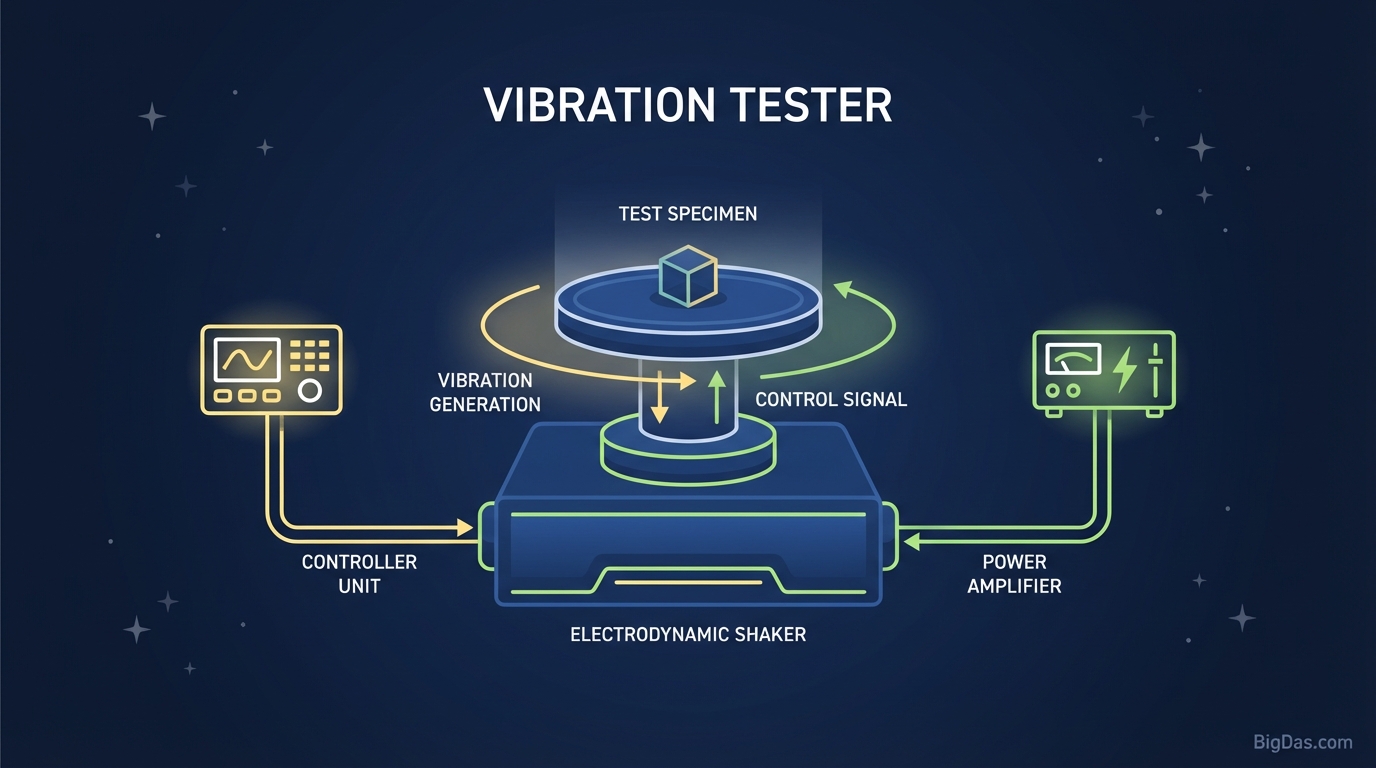
Vibration Tester
 Modern scientific illustration of Vibration Tester
Vibration Tester: Test and Optimize Your Device's Haptic Motor
Tactile feedback, or haptics, confirms a keystroke, signals an incoming call, and adds rumble to mobile games. When that feedback feels weak, rattles, or stops working, you need a way to test the motor directly.
This guide covers how the Vibration Tester works, what it can diagnose, and how to use it for testing, development, or relaxation.
What is a Vibration Tester?
A Vibration Tester is a web-based diagnostic utility that engages and controls the vibration motor inside a phone, tablet, or supported game controller.
The tool uses the HTML5 Vibration API to send commands directly to the device's hardware. No installation required.
Motor Types
Two motor types handle haptics in modern devices:
- ERM (Eccentric Rotating Mass): A motor with an off-center weight that spins to generate vibration. Common in older and budget devices.
- LRA (Linear Resonant Actuator): A magnetic mass on a spring that moves up and down. Produces the crisp haptics found in iPhones (Taptic Engine) and flagship Android phones.
The Vibration Tester supports both types. It sends specific signal patterns so you can judge intensity, consistency, and responsiveness.
Key Features
1. Multi-Pattern Generation
- Continuous Mode: Steady vibration for endurance and peak intensity testing.
- Pulse Mode: Rhythmic on/off cycles (e.g., 500ms on, 200ms off) to test start-stop responsiveness.
- Custom Patterns: Build sequences to simulate notifications or game events.
2. Cross-Platform Compatibility
Works in modern browsers on Android, iOS (with limitations), tablets, and laptops with haptic trackpads. Fully web-based, so no downloads or storage usage.
3. Intensity Stress Testing
Motors weaken over time from dust and mechanical wear. The tool runs the motor at peak capacity, making it easier to spot rattling, weak output, or inconsistent feedback that signals hardware failure.
4. Privacy-First Architecture
Many vibration apps request contacts, location, and other unnecessary permissions. The Vibration Tester runs locally in your browser. No data collection, no file access.
How to Use the Vibration Tester
Step 1: Prepare the Device
Disable Silent and Do Not Disturb modes, as some operating systems override browser vibration commands in those states. Remove thick cases to feel the motor's output directly.
Step 2: Open the Tool
Navigate to the Vibration Tester interface. You'll see a primary activation button and pattern settings.
Step 3: Select a Pattern
- For Diagnostics: Choose Pulse Mode. Hold the device lightly and feel for distinct, sharp stops. If the vibration trails off or feels mushy, the LRA may be failing.
- For Massage/Relaxation: Choose Continuous Mode (sometimes labeled "Strong") to run the motor at full power.
Step 4: Run the Test
Click Start Vibration.
iOS note: Safari restricts vibration access. You may need to tap the screen repeatedly or enable "Haptics" in system settings.
Step 5: Evaluate the Result
- Healthy Motor: Silent operation, consistent strength, immediate stop on release.
- Faulty Motor: Buzzing or clicking, fading intensity, or intermittent cut-outs.
Use Cases
1. Buying or Selling Used Devices
Screen and camera get checked, but haptics often get ignored. A weak motor means missed calls and poor typing feel. Run the tester before purchase. If the vibration rattles or feels weak, negotiate the price down or walk away.
2. UI/UX and Game Development
Developers need to translate haptic code into physical sensation. Use the tool to prototype patterns. Testing a "heartbeat" rhythm for a low-health game state is faster here than building a full app just to check.
3. Relaxation
Smartphone motors are stronger than most people expect. Continuous mode can relieve tension in hands, wrists, or neck after long typing sessions.
4. Accessibility
For hearing-impaired users, haptics are the primary notification channel. A weak motor is a functional blocker. Regular testing confirms the motor is strong enough to feel through pockets or bags.
5. Clearing Debris
High-frequency vibration can dislodge dust from speaker grilles. Some users report it helps with stuck pixels, though that effect is anecdotal.
Operational Tips
- Battery Drain: A vibration motor is mechanical. Extended use consumes more battery than audio playback. Connect a charger for long sessions.
- Heat: Prolonged Continuous Mode generates heat. If the device gets hot, pause and let it cool to protect the battery and motor adhesive.
- System Limits: iOS and Android cap single vibration events (usually a few seconds) to prevent abuse. The tool loops commands to simulate longer output, but brief micro-pauses are normal and come from the OS.
Frequently Asked Questions (FAQ)
1. Why isn't the Vibration Tester working on my iPhone?
Safari restricts the Vibration API more than Chrome on Android. Update to the latest iOS, enable "System Haptics" in Settings, and tap the screen repeatedly, since iOS requires user interaction for each haptic event.
2. Can this tool damage my phone?
No. The operating system manages power delivery and won't allow a web tool to overdrive the motor. Extended use will drain the battery and generate heat, but no electrical damage.
3. Is the vibration intensity adjustable?
Most mobile hardware doesn't support variable intensity through the web API. It's binary: on or off. The tool simulates lower intensity by pulsing rapidly (PWM), which creates the perception of softer vibration.
4. Does this work on tablets or iPads?
Most tablets, including iPads, don't have vibration motors. If the hardware isn't there, the tool will send the command but nothing will happen.
5. Is this tool free?
Yes. The Vibration Tester is free, requires no login, and runs entirely in the browser.
Summary
The vibration motor handles a core part of mobile interaction. Developers, buyers, and anyone troubleshooting a device need a way to test it directly. The Vibration Tester provides that: a free, private, browser-based tool for checking motor health, prototyping patterns, or generating sustained vibration on demand.