Asteroids
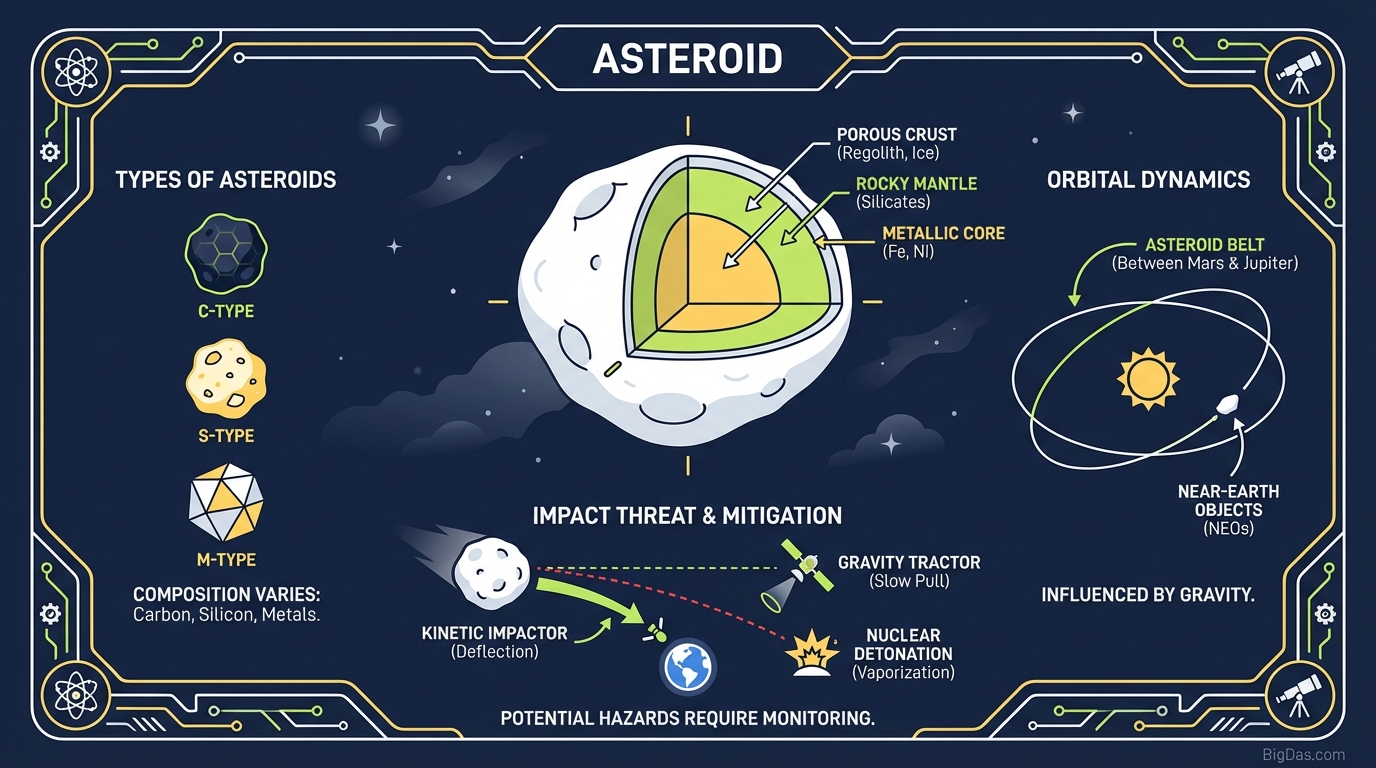
 Modern scientific illustration of Asteroids
Play Asteroids Online: A Guide to the Classic Space Shooter
Asteroids is a browser-based version of the 1979 arcade shooter. The game puts you in a triangular spaceship inside a wrap-around asteroid field. The goal is simple: shoot asteroids and UFOs for points without crashing. Success depends on managing inertia, because your ship keeps drifting after you stop thrusting.
This guide covers the mechanics, the controls, and a few strategies for scoring higher.
What the Asteroids Tool Is
Asteroids is a browser-based simulation of the multidirectional shooter released in 1979. You pilot a triangular spaceship trapped in a toroidal (wrap-around) asteroid field. The objective is deceptively simple: destroy asteroids and flying saucers to accumulate points while avoiding collisions. The execution requires mastery of Newtonian physics. Your ship does not stop moving when you release the thruster; it drifts. Mastering this drift is what separates casual players from high-score champions.
The Physics Engine
The tool uses a custom physics engine that replicates the original "drift and glide" behavior. Controls are responsive and predictable, and the vector graphics scale cleanly to 4K monitors.
Key Features
1. Vector Physics
- Feature: Custom physics engine that mimics the original drift mechanics.
- Benefit: A genuine test of skill. The controls are tight, allowing maneuvers like the "thrust-flip-shoot" with confidence.
2. Wraparound Screen
- Feature: Objects that exit one side reappear on the opposite side.
- Benefit: The screen edge becomes a tactical tool. You can shoot across the screen or escape danger by diving off the edge.
3. Progressive Difficulty
- Feature: Each cleared wave adds more asteroids and increases their speed. UFOs also become more accurate.
- Benefit: The difficulty curve stays challenging without being unfair, which makes the game useful for cognitive endurance training.
4. No Installation Required
- Feature: No Steam login, no downloads, no plugins.
- Benefit: The game loads in a few milliseconds on any device, making it a quick option for short breaks.
How to Pilot Your Ship
Phase 1: The Controls
- Thrust (Up Arrow / W): Applies force in the direction the ship is facing. Use sparingly. There is no friction in space.
- Rotate (Left/Right Arrows / A/D): Pivots the ship on its axis. This is your primary method of aiming.
- Fire (Spacebar / Ctrl): Launches a photon torpedo. You can have a maximum of 4 shots on screen at once.
- Hyperspace (Shift): Teleports your ship to a random location. Use only when death is imminent, as you may rematerialize inside an asteroid.
Phase 2: Destroying Asteroids
When you shoot an asteroid, it fragments.
- Large Asteroid (20 Points): Moves slowly. Breaks into two Medium Asteroids.
- Medium Asteroid (50 Points): Moves faster. Breaks into two Small Asteroids.
- Small Asteroid (100 Points): Moves very fast. Disappears when shot.
Strategy: Do not destroy all Large Asteroids at once. If you break everything down to small rocks too quickly, the screen fills with fast-moving debris that is difficult to dodge. Break one Large rock, clean up the debris, then move to the next.
Phase 3: The UFOs
Periodically, a Flying Saucer will appear.
- Large Saucer: Shoots randomly. Easy target.
- Small Saucer: Aims directly at your current trajectory.
- Tactical Advice: When you hear the saucer siren, prioritize it over the rocks. Hunt it down before it kills you.
Expert Tips
1. Work the Perimeter
Novice players stay in the center. Experts orbit the edges. Working the perimeter gives you more reaction time and lets you use the wraparound mechanic to shoot into the center safely.
2. Camp and Snip
Find a clear pocket of space and match your velocity to zero. Rotate and act as a stationary turret. Only use thrusters when an asteroid is on a collision course. Stability equals accuracy.
3. Manage Your Shots
You only have four bullets on the screen. Panic-firing leaves you defenseless. Fire in controlled bursts. Shoot only when you have a firing solution.
Use Cases
The "Micro-Break" Reset
The Pomodoro technique recommends a 5-minute break every 25 minutes. Scrolling social media during these breaks often leads to fatigue. A round of Asteroids engages hand-eye coordination and spatial reasoning, acting as a mental reset before you return to work.
Cognitive Reflex Training
Tracking multiple independent vectors while managing your own inertia exercises the brain's ability to multitask and predict trajectories.
Stress Relief
The game is binary: you survive or you don't. The singular focus required to pilot the ship can induce a meditative state that temporarily blocks out external stressors.
Frequently Asked Questions (FAQ)
1. Does this Asteroids tool require a specific browser?
No. The tool is built on HTML5 and JavaScript. It runs on Chrome, Firefox, Safari, Edge, and mobile browsers, though a keyboard is recommended for precision.
2. Is there a winning condition or an end to the game?
No. Asteroids is an infinite loop. The game continues until you lose all your lives, with the score acting as the metric of your success.
3. What is the most dangerous element in the game?
Inertia. Most crashes occur because a player thrusts too hard and cannot stop in time. Pulsing the thrust rather than holding it down is the key to survival.
4. Does Hyperspace guarantee safety?
No. There is roughly a 15 to 20% chance your ship will re-enter space directly on top of an asteroid, resulting in instant death. It should be used only as a last resort.
Conclusion
Asteroids is a timeless piece of interactive design. It balances risk, reward, and physics-based challenges without the overhead of modern games. The controls are sharp, the vectors are crisp, and the challenge scales with your skill.
Scroll up, place your hands on the keyboard, and blast off. The asteroid field is waiting.