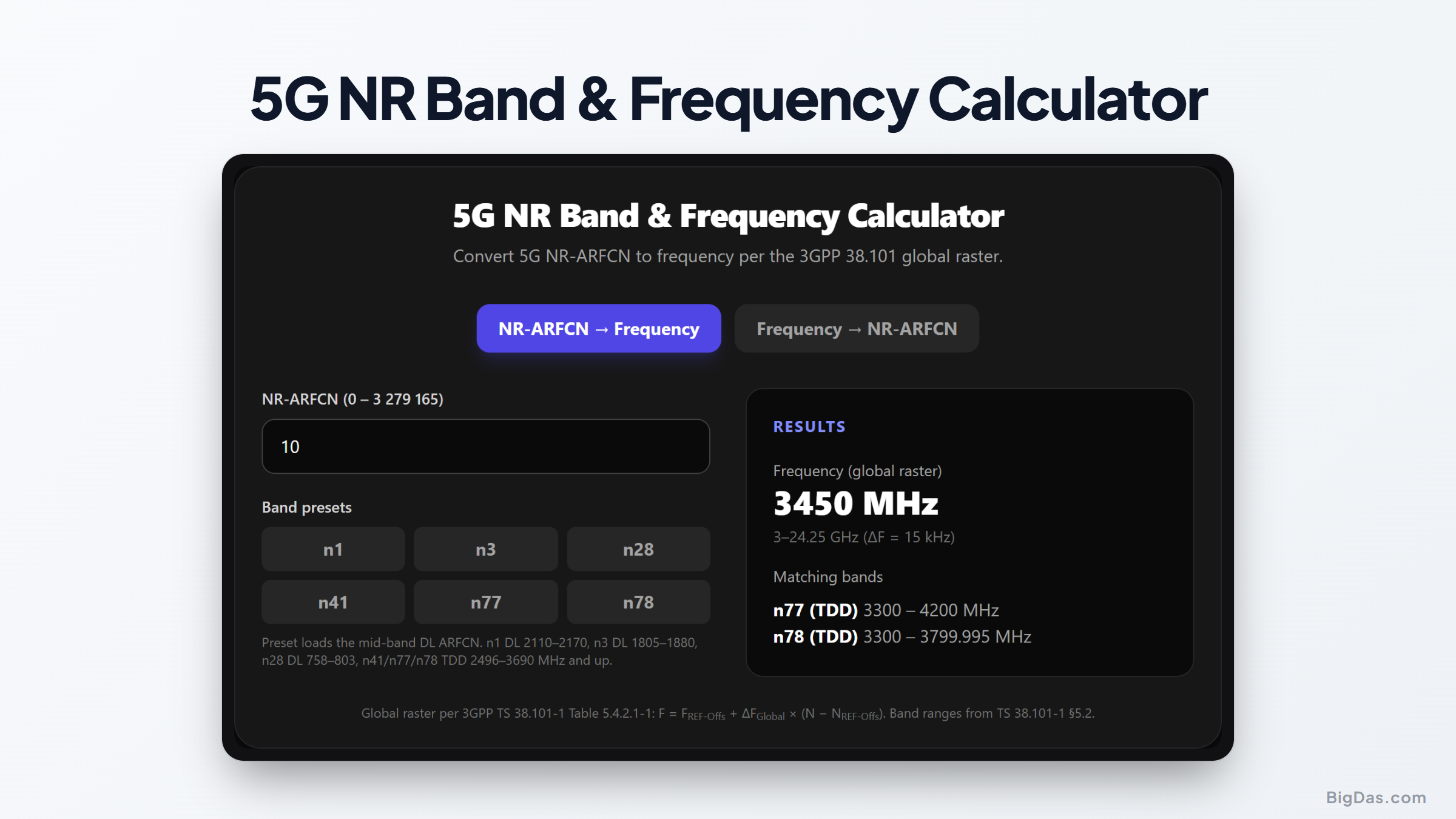
5G NR Band Frequency Calculator
 Generated infographic and interface snapshot for 5G NR Band & Frequency Calculator
Decode NR-ARFCN channel numbers into real spectrum per 3GPP 38.101.
Free 5G NR Band & Frequency Calculator Online — Big Das
5G new radio spans everything from 600 MHz to 40 GHz, so 3GPP replaced LTE-style per-band tables with one global frequency raster spanning 0–100 GHz. The Big Das 5G NR Band & Frequency Calculator converts any NR-ARFCN to its exact centre frequency — or snaps a frequency back to the nearest raster point — with presets for n1, n3, n28, n41, n77 and n78.
What Is an NR-ARFCN?
The NR-ARFCN (NR Absolute Radio Frequency Channel Number) is the integer 5G uses to uniquely address a carrier's reference frequency, the equivalent of LTE's EARFCN. Instead of per-band offsets, 3GPP TS 38.101 defines a single global frequency raster covering 0–100 GHz with three granularities:
- 5 kHz steps from 0 to 3 GHz (NR-ARFCN 0 – 599,999)
- 15 kHz steps from 3 GHz to 24.25 GHz (NR-ARFCN 600,000 – 2,016,666)
- 60 kHz steps from 24.25 GHz to 100 GHz, for mmWave (FR2)
Because the raster is global, one formula covers both FR1 (sub-7 GHz) and FR2 (millimetre wave).
How to Use the Calculator
- Pick a direction — «NR-ARFCN → Frequency» or «Frequency → NR-ARFCN».
- For NR-ARFCN input: type the channel number, or tap a band preset (n1, n3, n28, n41, n77, n78) to load its mid-band ARFCN.
- For frequency input: enter MHz or GHz. The frequency is snapped to the nearest legal raster point.
- Read the result — exact frequency, the raster segment used, and which common bands the channel can fall within.
The Formula
Per 3GPP TS 38.101-1 Table 5.4.2.1-1:
F_REF (MHz) = F_REF-Offs + ΔF_Global × (N_REF − N_REF-Offs)

N 0–599999:      F = 0 + 0.005 × N
N 600000–2016666: F = 3000 + 0.015 × (N − 600000)
N 2016667–3279165:F = 24250.08 + 0.06 × (N − 2016667)
The inverse simply divides by the step size and rounds to the nearest integer, then re-checks the landed value.
Worked Example
A network-monitoring app reports NR-ARFCN 630000 on a 5G connection. Which band is that?
Step 1 — 630000 is in the second raster segment (600,000–2,016,666), so ΔF = 15 kHz and the offset is 3000 MHz:
F = 3000 + 0.015 × (630000 − 600000)
= 3000 + 0.015 × 30000
= 3450 MHz (3.45 GHz)
Step 2 — 3.45 GHz sits inside n78 (3300–3800 MHz), and also inside the broader n77 (3300–4200 MHz) range. So this is almost certainly an n78 mid-band TDD carrier, a hugely common deployment worldwide. The cross-check: NR-ARFCN 636667 maps back to 3550.005 MHz, still n78.
Common Bands Covered
- n1 (2100 MHz): FDD, refarmed from 3G/LTE, matched around 2.1 GHz.
- n3 (1800 MHz): FDD, the workhorse of European and Asian 5G.
- n28 (700 MHz): FDD anchor layer for wide-area coverage.
- n41 (2.6 GHz): TDD, big channels and high capacity (think Sprint/carrier 2.5 GHz).
- n77/n78 (3.3–4.2 GHz C-band): TDD, the global capacity sweet spot for sub-6 GHz 5G.
Common Use Cases
- Field-test log analysis: map NR-ARFCNs replayed by drive-test tools to physical spectrum.
- Spectrum clearances: check whether a planned fixed-link or satellite uplink collides with a 5G channel.
- Private 5G rails: verify that a campus licence (e.g. n77/n78) has been programmed with valid raster points.
- Interoperability debugging: translate between vendor tools that speak ARFCN and spectrum analysers that speak MHz.
Frequently Asked Questions
What is the difference between EARFCN and NR-ARFCN?
LTE EARFCNs use per-band offsets and a uniform 100 kHz raster; NR-ARFCNs share one global raster whose step size varies with frequency (5/15/60 kHz). NR-ARFCN values reach 3,279,165 versus LTE's 262,143 to cover 0–100 GHz.
Why does my frequency snap to a slightly different value?
The calculator rounds to the nearest legal raster point — for example 3450 MHz in FR1 becomes NR-ARFCN 630000, which maps to exactly 3450.000 MHz. A value like 3450.005 MHz has to land one step higher (630001) and displays that snapped frequency.
Does this handle mmWave (FR2)?
Yes. Above 24.25 GHz the raster steps to 60 kHz, covering bands n257–n261 even though only the six common FR1 presets show a badge.
Is an ARFCN unique across bands on TDD?
On TDD (n41/n77/n78) the same ARFCN denotes the same frequency in both directions; the calculator lists every preset band whose range contains the channel.
Can a valid raster point still not be a real carrier?
Yes — raster occupancy doesn't guarantee a licence. A channel must additionally fall in a band your operator or deployment supports, and align with one of the permitted channel-bandwidth placements.