Minesweeper
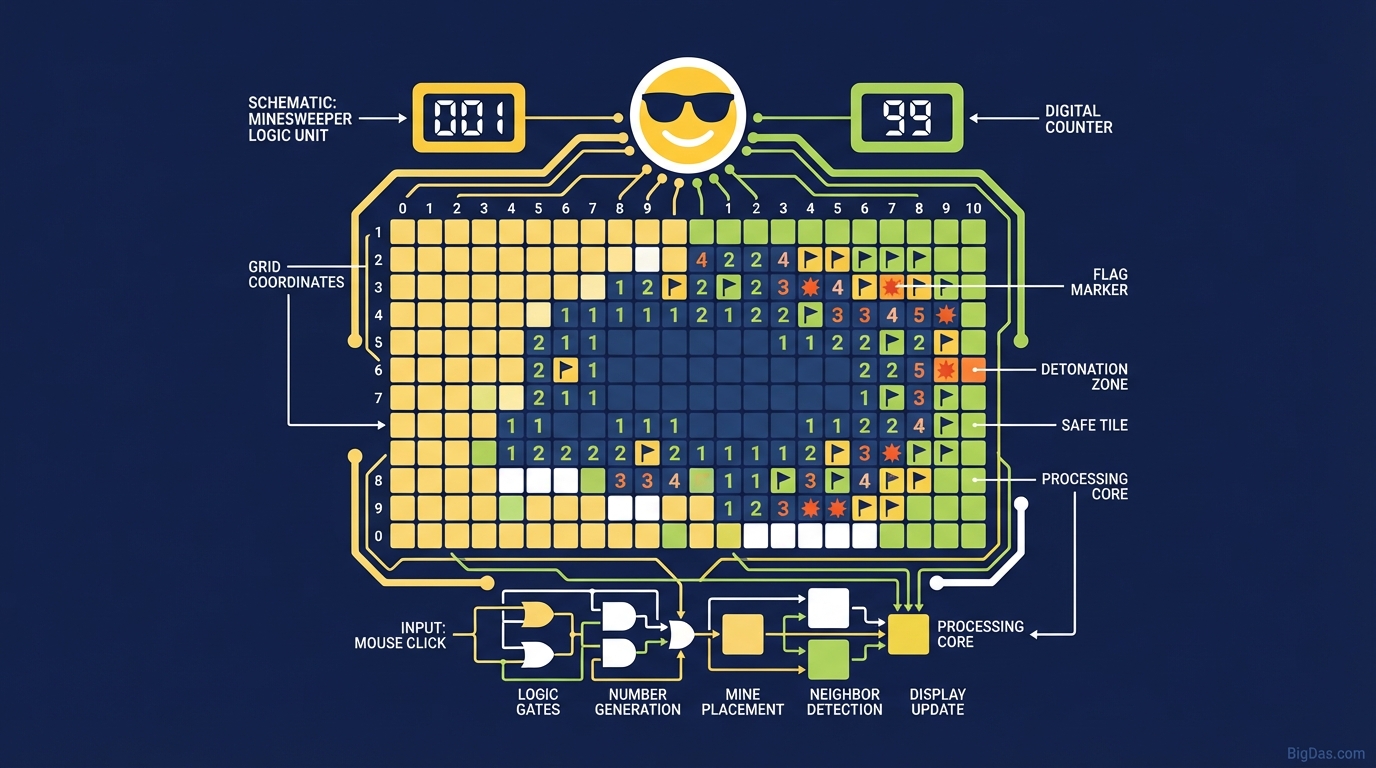
 Modern scientific illustration of Minesweeper
Minesweeper: A Logic Puzzle for Deduction
Minesweeper has been around for decades. It ships with most versions of Windows, appears in browser tabs worldwide, and has a small but active competitive scene. The premise is simple: open every square that isn't a mine. The skill is in knowing which squares those are.
This guide covers the rules, the common patterns, and the features of the Minesweeper tool.
Introduction
The first time most people play Minesweeper, they click a square, get a number, and feel relieved. A few clicks later, they hit a mine and the board disappears. From that point, the game becomes a logic problem.
When played well, Minesweeper requires almost no guessing. Each number tells you exactly how many mines touch it. The work is in chaining those facts together until every uncertain square is resolved.
What Is Minesweeper?
Minesweeper is a single-player puzzle game. You are given a rectangular grid with hidden mines. Your job is to reveal every safe square without detonating a mine. You mark suspected mines with flags to keep track of them.
Grid Mechanics
The board is a grid of clickable squares. Four things happen when you click one:
- Safe click: The square is not a mine. A number appears.
- Number: The number (1 to 8) shows how many mines touch that square, counting all eight neighbors (horizontal, vertical, and diagonal).
- Blank space: The square has zero adjacent mines. The game automatically reveals the connected blank area and its bordering numbers. This is the "flood fill."
- Mine: The game ends.
History
Minesweeper was bundled with the Microsoft Entertainment Pack in 1990 and later included in Windows 3.1. One of its original purposes was to teach mouse skills, particularly right-click. The modern competitive community grew out of speedrunners who chased sub-second solves. Today's browser versions add responsive design, accurate timers, and stats tracking.
Features of the Tool
1. Responsive Interface
The tool uses vector graphics and scales cleanly from 4K monitors down to phones. Touch input distinguishes between a short tap (reveal) and a long press (flag) to avoid accidental clicks.
2. "No-Guess" Mode
Standard Minesweeper can force 50/50 guesses near the end of a game. This tool has a difficulty option that generates boards solvable by logic alone, which is useful for practice and for verifying solutions.
3. Stats Tracking
The tool records:
- Win percentage by difficulty
- Best times
- Clicks per solve (a key metric in competitive play)
4. Cognitive Exercise
Regular play involves:
- Working memory: Holding candidate mine positions in mind while you process new numbers.
- Pattern recognition: Identifying common configurations quickly.
- Focused attention: Sustained concentration that can serve as a short break from other tasks.
How to Play Well
Phase 1: The Basics
1. Pick a difficulty.
- Beginner: 9×9 grid, 10 mines.
- Intermediate: 16×16 grid, 40 mines.
- Expert: 30×16 grid, 99 mines.
2. First click. Click near the center. The tool guarantees the first click is safe and usually opens a useful "island" of numbers.
3. Flag the obvious. A 1 touching exactly one unopened square means that square is a mine. Flag it.
Phase 2: Intermediate Patterns
Once the easy flags are placed, look for repeated sequences along edges of unrevealed squares.
- 1-2-1 pattern: Along a straight edge, the squares beside the 1s are mines, and the square beside the 2 is safe.
- 1-2-2-1 pattern: The mines sit under the 2s, leaving the squares under the 1s safe (in the standard orientation).
- Corner rule: If a number sits in a corner and its value equals the number of unrevealed squares touching it, all of them are mines.
Phase 3: Chording
Chording is the main speed technique.
- How: When a number is already touching the correct number of flags (a 3 with 3 flags, for example), left- and right-click the number at the same time, or press both mouse buttons. Every unflagged neighbor reveals at once.
- Why: It collapses multiple clicks into one and is the foundation of fast play.
Who This Is For
Brain training. Sudoku and crosswords train sequential logic. Minesweeper trains spatial reasoning and boolean inference on a grid.
Short breaks. A 2 to 5 minute puzzle is enough to reset focus between tasks. Finishing a board gives a small, clear sense of completion.
Speedrunners. The tool logs time to the millisecond and tracks clicks per solve, both of which matter for competitive play.
Teaching. The game is a clean way to introduce basic logic, constraint satisfaction, and probability to students. Mistakes are immediate and visible.
FAQ
1. Is Minesweeper skill or luck?
In the standard ruleset, luck affects 50/50 endgame positions. The tool's "No-Guess" generator removes those, so a correct logical play never requires a guess.
2. What do the numbers mean?
The number on a revealed square counts mines in the eight surrounding squares (N, S, E, W, and the four diagonals).
3. How do speed players get fast times?
They minimize clicks. The main tool is chording, which reveals many squares with one input. Top players also use "no-flagging" style, which trades flags for clicks but raises the risk of error.
4. Does it work on mobile?
Yes. The grid is built with HTML5 and responsive CSS. The controls are short-tap to reveal and long-press to flag.
5. What if my first click hits a mine?
That can't happen. If the generator's mine would land on your first click, it regenerates the board before the result is shown, so the opening move is always safe.
Conclusion
Minesweeper is short to learn and long to master. The rules fit in a paragraph; the pattern library and endgame analysis take much longer. The tool gives you a clean board, accurate timing, and stats to track progress.
Open a board, flag the obvious mines, and start solving.