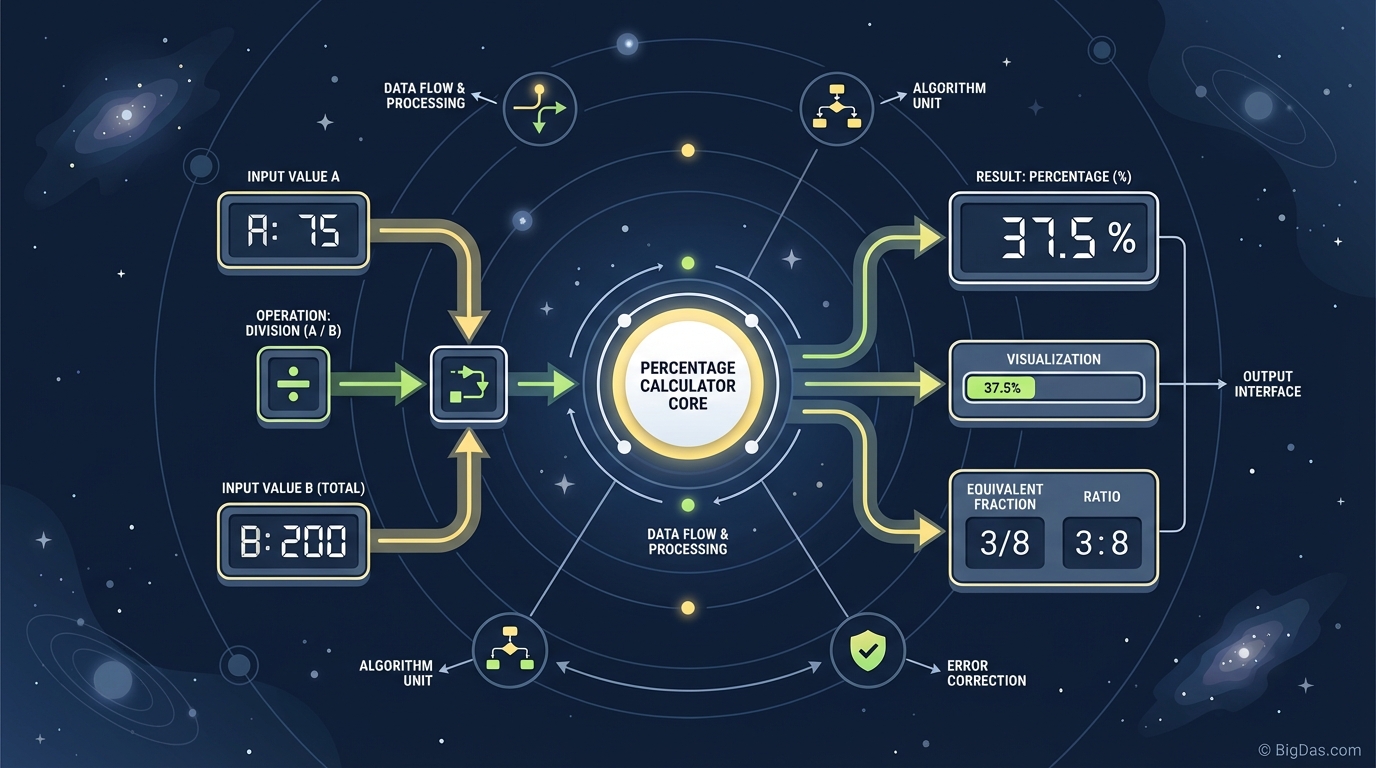
Percentage Calculator
 Percentage Calculator interface
A Practical Tool for Percentage Math
Calculating percentages in your head is slow and error-prone. Whether you are tipping at a restaurant, checking a sale price, or measuring year-over-year revenue growth, percentages come up constantly. A misplaced decimal or the wrong formula can lead to financial mistakes or bad data.
This guide covers how a percentage calculator works, the formulas it automates, and how to use it for common tasks.
What the Tool Does
A percentage calculator is a web-based utility that handles ratios, fractions, and percentage changes. A standard calculator requires you to remember the formula, convert percentages to decimals, and choose the right order of operations. This tool is pre-programmed with the formulas for each scenario, so you only enter the values.
The term "percent" comes from the Latin per centum, meaning "by the hundred." The basic formula is:
$(\frac{\text{Part}}{\text{Whole}}) \times 100 = \text{Percentage}$
The tool also handles more complex cases:
- Percentage Increase/Decrease: $(\frac{\text{New} - \text{Old}}{\text{Old}}) \times 100$
- Reverse Percentages: Finding the original number before a percentage was added.
- Percentage of a Number: Determining the value of a specific portion.
Key Features
1. Three Calculation Modes
The tool covers three common problems:
- What is X% of Y?: For tips, sales tax, and commissions.
- What is the percentage change from X to Y?: For growth, losses, and price changes.
- X is what percent of Y?: For test scores, completion rates, and ratios.
2. Accurate Results
The tool runs the formulas automatically, so output is consistent. You get results in milliseconds without manual arithmetic.
3. Mobile-Responsive Layout
The interface adapts to your screen, so it works on a desktop during spreadsheet work or on a phone in a store.
4. Shows the Working
Each result includes the calculation, which is useful for students checking homework or professionals who need to explain the numbers in a report.
5. No Ads
The interface is built around the input and output fields. There are no pop-ups or sidebars.
How to Use It
Scenario A: Finding a Percentage of a Number
Use for: Tipping, sales tax, commissions.
- Locate the "What is % of?" section.
- Enter the percentage (e.g. 20).
- Enter the total number (e.g. 150).
- Click Calculate.
- The result displays instantly (e.g. 30).
Scenario B: Calculating Percentage Change
Use for: Stock gains, weight loss tracking, revenue growth.
- Locate the "Percentage Change" section.
- Enter the original value (e.g. last year's salary).
- Enter the new value (e.g. this year's salary).
- Click Calculate.
- The result shows the percentage difference. A positive value means an increase; a negative value means a decrease.
Scenario C: Finding the Ratio (X is what % of Y?)
Use for: Test scores, completion rates, battery percentage.
- Locate the "X is what % of Y?" section.
- Enter the part (e.g. 45).
- Enter the whole (e.g. 50).
- Click Calculate.
- The result shows the percentage (e.g. 90%).
Real-World Use Cases
1. Finance and Investing
If you bought a stock at $45.50 and sold it at $52.75, the percentage gain is 15.93%. The tool gives you that number directly, which is useful for calculating Return on Investment (ROI) across a portfolio.
2. E-Commerce and Retail
- Shoppers: An item is 30% off with an additional 15% coupon. The discounts apply sequentially, not as a simple sum. The tool handles this.
- Business Owners: If you buy a product for $20 and sell it for $35, you can calculate your markup percentage to confirm the margin is where you need it.
3. Digital Marketing
Conversion rates and Click-Through Rates (CTR) are standard reporting metrics. If a landing page had 5,000 visitors and 125 converted, the conversion rate is 2.5%. The tool handles these calculations for weekly or monthly reporting.
4. Health and Fitness
Body composition, weight loss percentage, and macronutrient splits (e.g. 40% of calories from protein) are all percentage-based. The tool simplifies the math for tracking and meal planning.
5. Dining and Hospitality
Standard tipping is 15%-20%. Calculating 17.5% on a $143.67 bill split between friends is tedious by hand. The tool does the decimal work for you.
Tips for Accurate Results
- Percentage vs. percentage point: If a bank interest rate goes from 10% to 12%, that is a 20% relative increase in the rate, but a 2 percentage point rise. Use the Percentage Change feature for the math, and be precise with terminology in your reports.
- Reverse calculations: If you know the final price after tax and want the pre-tax price, you cannot simply subtract the tax percentage. Divide by (1 + tax rate). The tool's reverse calculation mode handles this, which prevents under-estimating costs.
- Check your inputs: The calculator only does what you tell it. Swapping the "part" and the "whole" values will give a very different result, so always confirm which number goes where.
Frequently Asked Questions (FAQ)
1. How do I calculate the percentage of a number manually?
Convert the percentage to a decimal (divide by 100) and multiply by the whole number. Example: Find 20% of 500.
20 / 100 = 0.2 0.2 × 500 = 100
Or use the calculator above.
2. Can this calculator handle negative numbers?
Yes. When calculating percentage change between a profit (positive) and a loss (negative), the tool returns the correct percentage drop or increase.
3. What is the difference between percentage change and percentage difference?
Percentage change compares an old value to a new value in sequence, where direction matters. Percentage difference is used when comparing two values where neither is the "original" (e.g. the height difference between two people), often averaged. This tool focuses on percentage change, which is the more common practical case.
4. Is this tool free to use?
Yes. The Percentage Calculator is free, requires no registration, and runs in your browser. There is nothing to download.
Summary
Percentages show up in bank accounts, tax forms, retail discounts, and analytics dashboards. A dedicated tool removes the arithmetic so you can focus on the answer.
The Percentage Calculator covers the three main percentage problems, shows the working, and works on any device. It is a faster, more reliable alternative to manual math or one-off search engine queries.