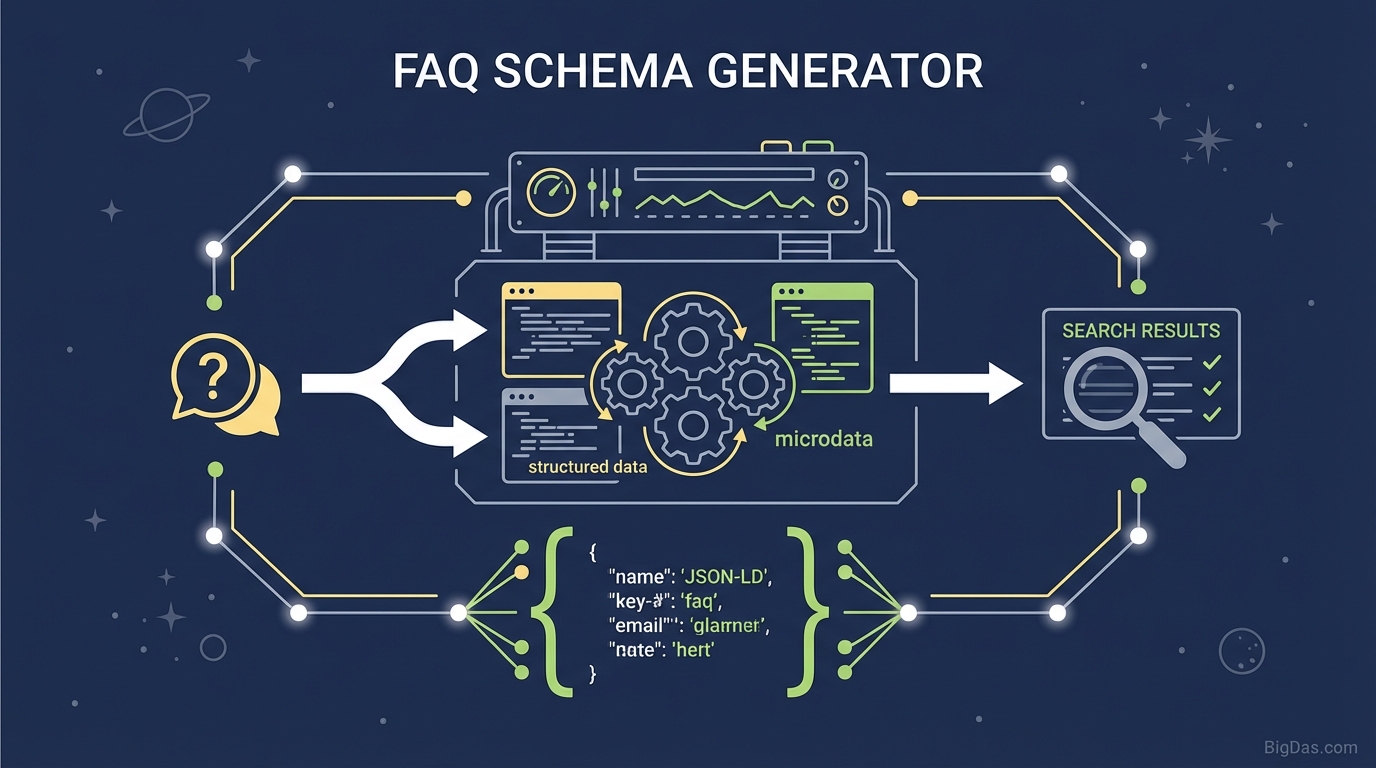
FAQ Schema Generator
 Modern scientific illustration of FAQ Schema Generator
FAQ Schema Generator: A Practical Guide to Google Rich Results
FAQ Schema is a type of structured data that helps Google understand the Q&A content on your pages. When implemented correctly, it can display your questions and answers directly in the search results as a Rich Result, giving your listing more visual real estate and improving your Click-Through Rate (CTR).
This guide covers what FAQ Schema is, why it matters, and how to generate and deploy it on your site.
What is the FAQ Schema Generator?
The FAQ Schema Generator is a web-based tool that converts your questions and answers into valid JSON-LD (JavaScript Object Notation for Linked Data) code. JSON-LD is Google's preferred format for structured data because it is lightweight, easy to parse, and doesn't interfere with your page's HTML.
Without schema markup, Google sees your FAQ page as plain text. With JSON-LD, Google sees a structured relationship between each Question and its acceptedAnswer, making your page eligible for Rich Results.
What are Rich Results?
Rich Results (also called Rich Snippets) are enhanced search listings. Instead of just a blue link and meta description, an FAQ-optimized result expands vertically to show your Q&A inline, often with collapsible accordion menus directly on the search engine results page (SERP).
This format accomplishes two things:
- More SERP space: Your listing pushes competitors further down the page.
- Higher perceived authority: A structured, accordion-style result signals clear, organized information.
The FAQ Schema Generator handles the syntax for you, so you don't have to worry about misplaced commas or invalid nesting.
Key Features
1. JSON-LD Output
The tool outputs JSON-LD exclusively. It avoids Microdata, which is an older, more error-prone format that clutters your HTML.
2. Real-Time Syntax Validation
The input fields validate as you type, so the code you copy is ready to paste into your site header.
3. Dynamic Nesting
Whether you have 3 questions or 30, the tool correctly handles the nesting of mainEntity, name, and acceptedAnswer objects.
4. HTML Support in Answers
You can include HTML tags like <a href=".."> inside your answers. This lets you embed internal links directly in the Google search result.
5. Voice Search Compatibility
Structured data is the primary source for voice assistants like Siri, Alexa, and Google Assistant. Marking up your FAQs makes your content more likely to be read aloud as a voice answer.
Step-by-Step Guide: How to Use the FAQ Schema Generator
Step 1: Curate Your Questions and Answers
Write out the Q&A pairs you want to mark up. The text must match the visible text on your page exactly; Google penalizes "cloaking" (showing different content to the crawler than to the user).
Step 2: Input Your Data
- Open the FAQ Schema Generator.
- Type your question in the "Question" field (e.g. "What is your refund policy?").
- Type the answer in the "Answer" field.
- Click "Add Another Question" to add more pairs.
Step 3: Generate the Code
The output window produces a script tag. Here is an example of the output:
<script type="application/ld+json">
{
"@context": "https://schema.org",
"@type": "FAQPage",
"mainEntity": [{
"@type": "Question",
"name": "What is FAQ Schema?",
"acceptedAnswer": {
"@type": "Answer",
"text": "FAQ Schema is structured data.."
}
}]
}
</script>
Step 4: Implement the Code
Click the "Copy Code" button. You have three common implementation methods:
- WordPress: Use a plugin like "Insert Headers and Footers" to paste the code into the page header, or use a "Custom HTML" block in Gutenberg.
- Google Tag Manager: Create a "Custom HTML" tag triggered on "Page View" for the specific URL.
- Manual HTML: Paste the code into the
<head>section or just before the closing</body>tag of the target page.
Step 5: Validate with Google
Go to Google's Rich Results Test, enter your URL, and confirm that Google detects the FAQPage type with a green checkmark.
Use Cases
1. E-Commerce Product Pages
Add an FAQ section to product pages addressing shipping times, sizing, or warranties. Showing this information in the SERP reduces purchase hesitation.
2. SaaS Pricing Pages
Answer common objections like "Is there a free trial?" or "Can I cancel anytime?" directly in the search results. This pre-qualifies leads before they click.
3. Local Service Businesses
Plumbers, lawyers, and dentists can answer service-specific questions like "Do you offer emergency services?" or "Do you accept insurance?" to capture local search traffic.
4. Blog Posts and Guides
Add an FAQ section to the bottom of informational articles. Summarizing key steps in a guide (e.g. "How to Change a Tire") can help you win the Featured Snippet position.
Expert Tips for Better Results
1. Use Internal Links in Answers Don't just answer the question. Link to a relevant page on your site.
Example: "Yes, we offer a 30-day trial. You can sign up here to get started."
This creates a clickable link inside the Google result, which shortens the path to conversion.
2. Keep Answers Concise Google truncates long answers in the SERP. Aim for 160 to 200 characters. If a full answer is longer, put a summary in the schema and link to the full version on your site.
3. Only Mark Up Visible Content The content in your schema must be visible to users on the page. Stuffing keywords into hidden structured data violates Google's guidelines and can result in a manual penalty.
Frequently Asked Questions
Q: Will using this generator guarantee I get Rich Results? A: No tool can guarantee a Rich Result, because Google ultimately decides what to display. However, valid JSON-LD is a prerequisite for eligibility. Without it, you have a 0% chance. With it, your chances increase significantly.
Q: Can I use FAQ Schema on every page? A: No. Use it only on pages that contain a true list of questions and answers. Do not use it on forum pages, comment sections, or for marketing slogans. It is strictly for site-controlled factual Q&A content.
Q: Does FAQ Schema improve keyword rankings? A: Indirectly. Structured data is not a direct ranking factor, but the increased CTR and improved user engagement send positive signals to Google, which can lift your organic rankings over time.
Q: Is JSON-LD better than Microdata? A: Yes. Google explicitly recommends JSON-LD because it is easier to implement and maintain. It keeps the data separate from your HTML, reducing the risk of breaking your layout when you update your site.
Summary
Adding FAQ Schema is one of the highest-ROI technical SEO tasks you can do. It doesn't require a developer, it takes minutes to implement, and it directly controls how your brand appears in Google search.
Use the FAQ Schema Generator to produce valid JSON-LD, deploy it on your pages, and validate it with Google's Rich Results Test. Structured data tells search engines exactly what your content means, removing the guesswork.