Word Counter

Word Counter: A Free Tool for Writers and SEOs
Text length affects search rankings, ad delivery, and readability. A short meta description gets cut off in the SERPs. A wall of text drives away mobile readers. A 3,000-word article covers a topic better than a 300-word one.
This guide covers how to use the Word Counter, why specific metrics matter for SEO and social media, and how to apply the data to your writing workflow.
What the Word Counter Does
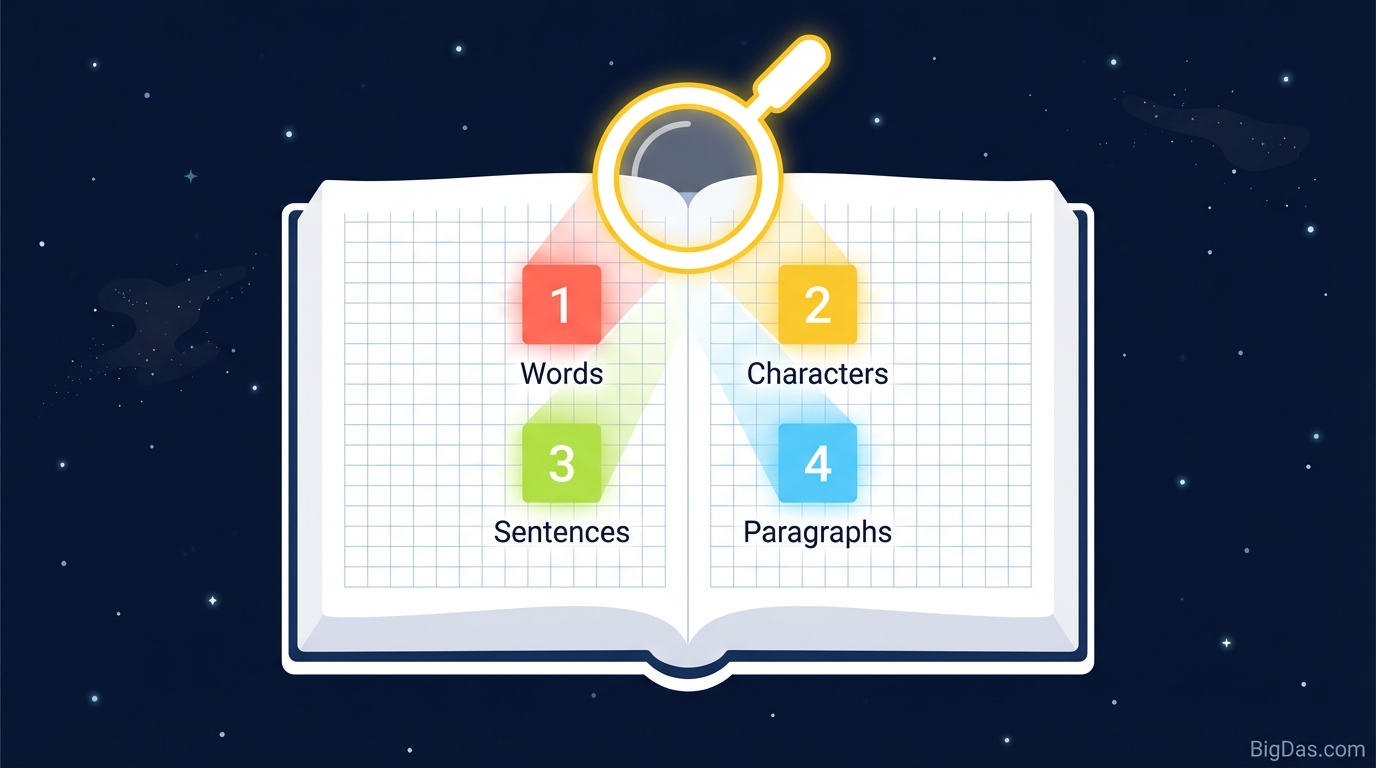
The Word Counter is a browser-based text analysis tool. It tracks word and character counts in real time as you type or paste.
Metrics it calculates:
- Total Words
- Total Characters (with and without spaces)
- Sentence Count
- Paragraph Count
It also works as a quality check. By showing you the density and structure of your text, the tool helps you judge readability, pacing, and flow before you publish.
Why Text Length Matters
1. SEO Content Length
Long-form content generally ranks better for competitive keywords because it covers a topic comprehensively. A practical baseline:
- Pillar pages and guides: 1,500 to 2,500+ words
- Standard blog posts: 800 to 1,200 words
- Thin content: Under 300 words, which can hurt authority
Use the Word Counter to verify you are meeting the length of competing pages.
2. Platform Character Limits
Most platforms truncate text that exceeds specific limits:
- Google Title Tags: ~60 characters
- Meta Descriptions: ~160 characters
- Google Ads: Strict limits on headlines and descriptions
- X (Twitter): 280 characters
- LinkedIn Posts: 3,000 characters (first 210 shown before "see more")
- Instagram Bio: 150 characters
If you exceed these limits, the platform cuts off your message, usually lowering click-through rates.
3. Readability
Sentence and paragraph counts affect how readers process your text. Long paragraphs deter mobile readers. Long sentences reduce comprehension. Tracking these counts helps you break text into readable sections.
Key Features
Real-Time Analysis
The tool updates metrics as you type. There is no "Calculate" button. You can edit and see the counts change instantly.
Client-Side Processing
All counting happens in your browser. No text is sent to a server. You can check sensitive documents, legal drafts, or unpublished work without privacy concerns.
Comprehensive Metrics
- Character Count (No Spaces): Used for coding, database fields, and translation pricing.
- Character Count (With Spaces): The standard for social media and SMS.
- Sentence and Paragraph Counts: Used to analyze flow and structure.
Mobile Compatibility
The interface works on smartphones and tablets, so you can check caption length or email drafts on the go.
How to Use the Word Counter
Step 1: Input Text
You have two options:
- Type directly in the text area.
- Copy and paste from your word processor (Word, Google Docs, Notion, etc.).
Step 2: Review the Metrics Panel
Check the counts against your target:
- Word count: Does it meet the assignment or SEO requirement?
- Character count: Is it under the platform's limit (e.g. 280 for X)?
Step 3: Check Structure
Review the sentence and paragraph counts:
- If you have 500 words but only 2 paragraphs, the text is too dense. Aim for a paragraph break every 50 to 75 words for web content.
- If you have 100 words but only 1 sentence, you have a run-on. Break it into shorter sentences.
Step 4: Edit
Trim unnecessary words and filler. Watch the character count drop in real time until you hit your target.
Use Cases
SEO Content Writers and Bloggers
Goal: Rank on Google. Application: Match or exceed the word count of the top 3 ranking pages for your target keyword. If they average 2,000 words, aim for at least that.
Social Media Managers
Goal: Avoid truncation. Application:
- X (Twitter): 280 characters.
- LinkedIn: First 210 characters matter most.
- Instagram Bio: 150 characters.
Students and Academics
Goal: Meet assignment requirements. Application: Professors enforce word counts. Use the tool to verify you are within the allowed range for essays, abstracts, and dissertations.
Public Speakers and Podcasters
Goal: Match the time slot. Application: Average speaking rate is 130 to 150 words per minute.
- 5-minute speech ≈ 750 words
- 20-minute talk ≈ 2,500 words
Paste your script to estimate runtime.
Translators
Goal: Accurate billing. Application: Many translators charge per word. Use a standardized tool to verify counts for both parties.
Pro Tips
1. The 10% Cut
Paste your draft and note the word count. Try to cut 10% of the words without losing meaning. This removes filler and tightens the prose.
2. Vary Sentence Length
Divide your word count by your sentence count to get the average sentence length. If it is over 25 words, the writing will feel monotonous. Mix short sentences (5 words) with longer ones (15 to 20 words) to keep the reader's attention.
3. Check Keyword Density
Use the tool to count how many times your target keyword appears. For a 1,000-word article targeting "coffee beans," 10 to 15 mentions (1 to 1.5%) is generally safe. Anything above 2% risks being flagged as keyword stuffing.
Frequently Asked Questions (FAQ)
1. Does the tool count spaces as characters?
Yes. The tool displays both Character Count (with spaces) and Character Count (without spaces). Social media and SMS platforms use the "with spaces" count. Translations and some database fields use the "without spaces" count.
2. Is the Word Counter accurate compared to MS Word or Google Docs?
Yes. Different platforms handle edge cases (hyphens, apostrophes) differently, but this tool uses industry-standard tokenization that aligns with major publishing conventions.
3. Do you save the text I paste?
No. All processing happens locally in your browser. Your text is never sent to or stored on a server. You can safely check confidential work.
4. What is the ideal word count for a blog post?
There is no fixed answer, but common ranges are:
- Standard Blog Post: 800 to 1,200 words
- Comprehensive Guide or Pillar Page: 2,000 to 4,000 words
- News Update: 300 to 600 words
Value matters more than volume.
5. Does the tool count emojis?
Yes. Emojis count as characters. Some platforms count emojis as two characters due to encoding, but this tool provides a raw character count that includes them.
Summary
Text length is a controllable variable in your content. The Word Counter gives you the data to stay within platform limits, meet SEO benchmarks, and improve readability. Paste your text, review the counts, and edit until you hit your target.