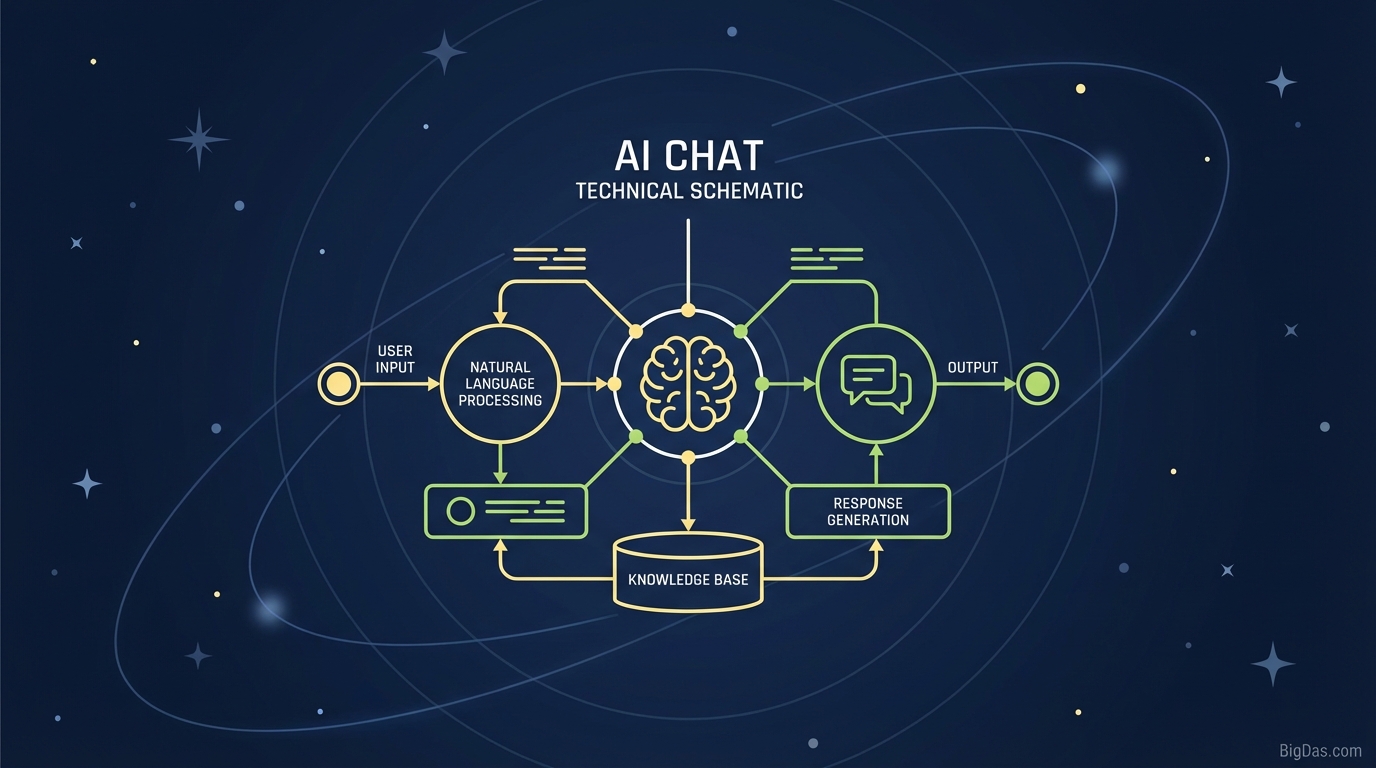
AI Chat
 AI Chat interface
AI Chat: Access 500+ Models (GPT-5, Claude, Gemini, DeepSeek) in One Hub
The AI market has split into many providers. You now choose between OpenAI's GPT series for reasoning, Anthropic's Claude for writing, Google's Gemini for multimodal tasks, and specialized tools like DeepSeek for code.
For developers and creators, this creates two problems: paying for multiple $20/month subscriptions, and switching between browser tabs to test the same prompt across different AIs.
AI Chat solves both. It is a single interface that connects to over 500 LLMs, including GPT-5, Claude 3.5, Gemini, and DeepSeek, through their APIs.
This guide covers how to use AI Chat, its main features, and when to switch between models.
What is AI Chat?
AI Chat is an AI aggregator. It sends your prompts to model APIs (OpenAI, Anthropic, Google, open-source hosts) and returns the responses in one interface.
It is model-agnostic. It does not lock you into one provider. You choose which model answers each prompt.
Available Models
- Reasoning: GPT-5, GPT-4o, o1 series.
- Writing: Claude 3.5 Opus, Claude 3.5 Sonnet.
- Multimodal: Google Gemini 1.5 Pro (text, image, and long-document input).
- Coding and Open Source: DeepSeek Coder, Llama 3, Mistral Large, CodeLlama, StarCoder.
Key Features
1. Single Subscription
ChatGPT Plus, Claude Pro, and Gemini Advanced together cost $60-$100/month. AI Chat provides access to all three tiers (and more) for a lower monthly price.
2. Model Comparison
Send one prompt to multiple models at the same time.
- Example: Prompt both GPT-5 and DeepSeek to write a Python script.
- Compare the code and pick the better version.
3. API-Level Privacy
Free public chatbot interfaces often log conversations for training. AI Chat uses paid API endpoints, which means your inputs are not used to train future model versions. This matters for proprietary code and internal strategy documents.
4. Model Switching
You change models with a dropdown menu. No logging out, no new tab, no copy-pasting the prompt into a different site.
How to Use AI Chat
Step 1: Dashboard
The left sidebar holds your chat history. The top bar is the model selector.
Step 2: Pick a Model
Select the model before you type:
- Reasoning: GPT-5 or GPT-4o.
- Writing: Claude 3.5 Opus.
- Code: DeepSeek V2 or CodeLlama.
- Speed: Llama 3 70B or Groq-hosted models.
Step 3: Write the Prompt
Since AI Chat uses the raw API versions of the models, responses are often less filtered than the public web versions.
- Tip: Use Markdown in your prompt when you want structured output (tables, lists, code blocks).
Step 4: Pivot Without Rewriting
If a response is poor, click "Regenerate with.." and select a different model.
- Example: If GPT-5's blog post sounds robotic, regenerate with Claude 3.5 Opus for a more natural tone.
Use Cases by Role
Developers
Specialized models often beat generalists on specific languages.
- Workflow: Use GPT-5 to outline the logic, then switch to DeepSeek to write the actual code.
Content Marketers and SEOs
- Workflow: Use Gemini 1.5 Pro (large context window) to summarize the top-ranking pages for a query. Then use Claude 3.5 to draft the article, and GPT-5 to refine the headers and keywords.
Researchers
Hallucinations are the main risk in research.
- Workflow: Ask the same question to three models (e.g. GPT-5, Gemini, Llama 3). If all three return the same fact, you have higher confidence in the answer. This is cross-model verification.
Optimization Tips
1. Match the Model to the Task
- Math, logic, structured reasoning: GPT-5.
- Nuance, tone, long-form writing: Claude 3.5.
- Niche or technical topics: Open-source models (DeepSeek, Mistral) are often less filtered on obscure data.
2. Adversarial Prompting (Chain of Thought Across Models)
Start with one model, then have a second model critique the first model's output.
- Prompt template: "You are a harsh critic. Review this output from GPT-5 and list what is missing or wrong."
3. Use Long-Context Models for Large Documents
For a 100-page PDF, select Gemini 1.5 Pro or Claude (1M+ token context windows). Smaller open-source models lose information over long inputs.
FAQ
1. Is GPT-5 available on AI Chat?
Yes. AI Chat updates as soon as providers release new API versions, often on the same day.
2. How does DeepSeek compare to GPT-4o for coding?
DeepSeek performs well on coding tasks, especially with legacy codebases and complex instructions. Test both side-by-side in AI Chat to see which fits your stack.
3. Can I cancel my other AI subscriptions?
For most users, yes. AI Chat gives you access to the underlying models behind ChatGPT Plus, Claude Pro, and Gemini Advanced. The main exception is if you need native integrations (e.g. Gemini inside Google Workspace).
4. Is my chat history saved?
Yes, and it syncs across devices. You can delete history or disable retention at any time.
Conclusion
Loyalty to a single AI brand is no longer required. AI Chat gives you a single interface to route any task to the model that handles it best.