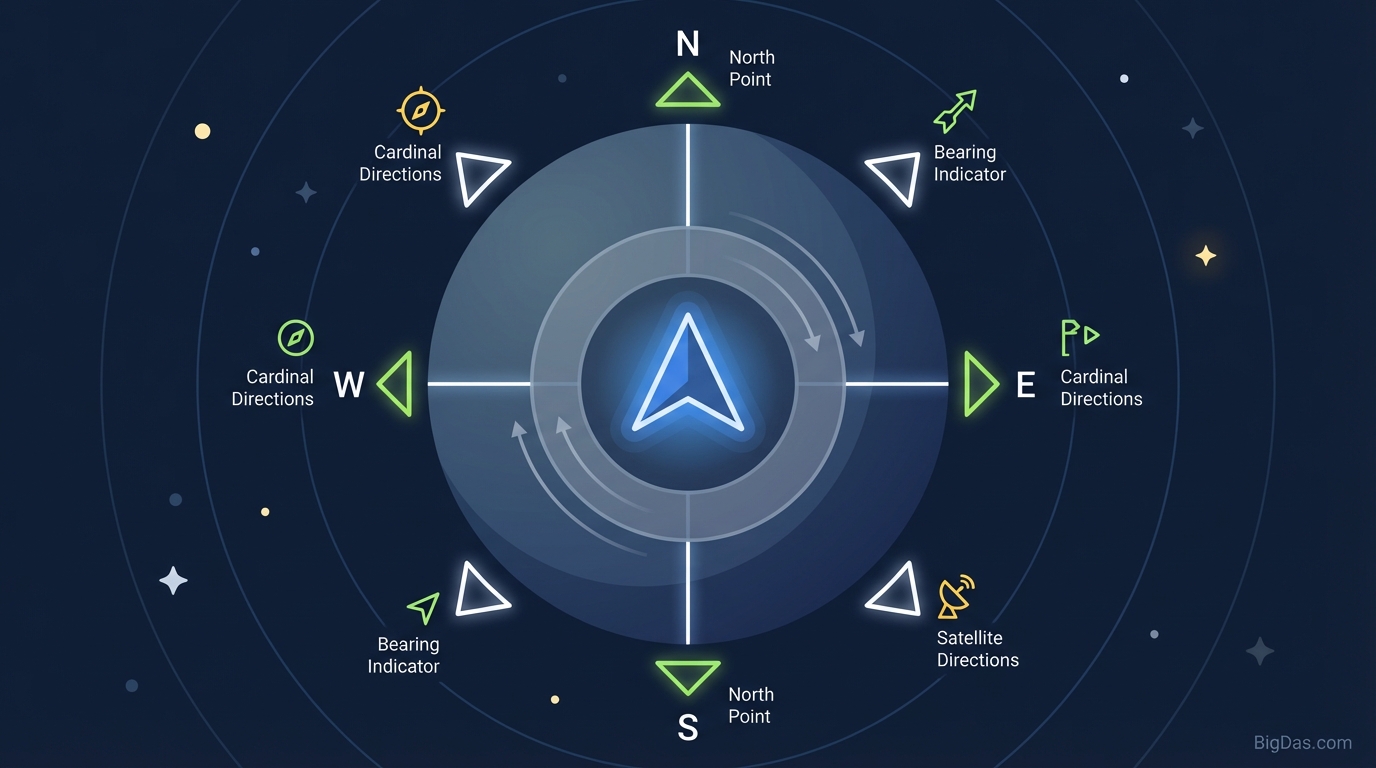
Compass

The Digital Compass: Find Your Direction
GPS maps and turn-by-turn navigation are everywhere, but knowing your cardinal direction without a phone signal still matters. Whether you are orienting a map on a hiking trail, aligning a satellite dish, checking Feng Shui in a new apartment, or figuring out which way is North, a standard map app often falls short. Compass fills that gap.
Physical compasses are reliable, but you do not always carry one. Your smartphone or tablet has the sensors needed to do the same job. Compass reads those sensors and turns your device into a navigation instrument with real-time, high-accuracy directional data.
This guide covers the technology behind Compass, how to calibrate it for accuracy, and the practical ways it can be used.
What is Compass? (The Technology Behind the Tool)
Compass is a digital utility that determines direction relative to the Earth's magnetic poles. A traditional magnetic compass uses a magnetized needle floating in liquid. Compass uses the magnetometer built into modern smartphones, tablets, and laptops instead.
How It Works: The Magnetometer and Accelerometer
Your device contains multiple sensors. The magnetometer measures the strength and direction of magnetic fields, including the Earth's natural magnetic field. Compass uses that data to calculate your orientation.
Compass also reads the accelerometer, which reports how the device is tilted. Combining accelerometer data with magnetometer data through sensor fusion gives an accurate reading even when the phone is not held perfectly flat. Many basic compass apps fail when the device is tilted; Compass does not.
Magnetic North vs. True North
Directional tools should make the difference between the two North references clear:
- Magnetic North: The direction a physical compass needle points, aligned with the Earth's magnetic field. This point shifts over time as the Earth's core changes.
- True North: The geographic North Pole, where lines of longitude meet.
Compass can cross-reference your GPS location to calculate magnetic declination, the angle between Magnetic and True North at your position. This makes it useful for both map navigation (True North) and sensor-based orientation (Magnetic North).
Key Features & Benefits of Compass
Compass focuses on speed, precision, and usability.
- Zero-Latency Heading: The compass dial updates instantly as you turn, so you can pinpoint specific degrees without lag.
- High-Resolution Degree Display: The exact azimuth (heading in degrees) is shown for precision work, not just a basic "North/South" indicator.
- Device Agnostic: Works on Android, iOS, and laptops with a magnetometer, directly in the browser. No app download required.
- Interference Filtering: A smoothing algorithm reduces jitter from minor magnetic noise caused by nearby metal and electronics.
- Local Processing: Directional data is processed on the device. No movement history is sent to a server.
Step-by-Step Guide: How to Use Compass for Maximum Accuracy
A digital compass is only as good as its calibration. Electronic components inside the device generate their own magnetic fields, so follow these steps for a stable reading.
Step 1: Calibration (Figure-8 Motion)
Calibrate the magnetometer before relying on the reading for critical tasks.
- Hold the device securely in your hand.
- Move the device in a Figure-8 motion in the air.
- Repeat 3 or 4 times. This lets the sensor sample the magnetic field from multiple angles and subtract its own internal bias.
Step 2: Minimize Interference
Magnetic interference reduces accuracy. Stay at least 1 to 2 feet (about 30 to 60 cm) away from:
- Computers and laptops.
- Car speakers or subwoofers.
- Metal beams or reinforced concrete walls.
- Phone cases with magnetic clasps or metal plates (often used for car mounts).
Step 3: Hold It Correctly
Sensor fusion accounts for tilt, but the highest accuracy comes from holding the device relatively flat, parallel to the ground, with the top of the device pointing toward the direction you want to measure.
Step 4: Reading the Azimuth
Read the degree number displayed:
- 0° / 360°: North
- 90°: East
- 180°: South
- 270°: West
Northeast is 45°, and Southeast is 135°.
5 Practical Use Cases for Compass
A compass is useful beyond hiking. Here are five common applications.
1. Real Estate and Sunlight Planning
When buying or renting a property, the direction windows face affects light and heat:
- South-facing windows (in the Northern Hemisphere) receive the most direct sunlight.
- North-facing windows provide consistent, indirect light, often preferred by artists and photographers.
Compass lets you verify a listing's claims about "sunny mornings" by checking whether a bedroom window actually faces East.
2. Antenna and Satellite Alignment
TV satellite dishes and high-gain Wi-Fi antennas require precise directional alignment. A variance of a few degrees can drop the signal to zero. Compass provides the exact azimuth needed for your provider.
3. Feng Shui and Interior Design
In Feng Shui, the orientation of furniture and entrances relative to cardinal directions affects the flow of energy (Qi). Compass provides the precision needed to place a bed toward a "power direction" or align a desk correctly.
4. Solar Panel Positioning
Solar panels should generally face True South in the Northern Hemisphere for maximum output. Compass removes the guesswork when positioning portable panels or permanent rooftop installations.
5. Education and Astronomy
Students learning geography and amateur astronomers setting up a telescope both need a reliable reference for North. Compass works as a teaching tool for navigation, coordinate systems, and the physics of magnetic fields.
Frequently Asked Questions (FAQ)
Q1: Why is my digital compass pointing in the wrong direction?
A: Magnetic interference is the most common cause. Large metal objects (cars, steel-frame buildings) or nearby electronics distort the reading. Move away from the source and perform the Figure-8 calibration. Also check for a magnet in your phone case.
Q2: Does Compass require an internet connection?
A: The compass logic runs in the browser, and sensor data comes from your hardware. Once loaded, the tool generally works offline. However, calculating magnetic declination (the difference between True North and Magnetic North) may require a GPS signal or internet connection.
Q3: Why does the needle jump around?
A: This is sensor noise. An unsteady hand or borderline magnetic interference causes the raw data to fluctuate. Compass applies a smoothing algorithm to reduce this, but a steady hand improves the result.
Q4: Is this as accurate as a military-grade lensatic compass?
A: For most users, yes. The accuracy depends on the quality of the magnetometer inside your specific device. Compass processes whatever data the hardware provides, so a high-end phone will perform better than an older one. For survival situations, carry a backup analog compass.
Conclusion
Orientation is fundamental. Navigating wilderness, optimizing home lighting, and setting up technical equipment all require a known direction.
Compass makes the magnetometer in your device usable for everyday tasks. Understanding how the technology works and following the calibration steps keeps readings reliable.
Open Compass whenever you need to know which way is North.