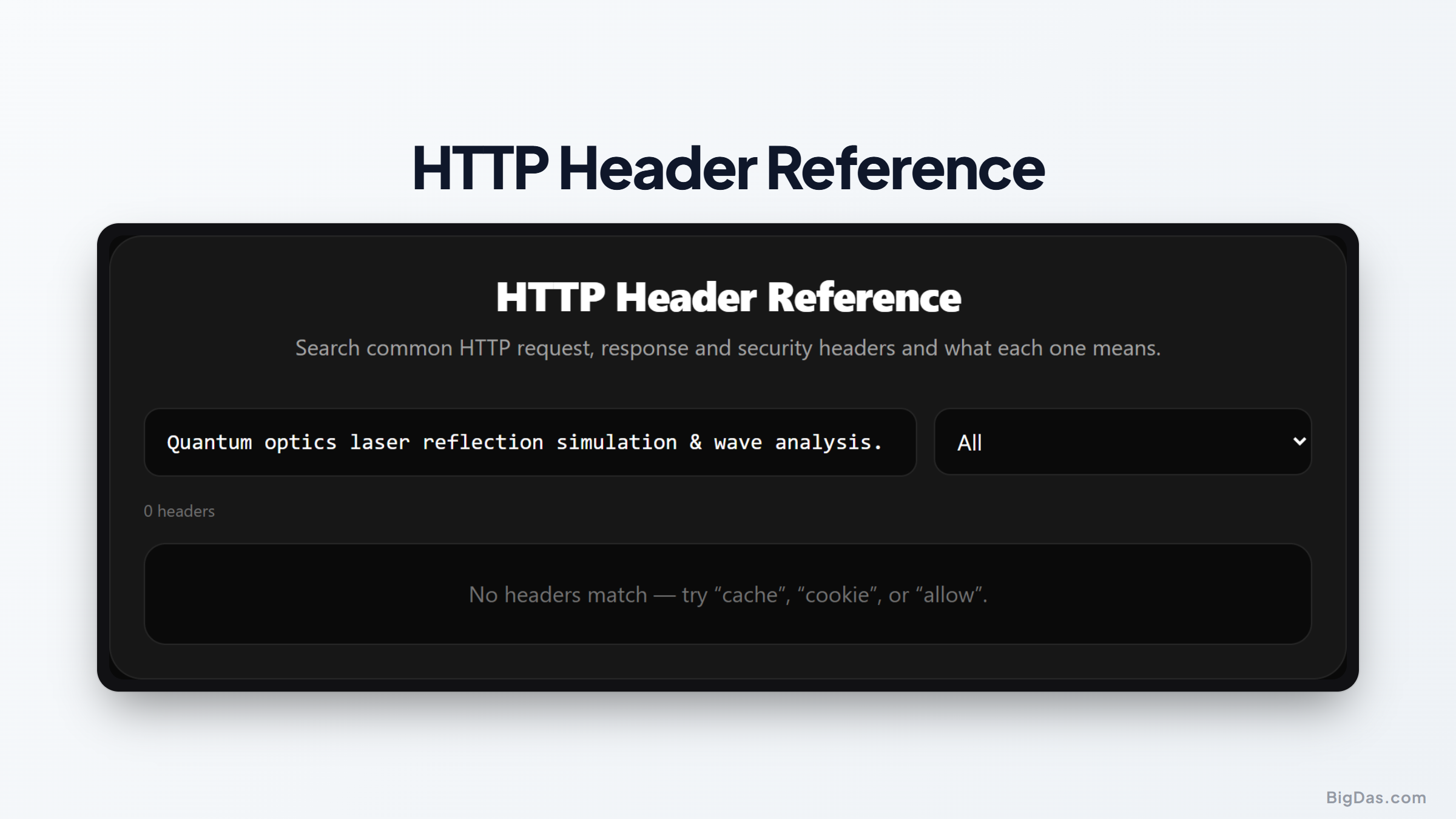
HTTP Header Reference
 Generated infographic and interface snapshot for HTTP Header Reference
The HTTP Header Reference: A Practical Guide for Developers and Security Analysts
Every time a web browser communicates with a server, a silent exchange of data occurs behind the scenes. These data packets, known as HTTP headers, act as the instruction manual for how the browser should display content, how the server should handle security, and how data should be cached to improve performance. Despite their importance, keeping track of the nuances between dozens of different headers can be a daunting task. This is where a reliable HTTP header reference becomes an essential component of your development toolkit.
Whether you are debugging a complex CORS policy issue, optimizing page load speeds through cache control, or implementing strict security headers to prevent cross site scripting, having a centralized source of truth is vital. This guide explores the utility of our HTTP header reference tool and explains how you can use it to maintain more secure and efficient web applications.
What is the HTTP Header Reference?
The HTTP header reference is a curated, searchable library containing 45 of the most common request, response, and security headers. Instead of digging through sprawling official documentation or navigating ambiguous forum threads, this tool provides a streamlined interface where you can locate specific headers instantly.
Each entry includes a clear category badge to help you understand if the header relates to caching, security, content negotiation, or connection management. Furthermore, every technical definition is accompanied by a plain English summary of its purpose. This design removes the friction of technical jargon, allowing you to quickly verify whether a specific header is configured correctly for your project requirements.
Key Features and Benefits
The primary strength of this reference tool lies in its focus on clarity and accessibility. Rather than overwhelming users with unnecessary code snippets, it prioritizes the functional purpose of each header.
Categorized Searching
Headers are grouped by their primary function. If you are specifically working on hardened security, you can filter for security headers to see options like Content Security Policy or Strict Transport Security. If you are working on performance, you can view cache control and related headers in one consolidated list.
Plain English Summaries
Technical specifications can often be opaque. The reference simplifies these definitions into actionable insights. You will understand not just what a header does, but why it matters for your specific implementation.
Quick Lookup Functionality
The search functionality allows you to find information in seconds. If you encounter an unfamiliar header in a network trace, you can search for the name and immediately see what it does, saving you from manual documentation searches.
Coverage of Modern Standards
The library includes essential headers for modern web development, such as Cross Origin Resource Sharing, Content Security Policy, and various cache control directives. This ensures that you have the information needed to support current web standards.
Step by Step Guide on How to Use It
Using the HTTP header reference is straightforward. Follow these steps to maximize your efficiency while debugging or configuring your servers.
- Access the search bar at the top of the interface.
- Type the name of the header you are investigating. If you are unsure of the name but know the category, use the filter buttons to narrow down the list.
- Once you identify the correct header, click on it to expand the details.
- Review the plain English summary to understand its purpose.
- Check the category badge to see how it fits into your broader architecture, such as whether it is a request header or a response header.
- Apply the findings to your server configuration files or your web application code.
By following this workflow, you eliminate guesswork. You can verify that your headers are properly formatted and that you are using the correct directives for your specific web server environment.
Why You Need This Tool
Developers and system administrators face a variety of challenges that require immediate access to accurate header information.
Resolving CORS Errors
Cross Origin Resource Sharing is frequently a source of frustration for front end developers. If your API calls are being blocked by the browser, the issue often lies in a missing or misconfigured response header. Using this reference tool, you can quickly check which headers are required to permit cross origin requests and ensure your Access Control Allow Origin settings are correct.
Strengthening Web Security
Security headers are the first line of defense against common web attacks. Implementing a strong Content Security Policy can significantly reduce the risk of malicious scripts running on your site. The reference tool helps you identify which security headers you should be implementing to protect your users from data leaks and unauthorized injections.
Optimizing Performance
Properly configured caching headers tell the browser whether to store a file locally or request it from the server again. This is one of the most effective ways to reduce latency and bandwidth usage. By understanding the differences between headers like Cache Control and Expires, you can optimize your site for faster delivery.
Debugging Network Issues
Sometimes a server might behave unexpectedly, such as failing to set a cookie or dropping a connection prematurely. Checking the response headers sent by the server is often the first step in diagnosing these problems. Having a reference handy makes it easier to verify that the server is sending the expected instructions to the client.
FAQ Section
Is this tool updated to reflect current web standards?
Yes. The library is curated to include the most widely used and relevant headers in modern web development, keeping up with standard protocols used across current browsers.
Can I use this for both client and server side development?
Absolutely. Since HTTP headers are the bridge between the client and the server, understanding them is useful regardless of which side of the stack you are working on.
Does the tool explain how to configure these headers on my server?
The tool provides the purpose and functionality of each header. While it does not provide specific configuration syntax for every single web server software, understanding the function of the header is the critical step needed to configure it correctly in Apache, Nginx, or other environments.
Why are there badges on the headers?
The badges serve as a visual aid to help you quickly identify the scope of the header. For instance, knowing if a header is a security header allows you to prioritize it when conducting a site audit.
Summary
Maintaining an accurate understanding of HTTP headers is a requirement for any person working in web development or server administration. These headers dictate the behavior of browsers, the security posture of a site, and the efficiency of data delivery. By using a centralized HTTP header reference, you reduce the time spent searching through documentation and decrease the likelihood of configuration errors.
The value of this tool lies in its simplicity. By providing clear summaries and logical categorization, it allows you to focus on the task of building and maintaining high quality web experiences. Whether you are troubleshooting a connectivity issue, hardening a site against threats, or simply trying to improve performance, having this reference available will help you make informed decisions about your network traffic. Use this resource to streamline your workflow and ensure your applications are communicating exactly as intended.