Stopwatch with Lap Timer
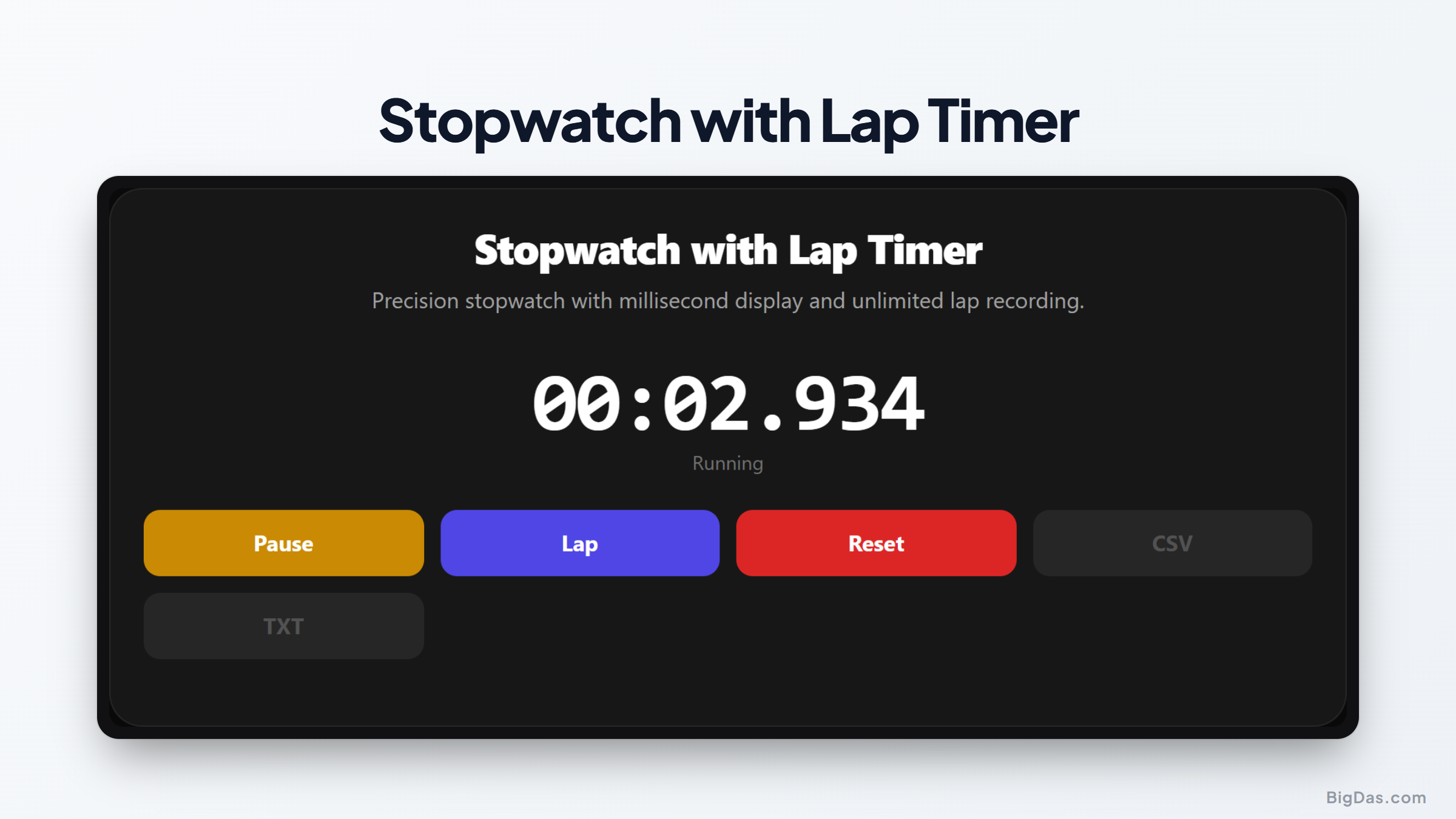
 Generated infographic and interface snapshot for Stopwatch with Lap Timer
Precision Stopwatch with Lap Timer: A Professional Tool for Accurate Time Tracking
Timing is often the difference between success and failure in training, research, and data collection. Whether you are a track athlete tracking performance improvements, a scientist conducting a controlled experiment, or a hobbyist managing a complex project, the need for exact measurement is universal. While mechanical devices and basic phone apps have their place, they often lack the granular detail and data management capabilities required for serious work.
This online stopwatch with lap timer provides a solution designed for accuracy, simplicity, and data portability. By combining millisecond precision with the ability to export results, this tool serves as a reliable partner for anyone who needs to document time based performance with absolute clarity.
What is Stopwatch with Lap Timer?
A stopwatch with lap timer is a digital utility that tracks elapsed time while simultaneously recording specific segments of that time. Unlike a standard timer that only shows the total duration, this tool allows you to mark laps, segments, or events while the main clock continues to run in the background.
The inclusion of a millisecond timer is vital for tasks where even a tenth of a second represents a significant change in performance. Because this tool functions directly in your web browser, it provides a consistent experience across all your devices without the need for additional software installation or manual configuration. It is built to be responsive, stable, and ready to use whenever you need to capture data.
Key Features and Benefits
Performance tracking requires tools that do not get in the way of the task at hand. This stopwatch is built with several specific functional advantages that prioritize speed and clarity.
Millisecond Precision
Standard clocks often round to the nearest second, which hides critical variations in speed or duration. This tool displays time down to the millisecond, allowing you to see the exact moment a process concludes or a lap is completed.
Unlimited Lap Tracking
Many digital timers restrict how many laps you can save. This tool allows for unlimited lap recording. You can track long training sessions or complex experiments without worrying about hitting a storage limit mid session.
Delta Highlighting
Understanding how your current lap compares to your previous performance is essential for improvement. The delta highlighting feature automatically calculates the difference between your current lap and the previous one. This visual cue helps you instantly identify if you are maintaining your pace, accelerating, or slowing down, providing immediate feedback during active sessions.
CSV Export Capability
Data is only as useful as your ability to analyze it. Once you finish your timing session, you can export your entire list of laps into a CSV file. This format is compatible with spreadsheets like Excel or Google Sheets, enabling you to create graphs, perform statistical analysis, or archive your sessions for future comparison.
Step by Step Guide on How to Use It
Using this tool is straightforward, ensuring you can focus on your activity rather than the interface. Follow these instructions to capture your data effectively.
- Start by navigating to the tool page. The display will be set to zero.
- Click the Start button to initiate the timer. The millisecond clock will begin moving immediately.
- As you complete a lap or reach a milestone, click the Lap button. The tool will capture that specific timestamp and add it to a list below the main display.
- Observe the delta column to see how the current interval compares to the previous segment.
- To pause the session, click the Stop button. You can resume by clicking Start again if needed.
- When your session is complete, look for the Export to CSV button. Clicking this will download your lap data to your computer, allowing you to open it in your preferred data analysis software.
- If you need to clear the data and start over, use the Reset button to wipe the current list and return the timer to zero.
Why You Need This Tool
The versatility of a precise stopwatch extends across many different fields. Here are a few examples of how you can use this tool to improve your efficiency.
Athletic Training
Athletes often use a split timer to monitor interval training. By recording each lap during a sprint or a swim, you can identify the exact point where fatigue begins to impact your speed. Exporting this data to a spreadsheet allows you to track your progress over several weeks or months.
Scientific and Lab Research
In a laboratory setting, reaction times or process durations must be recorded with high accuracy. Because this tool tracks to the millisecond, it reduces human error in recording, providing a reliable digital record of events that can be appended to lab reports or research papers.
Productivity and Time Management
If you practice techniques like Pomodoro or time boxing, you may want to track how long specific tasks take to complete. Using the lap feature to log the transition between different work blocks helps you identify where you are spending the most time and whether you are meeting your daily goals.
Event Planning
During competitions, auditions, or timed presentations, this tool provides a neutral and accurate way to manage schedules. The ability to export the list of times means you have an official record of the proceedings, which is helpful for administrative review or notifying participants of their results.
Frequently Asked Questions
Does this tool require an internet connection?
The tool loads in your browser, so you need an internet connection to access the page initially. Once the page is loaded, the timing functionality remains stable and functional as long as your browser remains open.
Will the timer continue to run if I switch tabs?
Modern browsers often throttle background processes to save battery. For the most accurate results, keep the stopwatch tab active while you are tracking your time.
Can I edit the exported CSV file?
Yes. Once you export the file, you can open it in any standard spreadsheet application. You can add notes, calculate averages, or format the data to suit your reporting needs.
Is there a limit to how many laps I can record?
There is no hard limit on the number of laps. The tool is designed to handle long sessions, although keep in mind that extremely long lists may require more memory from your browser.
Is my timing data stored on your server?
No. Your timing data stays local to your browser session. Once you navigate away from the page or close your browser, the data is cleared unless you have exported it to a CSV file.
Conclusion
Effective time management and precise measurement are fundamental to tracking performance in any discipline. By providing millisecond accuracy, a simple interface for recording unlimited laps, and the ability to export data for further analysis, this stopwatch with lap timer removes the friction from data collection.
Whether you are improving your personal best on the track, conducting research in a lab, or managing a tight schedule, having a reliable way to capture and store your timing data is invaluable. This tool is built to offer consistent performance whenever you need to measure time with confidence. You can rely on this simple, browser based solution to handle your timing needs without unnecessary complexity or hidden requirements.