Color Palette Extractor
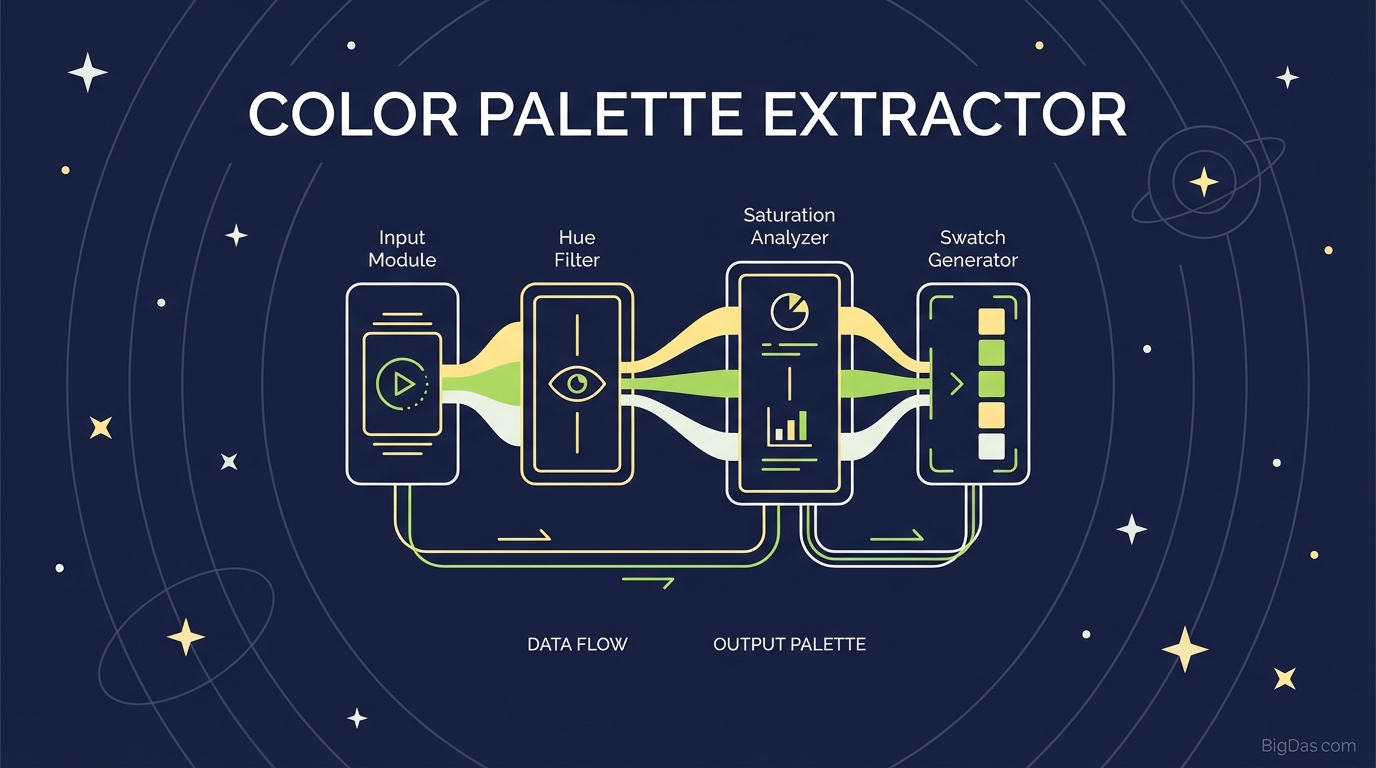
 Modern scientific illustration of Color Palette Extractor
Extract Color Palettes from Any Image
Finding the right colors for a project usually starts with an image. A sunset, a street market, a vintage photograph. The hard part is pulling those exact shades out of the photo and turning them into usable values.
The Color Palette Extractor does that work. Upload an image, and the tool returns the dominant colors as HEX, RGB, HSL, and CMYK values ready to paste into CSS, Figma, or Photoshop.
This guide covers how the tool works, its main features, and how to get the most accurate results.
What is a Color Palette Extractor?
A Color Palette Extractor analyzes an image and identifies its most dominant colors. Instead of picking random pixels, it groups similar tones and returns a structured palette of 5 to 7 colors.
Each result includes the data formats you need to use the color immediately:
- HEX for web and CSS
- RGB for digital screens
- CMYK approximations for print
- HSL for programmatic adjustments
Example
Say you're designing a travel site and have a photo of the Greek Isles: white buildings against a deep azure sea. The extractor returns the dominant blue, the off-white, and the shadow and highlight tones. You now have the exact values for your UI instead of guessing.
Key Features
1. Clustering Algorithm
The tool uses a clustering algorithm that groups similar pixels and filters out noise. You get the true dominant colors, not random outliers from compression artifacts.
2. Multiple Color Formats
Every extracted color is available in:
- HEX (web/CSS)
- RGB (digital design)
- CMYK (print)
- HSL (code-based adjustment)
3. Fast Processing
Uploads are processed in the browser. No install, no server round-trip for the analysis. Small JPEGs and high-resolution PNGs both return results in under a second.
4. Full Palette Generation
One upload returns:
- Dominant colors: the main theme of the image
- Accent colors: the vibrant tones for buttons, links, or CTAs
- Neutral tones: the supporting background shades
5. Local Processing
Image analysis runs locally in your browser. Files are not uploaded to a server, which matters for client work or unreleased assets.
How to Use the Color Palette Extractor
Step 1: Select Your Image
Choose an image that captures the mood or style you want to replicate. High-contrast images tend to produce more distinct palettes.
Step 2: Upload
Drag the file into the upload zone or click to browse. Supported formats include JPG, PNG, and WEBP.
Step 3: Extract
The algorithm runs automatically once the image loads. The palette appears in under a second.
Step 4: Copy the Values
Hover over any swatch to see the HEX, RGB, HSL, and CMYK values. Click any value to copy it. You can also export the palette as a .ACO file (Photoshop) or .CSS snippet (web development).
Who Uses This Tool
Web Designers and UI/UX
Match CSS variables to a hero image so buttons, headers, and backgrounds stay consistent with the visual theme.
Brand Designers
Extract palettes from mood board images to find the common color threads across a client's references. Useful for building style guides.
Marketers and Social Media Managers
Pull a background color from a product photo to use as a text overlay color. Keeps graphics cohesive without manual color matching.
Interior Designers
Take a photo of a room, a painting, or a landscape and extract the palette to source matching paint and fabric.
Illustrators and Digital Artists
Upload a reference photo with lighting you like. Use the extracted palette to set up your swatches before drawing.
Tips for Better Results
- Use high-resolution images. More pixels means more accurate clusters, especially for subtle gradients.
- Crop first. If you only want colors from a specific area, crop the image before uploading.
- Check contrast. After extracting, verify that your text and background combinations meet WCAG accessibility standards.
- Look at the neutrals. The algorithm often surfaces greys or muted tones that work well for typography and borders.
Frequently Asked Questions (FAQ)
Q1: Is the Color Palette Extractor free? Yes. All core features are free with no hidden costs.
Q2: Does it work on mobile? Yes. The interface is responsive. You can upload directly from a phone camera roll.
Q3: How many colors does it extract? Typically 5 to 7 dominant colors, covering primary, secondary, and accent tones.
Q4: Are my images stored? No. Processing happens locally in the browser. Nothing is uploaded to a server.
Q5: What's the best file format? PNG works well for flat graphics. JPG is fine for photographs. Both are handled the same way.
Summary
Color drives how a design feels. Getting the right values shouldn't depend on eyeballing a color wheel.
The Color Palette Extractor converts any image into a ready-to-use palette in under a second, with all the format options you need for web, print, or app design.
[> Launch Color Palette Extractor]