Meme Generator
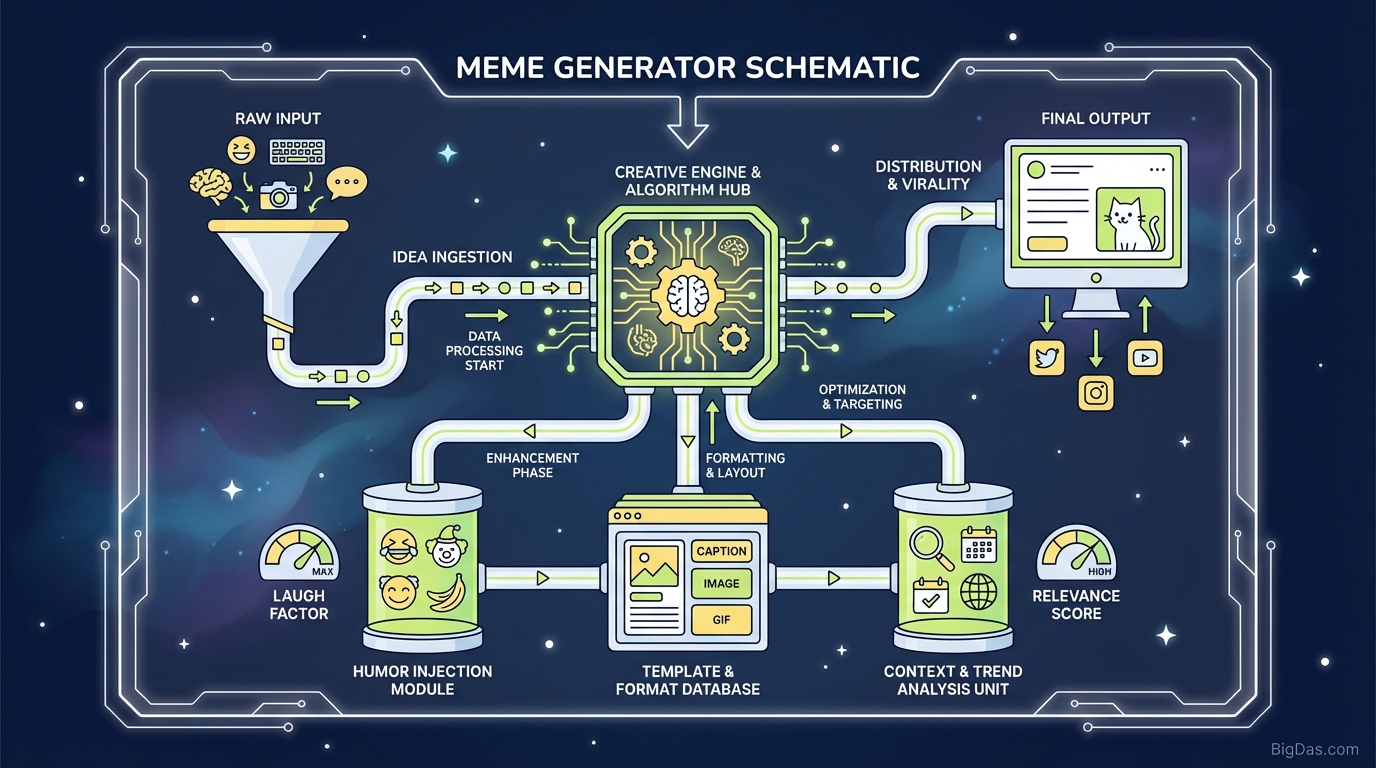
 Modern scientific illustration of Meme Generator
The Meme Generator Guide: How to Make Memes Fast
Memes are a quick way to communicate. A good image with the right caption can explain a feeling, make a joke, or get a point across faster than a paragraph of text. The Meme Generator is a browser-based tool for making those captioned images without opening Photoshop.
This guide covers how the tool works, what it does, and how to get clean results in under a minute.
What is a Meme Generator?
A Meme Generator is a simple image editor built for one task: adding text to an image. You upload a photo, type your caption, and download the result.
Under the hood, it handles the parts that usually slow people down: rendering text layers, exporting at the right resolution, and keeping the file size small enough for social media. You can upload your own image or pick from a library of pre-made templates (the recognizable formats like "Distracted Boyfriend" or "Drake").
Why Use a Dedicated Tool?
You could add text in any image editor. The reason to use a meme generator is speed. The interface is stripped down to only the controls you need: upload, text, font, export. No layers panel, no color wheels, no export settings to configure.
Key Features
1. Fast Rendering
The tool composites the image and text in the browser in real time. You see the result as you type. This matters because meme trends have a short window. A 20-minute design process means you've already missed the joke.
2. High-Resolution Output
The export keeps the original image resolution. Text is rendered as vector outlines so it stays sharp on high-DPI screens (Instagram, LinkedIn, Twitter/X).
3. Upload or Template
- Upload: Drag and drop a photo, screenshot, or brand asset. Max 5 MB for best performance.
- Template Library: Searchable database of common meme formats.
4. Text Controls
- Multiple text boxes (not just top and bottom).
- Font selection.
- Fill and stroke color.
- Drag-to-position text anywhere on the image.
5. No Watermarks
Exported files are clean. No logos, no "made with" tags.
How to Use It
Step 1: Pick an Image
Open the tool. You have two options:
- Search a template: Use the search bar to find a blank version of the format you want.
- Upload your own: Click "Upload" and select a file. Keep it under 5 MB.
Step 2: Add the Caption
Most memes use two text fields:
- Top text: Sets up the situation.
- Bottom text: Delivers the punchline.
If you need to label something in the middle of the image, add a third text box.
Step 3: Adjust the Typography
- Font: Sans-serif and bold reads best on mobile.
- Contrast: Match the text color to the background. If the image is busy, give the text a thick outline (black or white) so the letters stay legible.
- Position: Drag the text boxes to where they fit best.
Step 4: Generate
Click "Generate Meme". Check for typos. If the bad grammar is the joke, keep it. Otherwise, fix it.
Step 5: Download
Save the file. The export is a JPEG or PNG sized for social upload.
Use Cases
Social Media Managers
Memes get shares and saves, which is what the algorithms reward. SMMs use the tool to react to trending topics within minutes.
Content Marketers
A custom meme inside a long blog post breaks up the text and resets reader attention better than a stock photo.
Internal Communications
A meme about "deployment Fridays" or "back-to-back Zoom calls" lands better in a Slack channel than a formal email.
Educators
Humor improves recall. Teachers and trainers use memes to summarize lessons and make material stick.
Tips for Better Results
1. Keep Text Short
Most memes are scanned in under 3 seconds. If your text covers more than 30% of the image, cut it. Let the image carry some of the meaning.
2. Know the Format
Every meme template has unwritten rules. The "Drake" format means rejecting one option and preferring another. Using a template wrong gets called out fast. Browse the library to see how others use a format before you post.
3. Design for Mobile
About 90% of memes are viewed on phones. Make sure the text is large enough to read without zooming.
FAQ
Is the Meme Generator free?
Yes. Generating, uploading, and downloading are all free.
Can I use these memes commercially?
Usually, yes. The copyright risk is in the underlying image, not the text you add. Movie screenshots and TV stills can be legally tricky. For ads or paid content, upload your own photos or use royalty-free stock images.
Does it support GIFs?
Yes. The tool supports animated GIF templates with static text overlays.
How do I get the classic meme text style?
The tool defaults to white text with a thick black outline in Impact font, top and bottom. You get this look without changing any settings.
Is my uploaded image private?
Yes. Uploaded images are processed in your browser session and are not added to the public library unless you choose to publish them.
Wrap-Up
Text gets ignored. A well-timed image with the right caption spreads.
The Meme Generator removes the friction between idea and output. Upload an image, type the caption, download, post.
- Open the Meme Generator, drop in an image, and start typing.