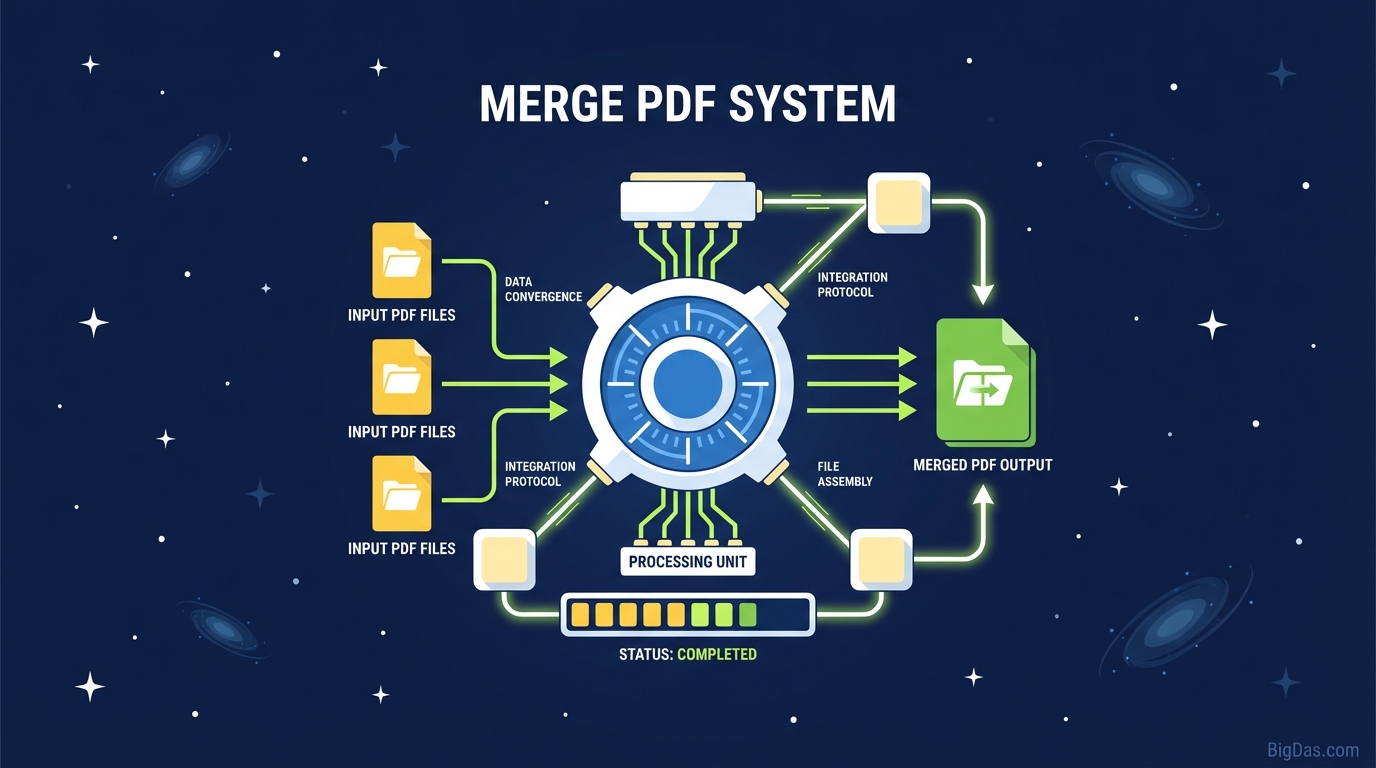
Merge PDF
 Modern scientific illustration of Merge PDF
Merge PDF: A Practical Guide to Combining Files
Splitting a project across several files makes sharing harder than it needs to be. Attaching five separate PDFs to an email clutters the recipient's inbox. Printing them one at a time wastes time. Combining those files into a single PDF solves the problem.
This guide covers how a browser-based Merge PDF tool works, why local processing matters for privacy, and how to combine your files in under a minute.
Why Consolidate PDFs
PDF (Portable Document Format) preserves layout across devices, which is why it became the standard for sharing final documents. The downside is that PDFs are rigid. You cannot paste pages from one file into another without dedicated software.
Common workflow problems:
- Disorganized archives: Folders full of files named
Invoice1,Invoice2,Invoice_Final_v2. - Attachment limits: Email services cap the number or size of attachments, and spam filters may flag batches of files.
- Extra work for the recipient: Forcing someone to open ten files to read one report is slow and unprofessional.
Merging the files into one removes these friction points.
What the Merge PDF Tool Does
Merge PDF is a browser-based utility that concatenates multiple PDF files into a single document. The idea is simple. The implementation matters.
Unlike desktop software that requires installation, and unlike many web tools that upload your files to a remote server, this tool runs entirely in the browser. The code executes on your machine, not on someone else's infrastructure.
How It Works
When you select files, the tool reads each PDF's internal structure (the table of contents, page tree, and cross-reference table). It then stitches the page trees together and rewrites the cross-reference table so the result is a valid single PDF. Internal links and bookmarks are re-indexed to match the new page numbers.
Because the processing is local, the tool handles high-resolution images, embedded fonts, and complex layouts without quality loss.
Features
1. Local Processing for Privacy
Most online PDF tools upload your files to a cloud server. This one does not.
- Files stay on your device.
- The operator has no way to see, log, or share your documents because they are never transmitted.
2. Drag-and-Drop Interface
Drop files from your desktop into the browser window. No menus to learn.
3. Visual Reordering
After upload, the tool shows thumbnails of each file. Drag them to reorder the sequence before merging. Remove wrong files with the X button. Rotate misoriented scans.
4. Fast Execution
Merging runs on your device's CPU, so the result is ready almost immediately. No queue, no upload time.
5. Cross-Platform
Works on Windows, macOS, Linux, ChromeOS, iOS, and Android. No installation required.
Step-by-Step Instructions
Step 1: Open the Tool
Load the Merge PDF page in Chrome, Firefox, Safari, or Edge.
Step 2: Add Files
Click "Select Files" or drag PDFs into the drop zone. There is no hard limit on the number of files.
Step 3: Arrange the Order
- Reorder: Drag thumbnails to set the final page sequence. The leftmost file becomes page 1.
- Remove: Click the
Xon a thumbnail to drop a file. - Rotate: Use the rotate control if a scanned page is sideways.
Step 4: Merge
Click the "Merge" button.
Step 5: Download
Click "Download" to save the combined file. Use a descriptive filename such as 2023_Financial_Reports_Consolidated.pdf.
Common Use Cases
Business
- Proposals: Combine the cover letter, technical spec, pricing sheet, and terms into a single document.
- Onboarding: Send new hires one "Welcome Packet" containing the handbook, tax forms, and policy agreements.
Legal and Real Estate
- Transactions: Merge disclosures, contracts, and addenda into one file per deal.
- Case files: Combine evidence logs, affidavits, and filings into a single binder.
Academic
- Theses: Assemble the title page, abstract, chapters, and bibliography into the final submission.
- Group projects: Merge sections written by different team members.
Personal
- Tax preparation: Combine W-2s, 1099s, and receipts into one file for your accountant.
- Medical records: Keep family immunization histories in one chronological document.
Tips for Better Results
- Match page sizes: Merged files look cleaner when all source documents use the same paper size (A4 or Letter). The tool handles mixed sizes, but consistent dimensions produce smoother output.
- Check OCR: If the merged document will be read by screen readers, confirm that the source files have OCR applied.
- Compress after merging: Combining many high-resolution PDFs produces a large file. Run the result through a "Compress PDF" tool if you need to email it.
- Name files clearly: Avoid
merged_file_1.pdf. Use a format like[Date]_[ProjectName]_Full.pdffor easy retrieval.
Frequently Asked Questions
Q: Is it safe to merge confidential documents? A: Yes. The tool runs in your browser, so the files never leave your device. You retain full control.
Q: Is there a limit on how many files I can combine? A: You can merge dozens of files in one session. Very large batches (hundreds of files) may be limited by your computer's available RAM.
Q: Can I merge password-protected PDFs? A: You typically need to unlock them first by entering the password. This restriction comes from the PDF format itself.
Q: Will image quality drop after merging? A: No. The tool preserves original resolution. It restructures the container without recompressing images.
Q: Can I rearrange pages inside a single PDF before merging? A: The Merge tool works at the file level. To reorder pages within a file, use the "Organize PDF" or "Split PDF" tools first, then merge the results.
Summary
A merged PDF is easier to share, easier to print, and easier to archive than a stack of separate files. Running the merge locally keeps your documents private. The whole process takes under a minute.