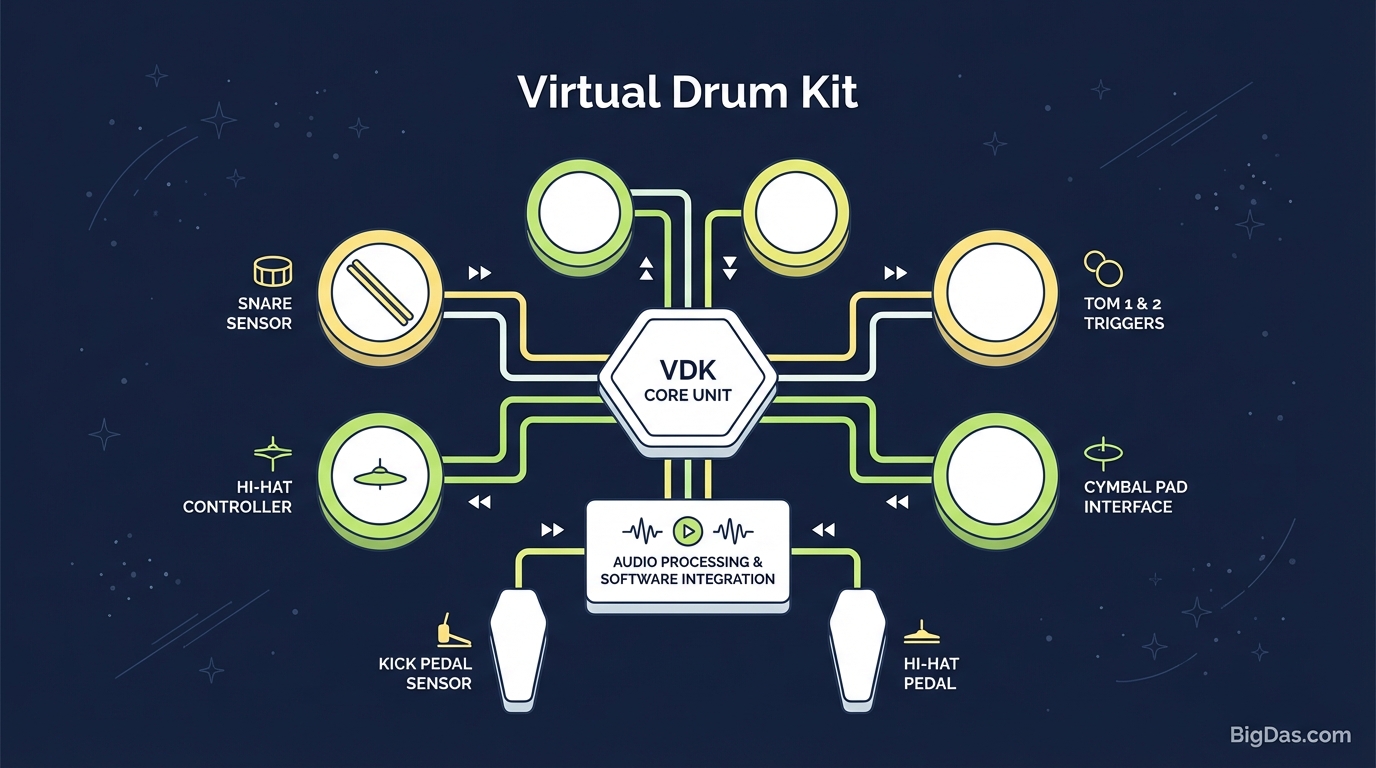
Virtual Drum Kit
 Virtual Drum Kit interface
Master the Rhythm: A Guide to the Online Virtual Drum Kit
Tapping a pen, stomping a foot, drumming fingers on a table. The urge to keep a beat is basic. Actual drumming, though, has a high barrier. Acoustic kits cost a lot, take up space, and are loud. They need soundproofing, upkeep, and serious money.
For years, the choice for aspiring drummers and producers was simple: spend thousands on hardware, or don't play. Web technology has changed that.
This is the Virtual Drum Kit.
It's a browser-based instrument that mimics the response and sound of a real kit. You can use it to sketch beats, practice coordination, or just hit something for a few minutes.
Below is a breakdown of how online drumming works, what this tool does, and how to get comfortable with finger drumming.
What is a Virtual Drum Kit?
A Virtual Drum Kit is a digital interface that simulates a drum set. It plays high-fidelity audio samples when you press a key, click a mouse, or tap a touchscreen.
Older web instruments had bad sound and noticeable latency (the gap between hitting a key and hearing the hit). Modern Web Audio API has cut that delay to near zero.
The Tech Behind the Beat
The tool works as a sample trigger. Hit a key (like Spacebar) and the browser loads an audio file for a specific drum (like a Kick). No synthesized tones, just recorded samples from real percussion:
- Kick (Bass) Drum: Deep low-end thump.
- Snare: Crisp attack with realistic shell resonance.
- Tom-Toms: Tonal drums for fills and rolls.
- Cymbals (Hi-Hat, Crash, Ride): Metallic shimmer with long decay.
Your QWERTY keyboard becomes a percussion pad. No installation, no drivers.
Key Features
1. Low Latency
Rhythm needs precision. A 50ms delay throws off the feel of a groove. The audio engine is optimized to fire samples the instant a key is pressed, which makes ghost notes and fast rolls possible.
2. Studio Samples
The samples come from a professional acoustic kit recorded in a treated room. You hear the wood, metal, and air of real drums, which works for practice, demo recording, and sketching backing tracks.
3. Cross-Platform Support
- Desktop/Laptop: Keyboard input gives the most precise control for finger drumming.
- Mobile/Tablet: Multi-touch lets you tap drum heads directly on the screen.
4. Visual Feedback
Each drum animates when triggered. The visual link between key press and drum hit helps beginners map sounds to instruments.
5. No Installation
Open the page and play. No downloads, no account creation.
How to Use the Virtual Drum Kit
Step 1: Optimize Your Audio
Laptop speakers often drop the bass frequencies that make a Kick Drum sound right.
- Pro Tip: Use headphones or external speakers with a subwoofer. The "thump" of the bass drum comes through on proper monitors.
Step 2: Learn the Layout
The keyboard mapping follows the layout of a real drummer's hands and feet. You can click with a mouse, but the keyboard is faster.
Standard Key Mapping:
- Kick Drum: Spacebar (Thumb)
- Snare Drum: 'H' or 'G' (Index/Middle fingers)
- Hi-Hat (Closed): 'J'
- Hi-Hat (Open): 'Y'
- Crash Cymbal: 'U' or 'I'
- Tom-Toms: Number row or top letter row
Step 3: Play the Basic Rock Beat
The most common beat in rock and pop is a 4/4 groove:
- Count: 1 - 2 - 3 - 4
- On 1: Kick (Spacebar) + Hi-Hat
- On 2: Snare + Hi-Hat
- On 3: Kick (Spacebar) + Hi-Hat
- On 4: Snare + Hi-Hat
Start slow. Accuracy matters more than tempo. Once the pattern feels locked, speed it up.
Step 4: Add Fills
A fill breaks the main groove, usually on the Tom-Toms, to transition into a new section.
- Roll across the number keys (4-5-6) and end with a Crash Cymbal to mark a new bar.
Use Cases
For Beginners
If you're thinking about buying a kit but aren't sure about coordination, this is a good test. The hardest part of drumming is separating your limbs (or fingers). If you can keep your thumb (Kick) independent from your index finger (Snare), you're past the main hurdle.
For Producers and Songwriters
Ideas don't wait for a studio session. A quick tap on the Virtual Drum Kit captures a rhythm idea when you're away from your MIDI controller or DAW. Record the audio or memorize the pattern to program later.
For Educators
Music teachers use this in classrooms that don't have room for acoustic kits. It visualizes time signatures and syncopation clearly.
For Stress Relief
Drumming triggers a flow state and releases endorphins. A five-minute break to play a pattern can clear your head and reset your focus.
Getting the Most Out of It
- Mind the Velocity: Keyboards don't have pressure sensitivity, but dynamics come from arrangement. Use the Open Hi-Hat sparingly for accents.
- Use a Metronome: Open a metronome in another tab. A click track keeps your timing honest.
- Home Row Position: Park your hand on the home row so your fingers rest on Snare, Hat, and Cymbals. Don't hunt and peck with one finger.
- Reduce System Latency: If you get lag, close heavy browser tabs. The CPU handles audio processing, and free resources mean cleaner playback.
Frequently Asked Questions (FAQ)
1. Is this Virtual Drum Kit free?
Yes. It's free in the browser. No subscriptions, no locked features.
2. Can I record my sessions?
The tool itself is a live instrument, but you can capture system audio with free software like OBS or Audacity, or use loopback on your sound card. Save the output for music projects.
3. Does it work on mobile?
Yes. The interface is touch-optimized. On mobile, you tap the drum heads directly.
4. Why is there a delay when I press a key?
That's latency. The tool is optimized for low latency, but hardware can add delay. Recommendation:
- Use wired headphones or speakers. Bluetooth audio adds a small lag that disrupts rhythm.
5. Can I connect an electronic drum kit?
This tool is built for keyboard and touch input. If you have a MIDI drum kit, connect it to a DAW directly. This tool is for users who don't have the hardware.
Conclusion
You don't need a soundproof garage or a few thousand dollars to play drums. The Virtual Drum Kit puts a responsive drum set on any device with a browser.
Use it to learn rhythm, sketch a beat, or take a break. Scroll up, put on headphones, and start playing.