Kaleidoscope Painter
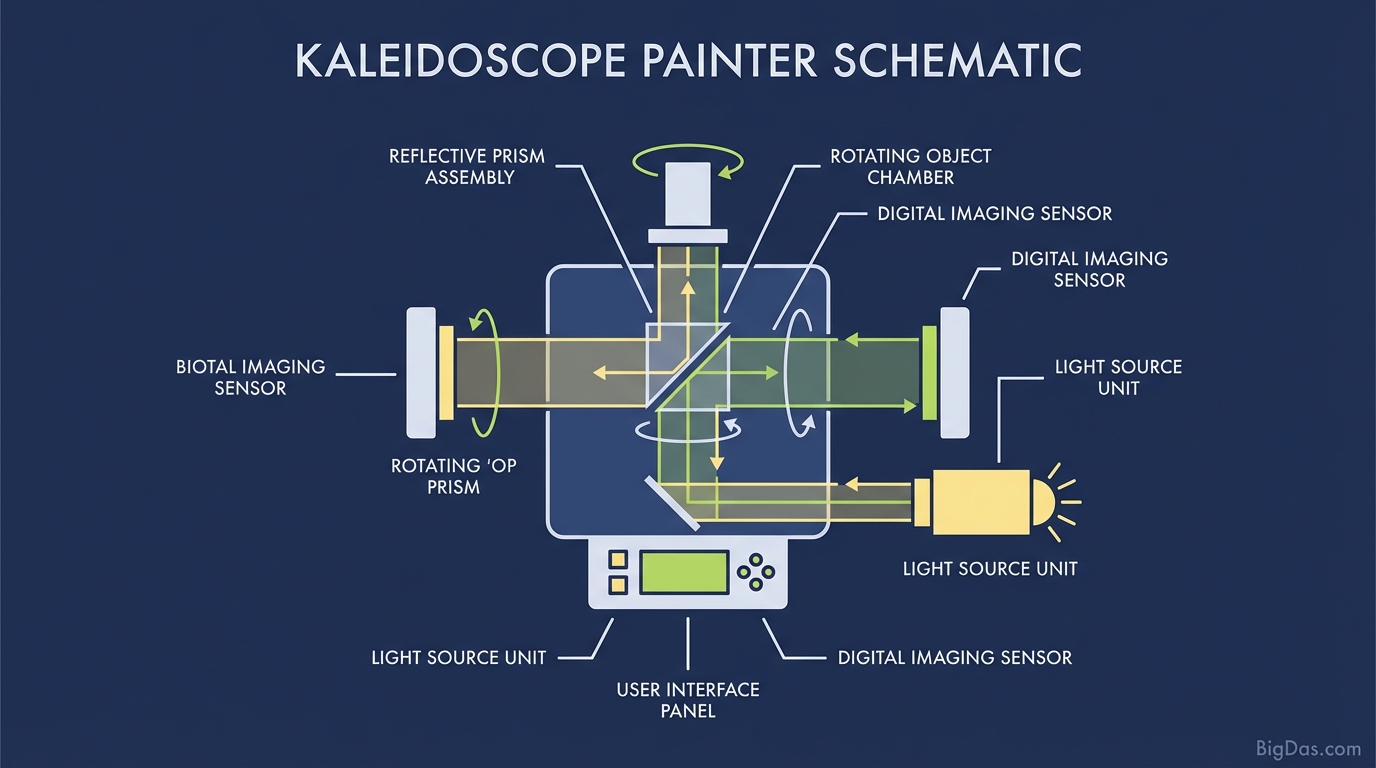
 Modern scientific illustration of Kaleidoscope Painter
Kaleidoscope Painter: Create Symmetrical Art Digitally
Symmetry appears everywhere in nature: dahlia petals, snowflakes, and the cross-sections of fruit. Artists have long tried to capture that balance, usually by measuring angles and flipping lines by hand.
Kaleidoscope Painter automates that process. Draw a single stroke, and the software mirrors it across 4, 8, 12, or 20 axes around a central point. The result is a mandala, a generative texture, or a geometric floral pattern generated in real time.
This guide covers how the tool works, how to use it, and where it fits into a design workflow.
What is Kaleidoscope Painter?
Kaleidoscope Painter is a browser-based canvas built around radial symmetry and real-time mirroring. Standard drawing apps require you to duplicate and flip layers manually. This tool does the geometry for you.
The rendering engine is designed for low latency, so strokes appear instantly across every mirrored segment. The interface stays minimal so the focus remains on the drawing.
The Math Behind the Mirroring
The tool uses a polar coordinate system. Each cursor position is converted to an angle $\theta$ and a radius $r$ relative to the canvas center. The point is then rotated by:
$$\theta_n = \theta_0 + \frac{2\pi n}{N}$$
where $N$ is the number of axes and $n$ ranges from $0$ to $N-1$. With mirroring enabled, the point is also reflected across the radial axis, producing the classic kaleidoscope effect.
This setup supports three core behaviors:
- Rotational Symmetry: Strokes are rotated around the center.
- Reflectional Symmetry: Strokes are mirrored across each radial axis.
- Low-latency response: Strokes render in real time with no perceptible lag.
Key Features
1. Adjustable Symmetry Axes
Most symmetry tools cap at 4 or 8 slices. Kaleidoscope Painter lets you set any number of axes.
- 2 to 4 axes: Useful for character faces, insects, or simple logos.
- 6 to 10 axes: Good general-purpose range for mandalas and floral shapes.
- 12+ axes: Produces dense, lace-like patterns and hypnotic textures.
2. Brush Engine
The brush system supports:
- Variable opacity for layered, watercolor-style shading.
- Pressure-sensitive thickness when used with a drawing tablet.
- Glow blending for neon effects on dark backgrounds.
3. High-Resolution Export
Exports are available as PNG and JPG at high resolution, suitable for:
- Print-on-demand products.
- Website headers and backgrounds.
- Portfolio pieces.
4. Beginner-Friendly Output
Because the symmetry engine mirrors every stroke, even random marks resolve into balanced patterns. This makes the tool accessible to people who don't consider themselves artists, and useful for stress relief or quick ideation.
How to Use Kaleidoscope Painter
Step 1: Set Up the Canvas
Open the settings panel and choose your symmetry count.
- New users: Start with 6 or 8 axes.
- Mirroring toggle: Enable for organic, flower-like shapes. Disable for pure rotational repetition.
Step 2: Choose Brush and Colors
Pick a color that contrasts with the background. A black canvas with cyan, magenta, or lime produces a glowing effect. Thinner brushes work well for detailed line work; thicker brushes create bold shapes.
Step 3: Draw from the Center
Start at the exact center and drag outward. A few useful motions:
- Spiral: Move in an expanding spiral for classic mandala shapes.
- Zig-zag: Short, sharp strokes create starburst patterns.
- Slow arc: Long, curved strokes generate sweeping petals.
Step 4: Layer for Depth
Change color and brush size to add dimension.
- Switch to a darker shade at low opacity for shading.
- Use pure white at a small size for highlights at pattern intersections.
Step 5: Export
Save the result as a PNG or JPG. For further editing in Photoshop or Illustrator, export at the highest available resolution.
Advanced Techniques
The Pulse Method
Click and hold in place to deposit a dot, then move and click again. With 12+ axes, this creates evenly spaced pearl-like circles around the center.
Negative Space
Don't fill the canvas. Leaving background visible increases contrast and makes the symmetry read more clearly. Empty space is part of the design.
Tablet vs. Mouse
The tool works with a mouse, but a pressure-sensitive tablet (Wacom, Huion, iPad with stylus) gives you variable line weight. Pressure-controlled tapering produces a cleaner, calligraphic look.
Use Cases
Graphic Designers and Illustrators
Generates ornamental backgrounds and logo concepts quickly. Useful when a project needs radial balance without spending hours on manual mirroring.
Educators
A practical visual aid for teaching:
- Angles and divisions ($360° / N$ axes).
- Coordinate systems.
- Symmetry and fractions.
Mindfulness and Stress Relief
Creating mandalas is repetitive and predictable, which tends to lower stress. The tool is well suited for short creative breaks or end-of-day wind-downs.
Generative and Digital Art
Produces base layers for generative collections or one-off abstract pieces suitable for tokenization or licensing.
Frequently Asked Questions (FAQ)
1. Do I need drawing experience?
No. The symmetry engine handles the balance. Random strokes turn into patterned shapes automatically.
2. Can I use the images commercially?
Yes. You create the strokes, so you own the resulting image. Use it for prints, merchandise, web design, or any other commercial project.
3. Does it work on mobile?
Yes. The interface is touch-optimized. A stylus on a tablet is often more comfortable than a mouse.
4. How is this different from Photoshop's symmetry tool?
Photoshop includes a symmetry lock, but it requires a paid subscription and a heavier workflow. Kaleidoscope Painter runs in a browser, is free to use, and is built entirely around radial symmetry, so the controls are faster for this specific task.
5. Can I undo mistakes?
Yes. Full Undo and Redo are available, so you can experiment without losing earlier work.
Summary
Kaleidoscope Painter is a focused tool for radial symmetry drawing. It removes the manual mirroring step, runs in a browser, and produces high-resolution output suitable for professional and personal use.
If you need symmetrical artwork fast, for a design project, a classroom demo, or a quiet creative break, [Launch Kaleidoscope Painter] and start drawing.