Particle Text
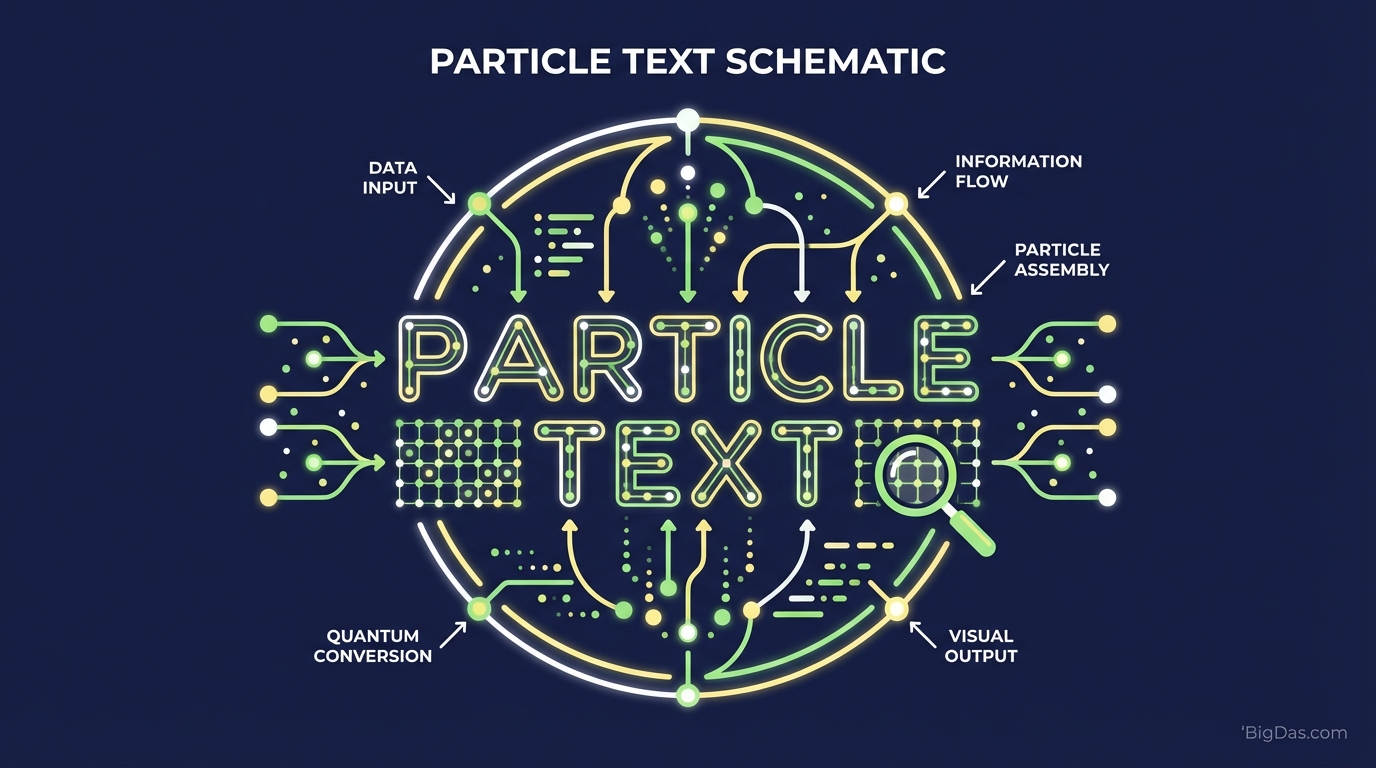
 Modern scientific illustration of Particle Text
Particle Text: An Interactive Text Generator for Digital Visuals
Static typography displays information, but it rarely holds attention. Particle Text solves this by converting typed words into thousands of interactive particles that respond to cursor and touch movement in real time.
This guide covers what Particle Text is, the simulation logic behind it, and practical ways to use it in web design, social media, and presentations.
What is Particle Text?
Particle Text is a generative graphics tool that renders typography as a live particle simulation. It runs in the browser using HTML5 Canvas and WebGL, drawing each frame based on JavaScript logic rather than playing a pre-rendered video.
When a user types a word, the tool:
- Maps the text glyphs into 2D coordinates.
- Seeds a particle at each coordinate (or samples from the glyph fill).
- Assigns each particle a "home" position corresponding to the text shape.
The result is a field of particles that continuously resolve into legible text while reacting to user input.
The Physics of the Simulation
Each particle follows three rules:
- Cohesion: A force pulls the particle back to its home position, keeping the text readable.
- Repulsion: An inverse-square force pushes particles away from the cursor or touch point.
- Damping: Velocity decays over time, simulating friction so the system returns to rest.
The interaction between these forces produces the "explode and reform" effect: a swipe scatters the text, and the particles gradually return to their original positions.
Key Features
1. High-Fidelity Physics Engine
The engine targets 60 FPS. Collision detection is implemented as a radial check against the cursor position, so particles react within a single frame of input. There is no interpolation lag or queued animation buffer.
2. Granular Customization
- Particle Density: Range from a sparse constellation to a dense, solid form.
- Particle Shape: Circles, squares, or imported SVG geometry.
- Color Modes: Solid fill, two-stop gradient, or velocity-based hue shift.
- Home Radius: The distance at which repulsion begins.
3. Lightweight Output
The animation is code, not pixels. The runtime payload is typically under 50 KB (minified), which is smaller than a single compressed hero image. Because rendering happens on the GPU via WebGL, it does not block the main thread or hurt Core Web Vitals.
4. No Code Required
The tool abstracts the Three.js / p5.js layer. Users configure settings through a UI; the underlying JavaScript is generated automatically and can be embedded as a <script> tag or an iframe.
5. Cross-Input Support
The same physics model handles mousemove, touchmove, and pointermove events. The repulsion radius scales based on input type so touch interactions feel natural on mobile.
Step-by-Step Usage
Step 1: Input Your Content
Type a word or short phrase into the input field.
- Tip: Words with 3 to 8 characters (e.g. "LAUNCH," "EPIC," or a brand name) give particles enough room to move while staying legible.
Step 2: Configure the Physics
Open the settings panel and adjust:
- Radius: The repulsion falloff distance. Larger values scatter particles further from the cursor.
- Return Speed: How quickly particles return home. Lower values produce a slow, drifting effect; higher values feel snappy and reactive.
- Damping Coefficient: The friction multiplier (typically 0.85 to 0.98). Higher values mean longer motion trails.
Step 3: Stylize the Visuals
- Color Palette: Use high contrast against the background (e.g. light particles on a dark canvas).
- Resolution: Set the particle count. Start at the default and increase until frame rate drops below 60 FPS, then back off by 10 to 15%.
Step 4: Test Interactions
Move the cursor slowly, then quickly. Test on both desktop and mobile. Verify the text reforms into a recognizable shape after each interaction.
Step 5: Export or Embed
Export options usually include:
- A code snippet (JS + HTML) for direct site embedding.
- A WebM or MP4 screen recording for social media.
- A static PNG of the resting state.
Primary Use Cases
1. Hero Sections
Replacing an <h1> static headline with a particle version turns the top of a page into an interactive element. Visitors who hover or tap tend to stay longer, which can lower bounce rate.
2. Loading Screens
A particle version of a logo gives users something to interact with while the rest of the page loads. The animation masks load times that would otherwise feel static.
3. Social Media Loops
Screen-record an interaction (e.g. a cursor sweeping across the word "FRIDAY") and post the looping video to LinkedIn, TikTok, or Instagram Reels. The continuous reset cycle works well with autoplay formats.
4. Portfolio Headers
Designers and front-end developers use particle headers for section dividers ("Work," "About," "Contact") to signal technical range without a full custom build.
5. Teaching Tools
Educators use the simulation to demonstrate vector fields, force equilibrium, and emergent behavior. Students can see how changing one variable (repulsion strength) changes the system.
Advanced Tips
- Background: Keep the canvas background solid. Patterns or images behind moving particles create visual noise and reduce legibility.
- Font Weight: Use Bold (700) or Black (900) weights. Thin fonts produce too few home coordinates, making the text appear sparse.
- Mobile Tuning: Reduce the repulsion radius by ~30% for touch devices. Finger touches cover more area than a cursor, so default desktop values can over-scatter the text.
- Fallback Text: Always include a static
<h1>or<span>in the DOM for screen readers and search engine crawlers, then layer the canvas on top withposition: absolute.
Frequently Asked Questions (FAQ)
1. Will Particle Text slow down my website?
No. The runtime is GPU-accelerated and the script payload is small. On older mobile devices, cap the particle count at around 2,000 to maintain 60 FPS.
2. Can I use custom fonts with Particle Text?
Yes. The free tier supports any web font loaded via @font-face. Paid tiers allow uploading TTF or OTF files directly so the font is bundled with the export.
3. Is interaction supported on mobile devices?
Yes. The engine listens for pointermove events, which unify mouse, pen, and touch input. iOS Safari and Android Chrome are both supported as of WebGL2 baseline.
4. How does this help with SEO?
Search engines do not parse canvas content. However, the engagement signals it produces (longer time on page, lower bounce rate) are ranking factors. Pair the canvas with a hidden semantic <h1> containing the same text so the page remains indexable.
Summary
Particle Text replaces static text with a live particle simulation that reacts to user input. It runs on WebGL, weighs under 50 KB, and requires no JavaScript knowledge to configure. It works for hero sections, loading screens, social content, and classroom demonstrations. Use bold fonts, keep backgrounds solid, and always include a semantic fallback for crawlers and screen readers.